
 English
Smart Writing Board vs Interactive Flat Panel
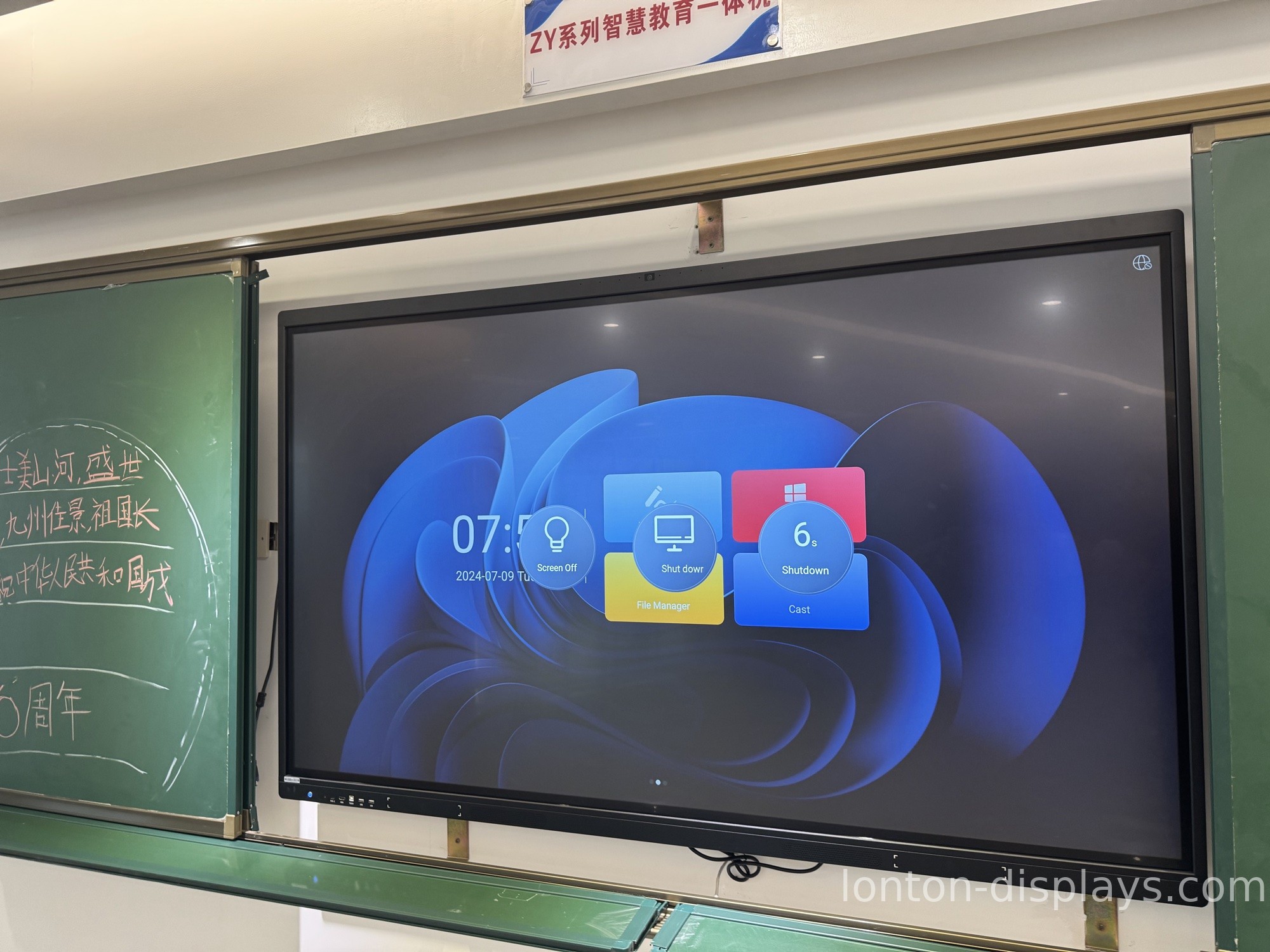
If you've been shopping for a screen for a classroom, a training room, or a meeting space, you've probably seen "smart writing board" and "interactive flat panel" used like they mean the same thing. They don't. They sit at different points on the same spectrum, and picking the wrong one usually shows up as either overspending on a room that didn't need it, or buying something too limited and having to replace it a year later.
Here's where the line actually falls, and how to pick.
A writing board is for writing. A flat panel is for everything.
The simplest way to tell them apart is by what they're built to do. A smart writing board is optimized around one job: capture what's written on it. You write with a stylus or your finger, and the board saves, stores, and shares that content. That's the pitch. It's light on software, light on computing, and priced accordingly.
An interactive flat panel does writing too, but writing is just one feature. It's a full Android 15 system with a 4K display, wireless casting, and an app ecosystem. You can run a lesson or a presentation, pull up a video, cast from a laptop, and have several people write at once — then save all of it. The writing board is a tool; the flat panel is a platform.
Touch is the dividing line
Writing boards and interactive flat panels don't all use the same touch technology, and the difference is what you feel at the surface. A full interactive flat panel uses infrared touch with 40 simultaneous points, so a small group can write on it together — a teacher and two students, or three teammates around a meeting board. Entry-level writing boards frequently support fewer touch points or single-touch, which is fine for one person taking notes and limiting for everything else.
Software and system separate them further
A smart writing board does what it does out of the box and that's mostly it. An interactive flat panel runs Android 15 natively, casts wirelessly over WiFi 6, and — for organizations standardized on Windows — takes an OPS module that slides in and turns it into a full Windows PC. That gap isn't a spec-sheet footnote. It's the difference between a board that does one thing and a screen that keeps up with whatever the room needs next year.
When a writing board is enough
If the room's only job is capturing handwritten notes — a huddle space where someone writes and everyone reads, a small classroom doing chalk-and-talk, a corner of the office used for quick sketches — a smart writing board may genuinely be all you need. It costs less, it's simpler to run, and it doesn't ask anyone to learn a system. Don't spend flat-panel money on a room that only needs a notepad.
When you need a full interactive flat panel
If the room needs to do more than capture writing — show video, run apps, cast from devices, or let multiple people write at once — that's the flat panel's territory. It's also the choice when the board has to last: a flat panel with commercial-grade glass rated to MOHS 7 and a 2-year warranty is built for daily, all-day use, not occasional note-taking.
Lonton has built interactive flat panels since 2005, factory-direct from a 100,000 m² facility with 15 production lines. Panels run from 55 inches to 110 inches, all with 40-point infrared touch, 350 cd/m² anti-glare glass, and CE, FCC, and RoHS certification. MOQ is 5 units, and OEM branding is available if you're a school, a reseller, or a business putting its own name on the hardware.
If you're deciding between a writing board and a flat panel, the question to answer first is what the room actually needs to do. Tell us what it's for and how many people will use it, and we'll point you to the right fit — no oversell, no undersell.
FAQ
Are a smart writing board and an interactive flat panel the same thing?
No. A writing board is built around capturing handwritten content. An interactive flat panel does that and runs a full system with apps, casting, and multi-user touch.
Which one is better for a meeting room?
If the room only captures notes, a writing board works. If it needs to run presentations, cast from laptops, or support multiple people writing at once, a flat panel is the better fit.
Can multiple people write on an interactive flat panel together?
Yes. With 40-point infrared touch, several people can write on the panel simultaneously.
What size flat panel do I need?
It depends on the room. A standard classroom or meeting room typically uses 75" or 86"; small rooms work with 65", and large spaces go up to 98"–110".

