English
If your office is still using a traditional whiteboard or projector, you may have experienced situations like these: before a meeting starts, you need to spend extra time connecting cables, adjusting the projector, or setting up the computer; during discussions, when you want to present files, videos, or images, you cannot annotate or highlight key points directly on the screen; once the content on the whiteboard is erased, it cannot be saved; and when multiple people need to share or present their ideas, switching between different devices can be inconvenient and easily interrupt the meeting flow. These problems not only waste time, but also reduce the efficiency of meetings and collaboration, turning what should be an interactive and productive workspace into a complicated process.
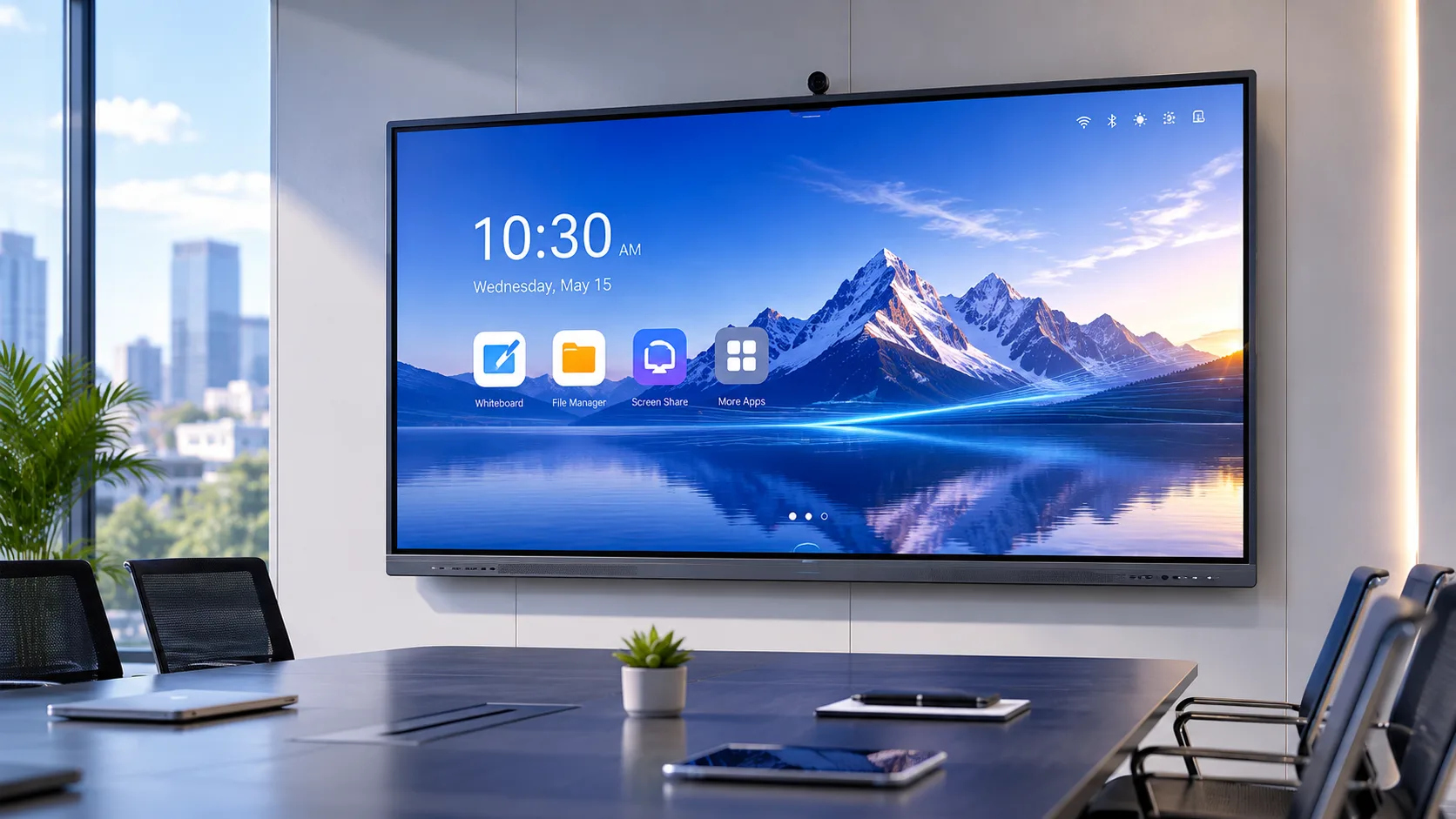
When you choose a smart board for office use, all of this can begin to change. One screen replaces the projector, the whiteboard, the video camera, and the cable spaghetti. You walk in, tap the screen, and the meeting starts.
A smart board for an office is not a television with a touch layer stuck on. It is something your team uses eight hours a day, five days a week. People write on it during brainstorms. Remote colleagues join through it for video calls. It runs presentations, pulls up documents, saves whiteboard notes as PDFs. When we think about it that way, the spec sheet matters a lot less than how the thing feels to use every day.
What Size Fits Your Meeting Room
When choosing an interactive flat panel for a conference room, the screen size should be determined based on the room area, the number of participants, and viewing distance, rather than simply opting for the largest available.
Generally, for a small meeting room or huddle room of about 10–20 square meters, a 55–65 inch interactive flat panel is suitable, accommodating 3–8 people for group discussions, video conferences, or quick presentations. For a medium-sized meeting room of around 20–40 square meters with 8–15 participants, a 75–86 inch panel is recommended, providing a larger display so that slides, tables, videos, and annotations can be clearly seen. For large meeting rooms, boardrooms, or training spaces over 40 square meters with more attendees, an 86-inch or larger interactive flat panel is advised to ensure participants at the back can also clearly view the screen content.
Of course, choosing the right size smart board for your office requires considering multiple factors.If you are not sure what size smart board is suitable for your office, you can contact LonTon(just click here), a professional manufacturer of interactive flat panels. We will recommend the right screen size based on your meeting room size, number of participants, viewing distance, installation method, and actual usage needs, helping you choose an interactive display solution that truly fits your office.
Touch Technology: Infrared vs Capacitive
When choosing a smart board for your office, you’ll often see two touch technologies listed in the specifications: infrared and capacitive. Which one to choose isn’t simply a matter of which is more advanced—it depends on your actual usage scenario. Generally, infrared touch is better suited for larger interactive flat panels, supporting fingers, styluses, and other input methods. It is relatively more cost-effective and ideal for multi-user annotation, meeting discussions, and high-frequency daily use. If your office mainly hosts team meetings, training sessions, remote video conferences, or collaborative work, infrared touch is often the more practical choice. Capacitive touch, on the other hand, offers more responsive, fluid input with a feel closer to tablets or smartphones, making it suitable for scenarios that require precise touch, smooth gestures, and a sleek appearance—such as high-end boardrooms, presentation spaces, or smaller interactive devices.
In short, if you prioritize large screen size, durability, and value for money, infrared touch is usually recommended; if you care more about fine touch sensitivity and premium experience, capacitive touch may be a better fit. The right choice ultimately depends on your meeting room size, usage frequency, budget, and team collaboration needs.

How to Use a Smart Board in the Office to Maximize Its Benefits
-
Wireless Screen Sharing That Just Works
This is the feature that changes how meetings feel. I have watched too many presentations stall because someone brought the wrong cable or their laptop lacks an HDMI port. Wireless sharing makes that problem disappear.
A good smart board handles AirPlay, Google Cast, and Miracast at the same time. You pick up whatever device is in the room — a MacBook, a Windows laptop, an iPhone, an Android tablet — and the screen appears. No one hunts for cables. No one apologizes for having the wrong adapter. Take LonTon as an example: as a professional manufacturer, our panels come with the EShare app pre-installed, enabling unlimited screen sharing. Whether multiple devices are casting at the same time or switching content quickly, it can be done effortlessly, helping office and meeting room teams collaborate more efficiently.
-
Software and Video Calls
A good whiteboard app lets you write, annotate over documents, save the board as a file, and share it after the meeting. If the app feels like an afterthought, your team stops using it by week three. Test it before you buy. For video calls, the board needs to run Zoom, Teams, and Google Meet without glitching. Most Android-based boards handle these natively. If your team lives in one platform, test it on the board during a demo — do not assume it works.
-
Meeting Content Saving and Export
Want to easily save important annotations and notes from your meetings? The QR code saving feature on a smart board helps make meeting content easier to keep and share. For example, LonTon smart boards support QR code saving. After the meeting, users can simply scan the QR code on the screen with their phone to save key annotations, whiteboard content, and discussion notes for later review, sharing, or follow-up. This reduces the need for manual photos or repeated documentation, helping teams move from discussion to action more efficiently.

A Smart Board Built for the Office
Every office is different, so the configuration adapts to you — wall mount or mobile stand, built-in speakers or external audio for bigger rooms, camera options depending on your video call setup. You tell me your room sizes and how your team works. I will help you figure out what fits.
A smart board for office use is one of those purchases where getting it right means no one notices it. Meetings start. People share screens without thinking. The board fades into the background and the real work happens. That is the whole point.
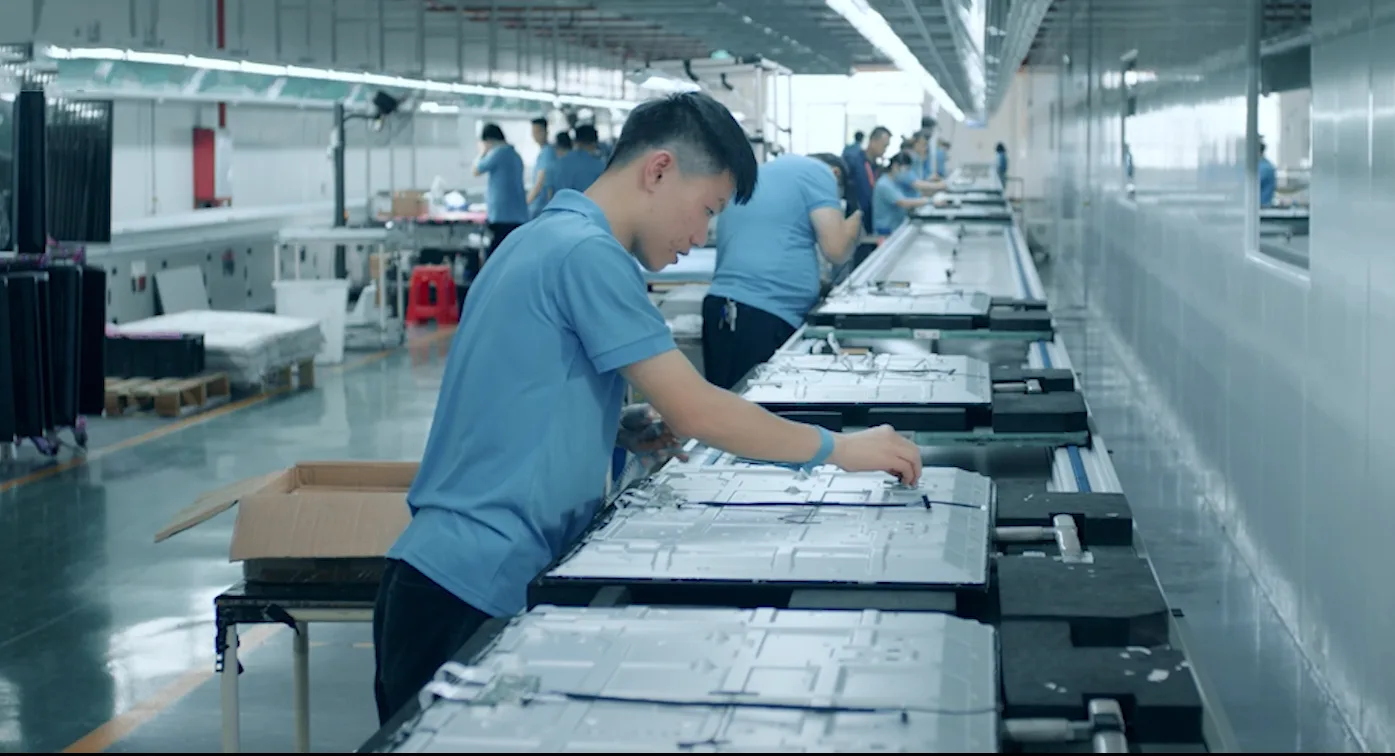
If you are outfitting one meeting room or a whole floor, the conversation starts simple: tell me your room dimensions, how many people sit in each meeting, and how your team runs meetings today. LonTon has been manufacturing interactive flat panels since 2005. We will put together a configuration that fits your space and your workflow — no boilerplate quote, no hidden costs. Click the inquiry button below and we will talk through it.