
 English
How Many Touch Points Does a Smart Board Need (2026)
Touch point counts on interactive flat panel spec sheets look like a numbers arms race — 10 points, 20 points, 40 points — and it is easy to assume more is better. But how many touch points smart board users actually need depends on what the room is used for, not what the marketing copy says.
A touch point is one simultaneous contact the panel can track. One finger on the screen is one touch point. Two fingers performing a pinch-to-zoom gesture is two. Ten people each placing one finger on the board at the same time is 10. The panel needs enough touch points to handle the maximum number of simultaneous contacts that will happen in your room.

For a standard meeting room, 10 to 20 touch points is more than enough. A typical meeting involves one person writing on the whiteboard while one or two others occasionally tap to add a sticky note. Even in a brainstorming session where everyone is at the board, four or five people writing simultaneously rarely happens — most groups take turns. LonTon panels cover this easily, with palm rejection that distinguishes a resting hand from a writing finger, which matters more in practice than the maximum count on the datasheet.
For education, the requirement is higher. A classroom smart board might have three or four students solving a math problem together, each using a finger or stylus. Add the teacher annotating over their work, and 10 to 20 touch points covers the scenario with room to spare. When considering how many touch points smart board setups need for a classroom, the real constraint is physical — getting more than 10 students around an 86-inch board is a logistics challenge more than a technology one.
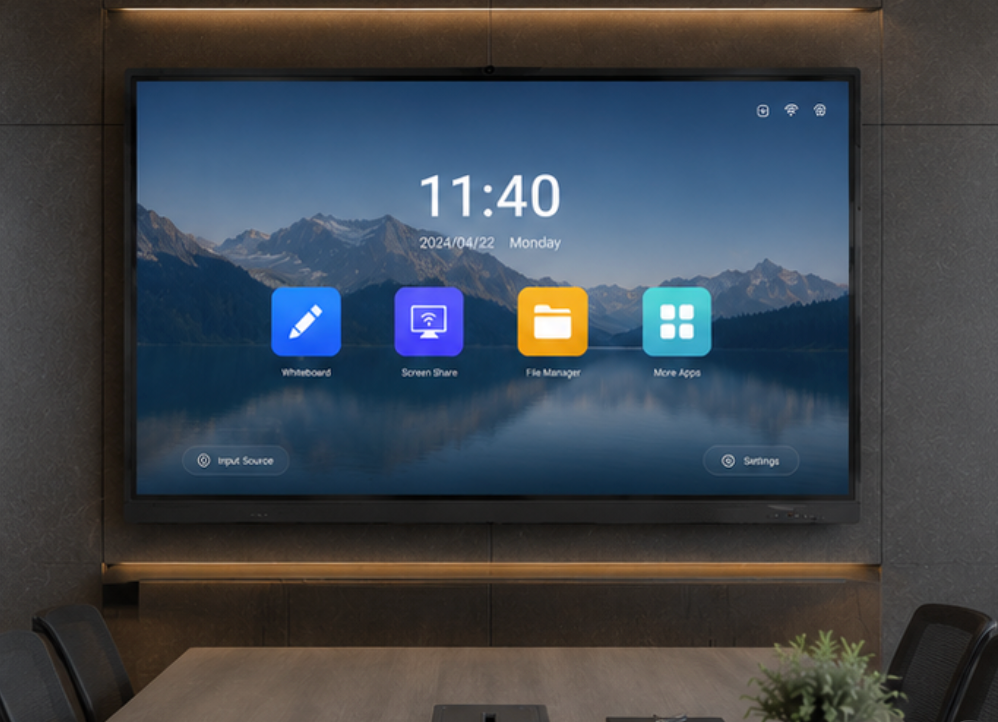
The most important spec is not the maximum touch point count but how well the panel handles palm rejection. When someone rests their palm on the screen while writing with a stylus, the panel should ignore the palm and track only the stylus tip. This matters more than whether the panel can track 40 fingers at once, because palm rejection determines whether the writing experience feels natural or frustrating.
As a professional manufacturer, LonTon interactive flat panels support up to 40 touch points with reliable palm rejection across both infrared and capacitive models. For most meeting rooms, the answer is yes, and the how many touch points smart board question becomes less about counting fingers and more about how the touch technology performs under real use.

