
 English
Why Schools Are Replacing Projectors with Interactive Flat Panels
Projectors fade in bright classrooms, need lamps every few thousand hours, and cast shadows when a teacher stands in front of them. An interactive flat panel solves all three. The image stays sharp in daylight, there is no lamp to replace, and teachers can annotate directly on the glass.
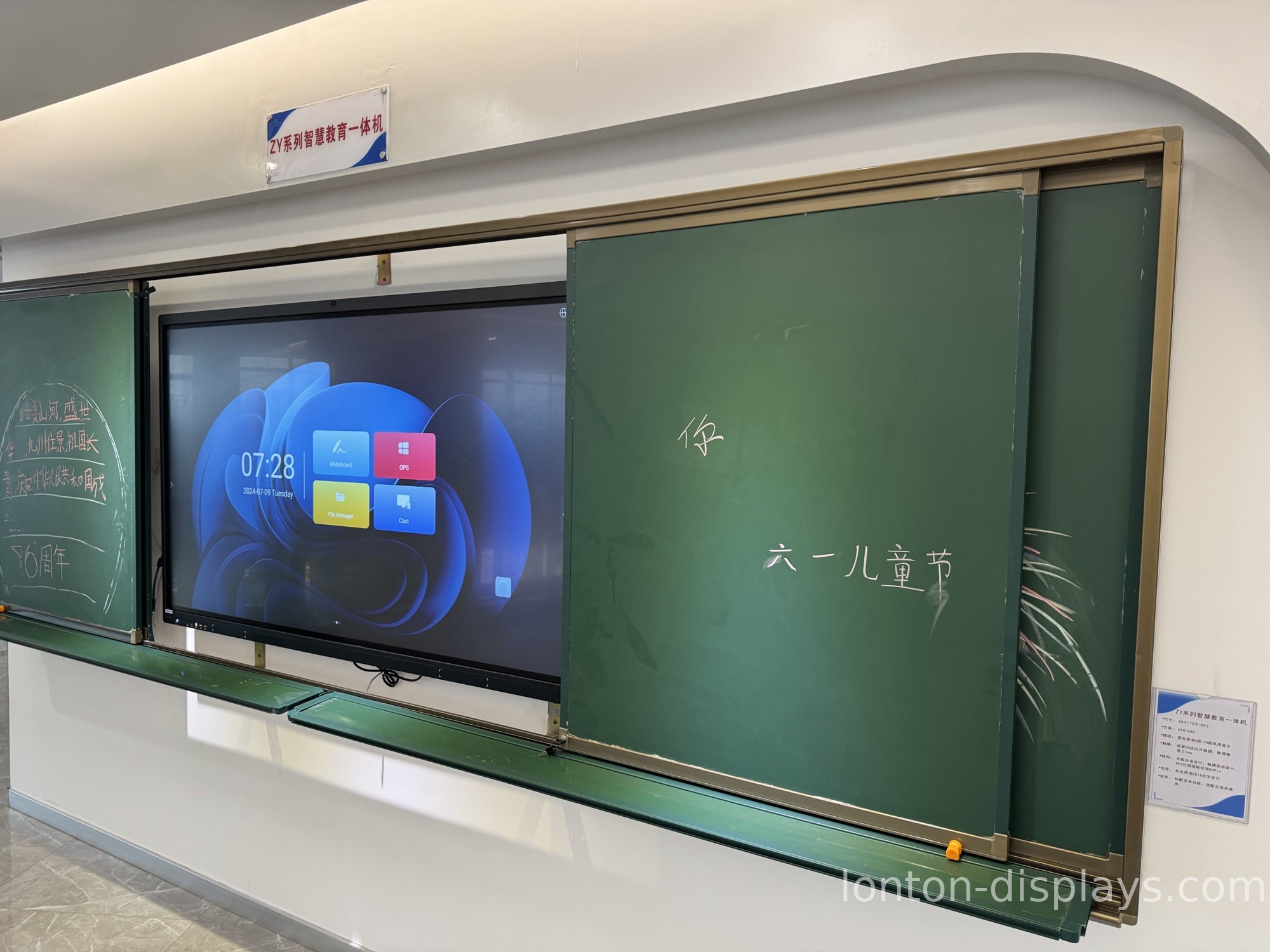
Beyond the hardware, the classroom payoff shows up in lesson flow. A teacher can pull up a worksheet, write over it, save the notes, and share them to student devices at the end of class. In most setups none of that requires a separate computer — modern panels run Android 15 built in, so the panel boots straight into the classroom app without waiting for a Windows PC to start. If you are still comparing the two options, read our side-by-side look at interactive flat panels vs projectors in the classroom.
Key Specifications to Evaluate Before You Buy
When two panels look similar in a brochure, four specifications separate the ones that last five years from the ones that get replaced early.
Display size and classroom layout
Match the panel to the room, not to the budget. A 65-inch panel works for a small seminar room of up to 15 students. A typical classroom of 25–30 students needs 75 or 86 inches so text is readable from the last row. Lecture halls and training rooms often go 98 inches and up. Buying a panel that is too small is the most common mistake we see — it saves money up front and costs student attention every lesson after that. For a room-by-room breakdown, see our guide to choosing the right interactive display size for your classroom.
Touch technology
Most panels today are either infrared (IR) or capacitive. For classrooms, infrared is the practical choice: it supports 40 simultaneous touch points, works with a finger, a stylus, or even gloves, and needs no calibration. That matters when two students walk up to solve a problem at the same time.
Brightness and anti-glare glass
A 350 cd/m² panel with anti-glare tempered glass stays readable under classroom fluorescent lights without washing out. Do not be sold on the highest nits number — what matters is that text stays crisp at the back of the room, and that reflections do not fight the teacher.
Built-in system and connectivity
Look for Android 15 built in, WiFi 6, and the ports your IT team actually uses: HDMI, USB-C, and RJ45. If your school runs Windows software, check that the panel has an OPS slot so you can slide in a Windows 11 module later — you should not have to buy a separate PC on a cart.
What to Ask a Manufacturer Before You Commit
This is where schools save or lose money. Ask the manufacturer four questions before placing any order:
- Do you offer OEM customization? School districts often want their logo on the boot screen, their color on the bezel, and their name on the packaging. If the factory does this in-house, it is usually free or close to it.
- What certifications can you show? At minimum, look for CE, FCC, and RoHS. For education buyers in regulated markets, ask about Google EDLA certification, which lets the panel run Google services natively.
- What is the real lead time and MOQ? A factory that runs its own production lines can often ship a small trial order of 5–10 units in 15–25 days — useful when a school wants to pilot before a district-wide rollout.
- Do you own your sheet-metal line and cleanroom? This is the fastest way to tell a real factory from a rebadger. An in-house sheet-metal shop means the mounting brackets are cut and bent for your exact chassis, not bought in bulk. A certified cleanroom means the LCD is laminated in a dust-free environment. If the answer is vague, ask to see it on a factory tour — these two facilities are the first things a manufacturer is proud to show.
How We Build Panels for Schools at Lonton
This is exactly how we structure our interactive flat panels at Lonton. We manufacture in a 100,000 m² facility with 15 production lines and ship from 65-inch up to 110-inch, so a school can standardize on one vendor across classrooms, seminar rooms, and lecture halls. Every panel runs Android 15 with 8GB RAM and 128GB storage, uses a 40-point infrared touch frame, and pairs with a 4K camera and an 8-microphone array for hybrid and distance learning.
Because we own the sheet-metal shop that produces our mounting brackets, and because our panels are assembled in a 23,000 m² Class 10,000 cleanroom using BOE and CSOT LCD panels rather than rebranded stock, we can offer OEM customization — logo, boot screen, packaging — at a factory-direct price without a middleman markup.
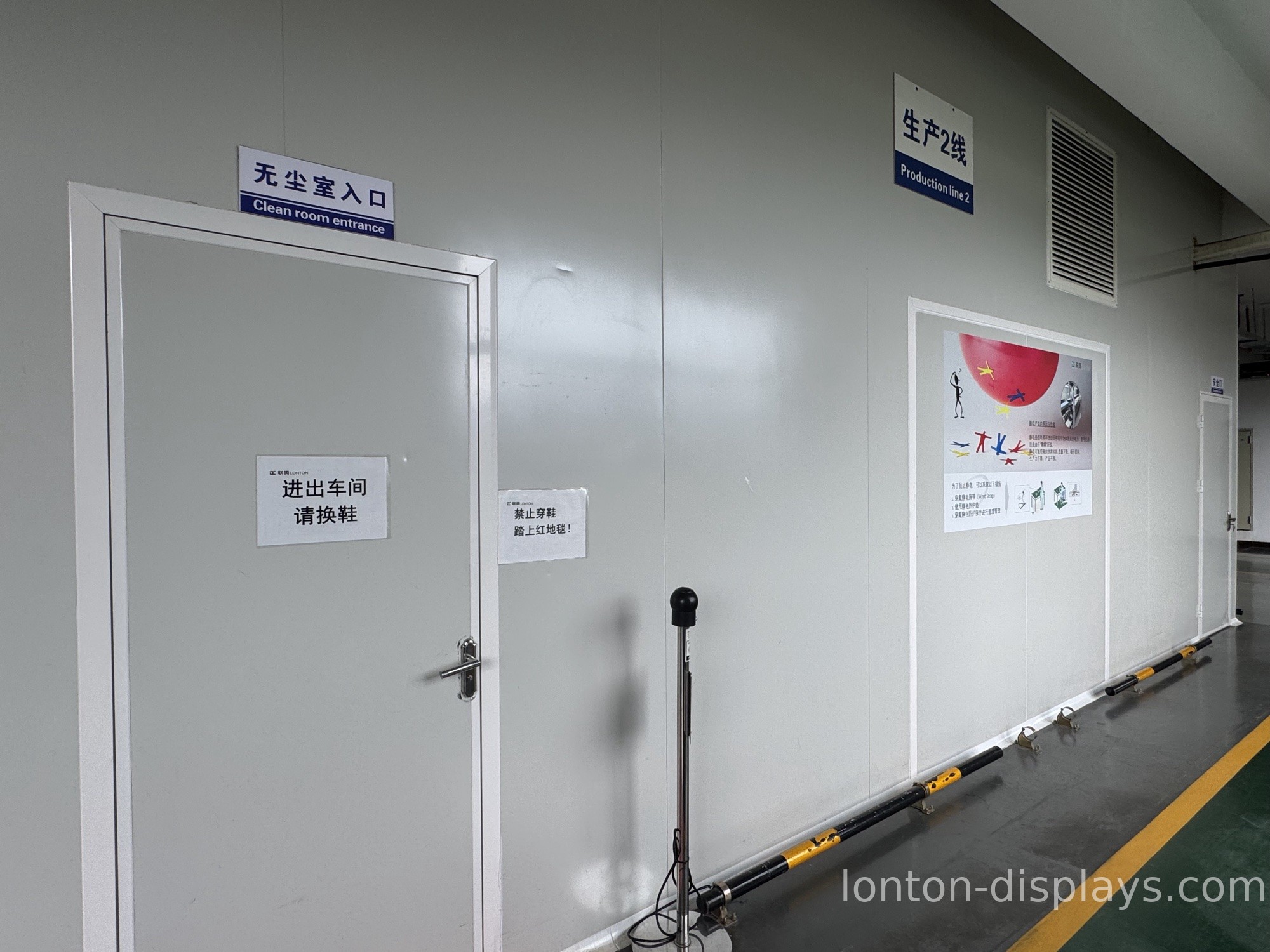
Those two facilities are exactly where a rebadger will not invest, and it is why they matter in a classroom that runs for years. The mounting bracket is what holds a 98-inch panel on the wall — one cut and bent in-house fits the exact chassis, while an outsourced bracket introduces play, vibration, and eventually a sagging, rattling screen. The cleanroom is what keeps dust out of the LCD lamination; without a Class 10,000 environment, dust settles between the glass and the panel and you get bright spots, stuck pixels, and a screen that looks tired after two years.
That is why we never outsource either one. Lonton runs its own sheet-metal line for brackets and its own 23,000 m² Class 10,000 cleanroom for panel assembly — and it shows in a 98% first-pass yield and a 99.95% quality pass rate, figures you cannot hit on a rented line inside someone else's factory. That is also why our MOQ starts at just 5 units and our lead time is 15–25 days: we are the manufacturer, not a reseller.
Get a Factory Quote Before You Lock In a Distributor Price
If you are planning a classroom rollout this year, get a factory quote before you lock in a distributor price. Tell us your room sizes, how many panels you need, and whether you need OEM branding, and we will send a spec sheet and quotation within one business day. Fill out the inquiry form on this page to start.
FAQ
1. What size interactive flat panel does a classroom need?
A 65-inch panel suits small rooms of up to 15 students; 75–86 inches fits a standard 25–30 student classroom; 98 inches and up is for lecture halls and training rooms.
2. Is infrared touch better than capacitive for schools?
For classrooms, yes in most cases. Infrared supports 40 touch points, works with gloves and any stylus, and needs no calibration — ideal for multi-student use.
3. Do you support OEM/ODM branding for schools?
Yes. We customize the logo, boot screen, bezel color, packaging, and manuals in-house, with a low MOQ of 5 units.
4. What certifications do your panels carry?
CE, FCC, RoHS, and ISO 9001/14001/45001. Google EDLA certification is available on request.
5. What is the lead time for a school order?
Production lead time is 15–25 days, and we support small pilot orders from 5 units.

