
 English
How Wireless Screen Sharing Works in Meeting Rooms
Wireless screen sharing is one of those features that sounds like a nice-to-have until you've used it, and then it becomes the thing you can't live without. The idea is simple: instead of plugging a laptop into a display with an HDMI cable, you connect wirelessly. Your screen appears on the big display in seconds, and you stay seated or move around the room while presenting.
There are a few different technologies that make this happen. The most common on modern interactive flat panels is a combination of WiFi Direct and screen mirroring protocols like Miracast, AirPlay, and Google Cast. WiFi Direct creates a direct connection between your device and the display without needing a router or internet access. AirPlay is built into Apple devices and lets you mirror an iPhone, iPad, or Mac with a couple of taps. Google Cast works similarly for Android and Chrome browser users. Miracast is the platform-agnostic option that works across Windows and most Android devices.
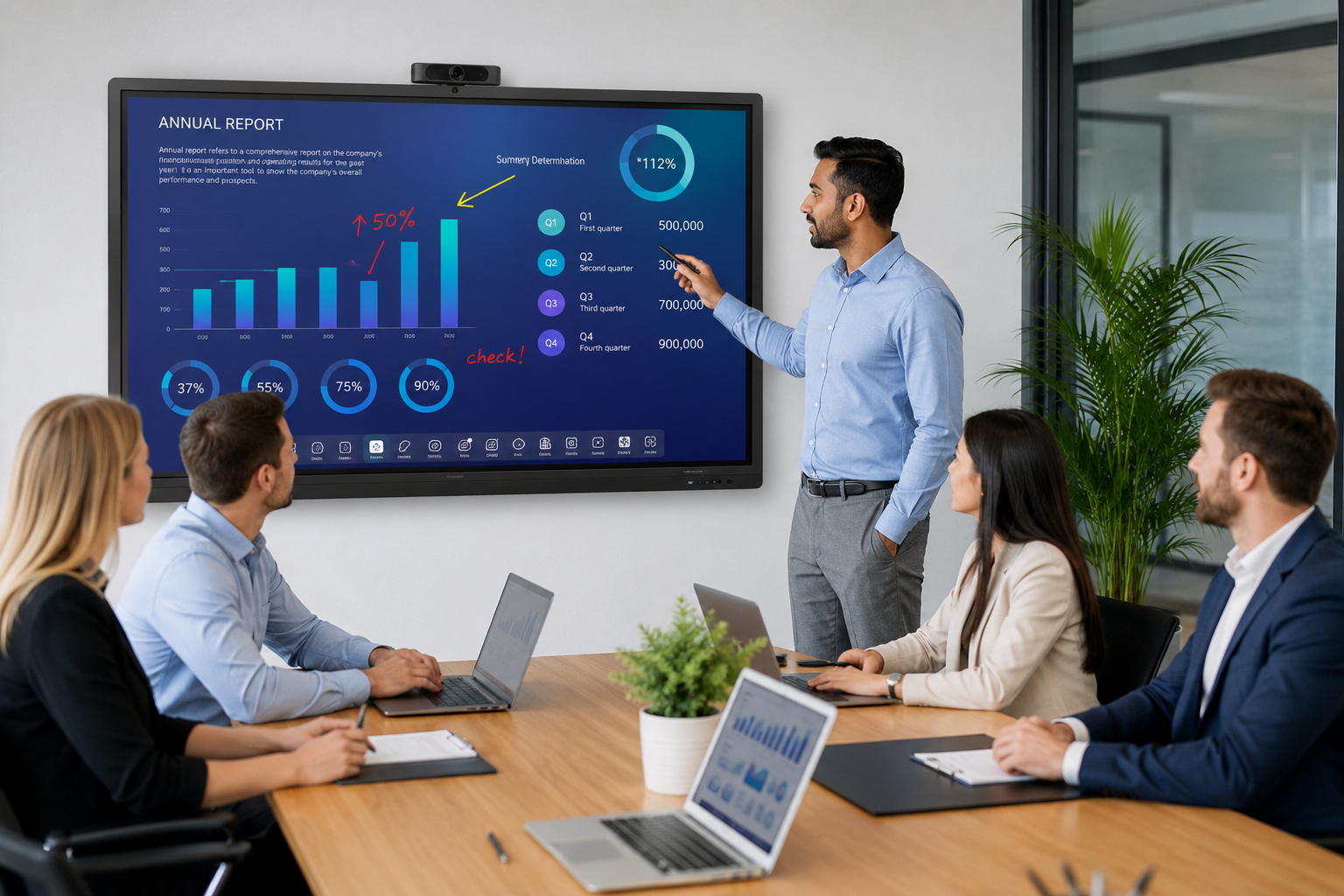
A good system handles all of these protocols, so whoever walks into the room — whether they're carrying a MacBook, a Windows laptop, an iPhone, or an Android tablet — can share their screen without anyone Googling "how do I connect to this thing."
The practical benefits go beyond convenience. When screen sharing is wireless, the person presenting isn't tethered to a cable at the front of the room. They can walk around, gesture at the screen, hand the floor to someone else, and switch presenters without a cable handoff. Multiple people can share their screens in sequence during the same meeting — marketing shows the campaign deck, engineering pulls up the sprint board, and the product team walks through wireframes, all without anyone touching a cable.
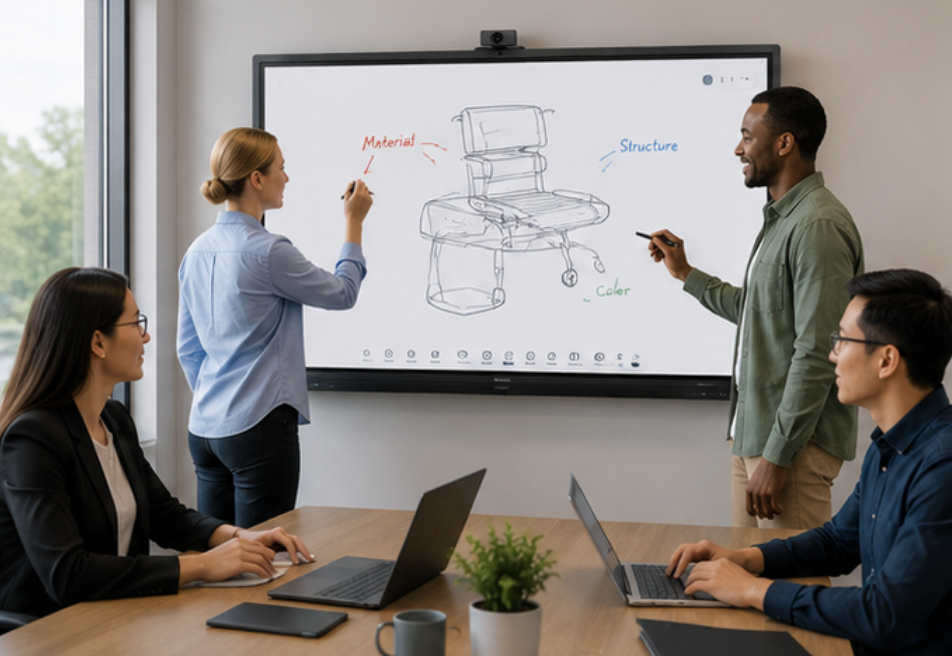
For hybrid meetings, wireless screen sharing is even more important. The remote participants see whatever is on the room display, so the faster you can switch between presenters and content, the smoother the meeting feels for everyone — not just the people in the room.
Most interactive flat panels today, including those from professional manufacturers like LonTon, include wireless screen sharing as a built-in feature. No separate dongle, no subscription, no setup process. Walk in, tap the screen sharing icon, and your device finds the display. That simplicity is the whole point.

