
 English
Interactive Flat Panel Buying Guide for Schools & Districts (2026)
Two years ago a district in the Midwest bought the cheapest panels it could find — a few hundred of them, spread across twelve schools. They lasted about eighteen months before the failures started. By the time the board re-approved a budget, they'd paid to replace nearly a third of them, and the teachers had learned to work around the rest. The "cheap" purchase ended up costing more than the mid-range quote they'd turned down.
Buying for a district is different from buying for one classroom. You're not choosing a screen; you're making a promise to teachers, students, and taxpayers for the next five to seven years. Here's what actually matters when the decision is that big.
One decision for twelve schools
The single best thing a district can do is standardize. Pick one panel size and one platform, and put it everywhere. That's how you get one training session instead of twelve, one spare-parts list instead of a warehouse full of orphans, and one support call instead of a different problem at every building. Most districts land on 75" or 86" for classrooms, with 65" for smaller rooms and 98" for lecture spaces — all running the same 4K UHD panel and the same Android 15 system, with an OPS slot so IT can drop in Windows 11 Pro when a teacher needs it.
Standardization also means one set of manuals, one firmware image, and one person who actually knows how it all works. That's the difference between a rollout and a slow-motion headache.
The price tag hides the real cost
Procurement tends to fixate on the sticker price, because that's the number on the form. But a panel in a classroom runs six hours a day, five days a week, and the real cost is what happens in years two through seven — replacements, service calls, and the time teachers lose to a dead screen. Ask three questions instead:
What's the panel grade? A-grade BOE or CSOT glass holds its colour and doesn't grow dead pixels the way cheaper reclaimed panels do. What's the warranty, and does the supplier keep spares in stock rather than promising a lead time? And what's the factory's failure rate — the honest number, not the marketing one. A 48-hour aging test before shipping and a 99.95% final pass rate tell you the failures were caught on the factory floor, not in your classrooms.
What survives a classroom
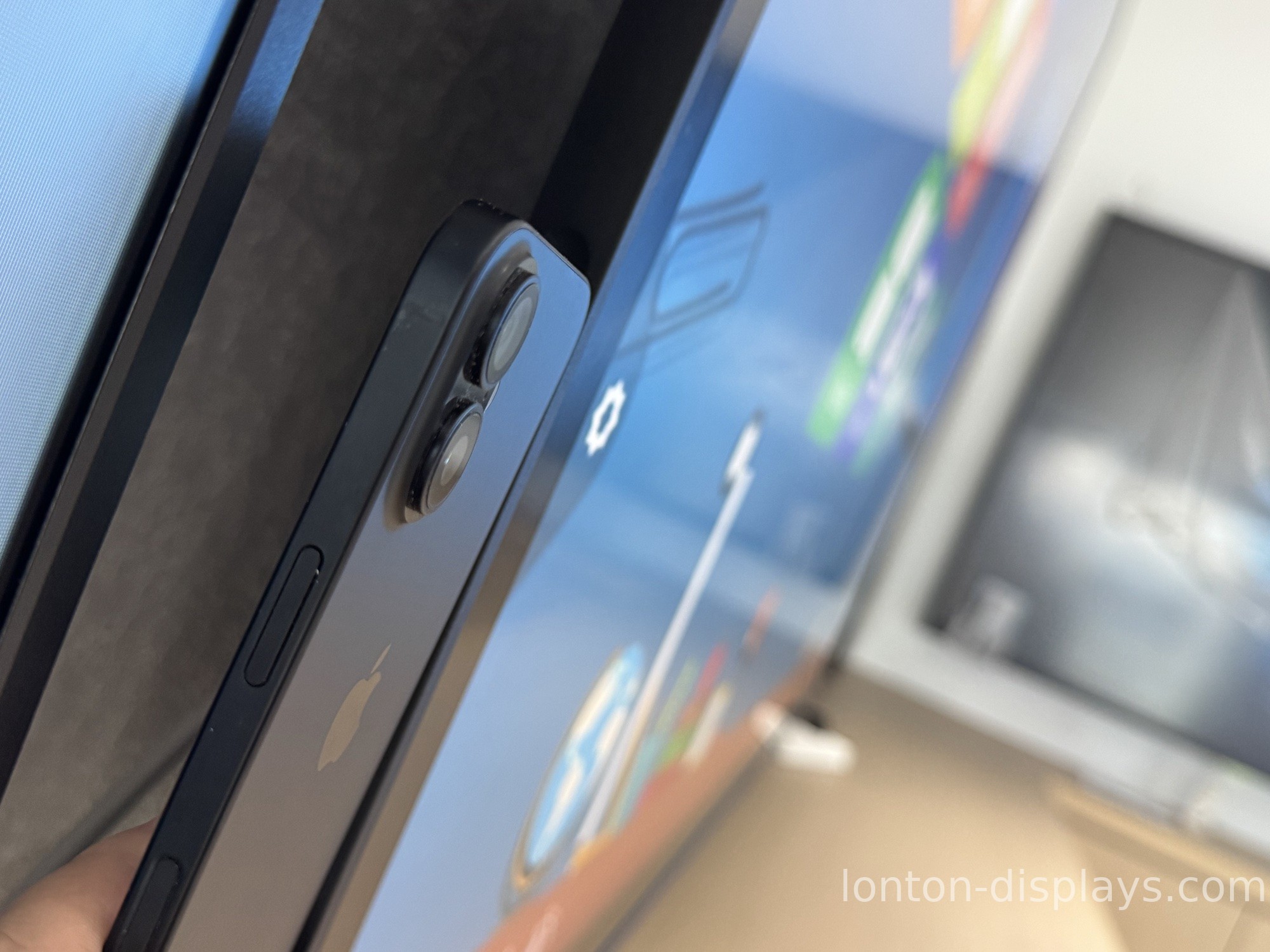
Kids are harder on equipment than any office ever will be. So look for things the spec sheet barely mentions: anti-glare tempered glass with MOHS 7 hardness, so a stray marker or an elbow doesn't leave a permanent scar; infrared 40-point touch, so a whole group of students can write at once without calibration; and a VESA mount that holds a 75" panel flat against the wall, not leaning off it.
And check the small stuff. A panel that needs no recalibration, a screen that can be cleaned with a damp cloth, and a chassis that doesn't overheat after six hours — these are the things teachers notice by week two.
A supplier who answers in July
School problems don't respect the calendar. A panel fails the week before term starts, a new classroom gets added over summer, and you need a supplier who answers — not one who goes quiet when the academic year ends. Ask, before you commit, what their support actually looks like: same-day email, spares in the warehouse, and a real lead time for the next batch.
Lonton runs a 100,000+ m² factory with 15 production lines, a 23,000 m² Class 10,000 cleanroom, and a five-unit minimum order — so a district can pilot a few classrooms before committing to the full twelve schools. We've supplied interactive flat panels to schools and universities, and we keep the support simple: one contact, one spec, and spares in stock.
Get a district quote
If you're outfitting a school, a few schools, or a whole district, send us your room counts and sizes. We'll reply with a spec-matched, factory-direct quote — usually within 24 hours — and you can start with a pilot order before rolling out.
FAQ
What size panel should a district standardize on?
75" or 86" for most classrooms, 65" for smaller rooms, and 98" for lecture spaces — one platform across the district.
How long do the panels actually last?
With A-grade panels, a 48-hour aging test, and a 99.95% pass rate, they're built for five to seven years of classroom use.
Can a district start with a pilot order?
Yes — our minimum is five units, so you can pilot a few classrooms before a district-wide rollout.
What's the warranty for schools?
One year standard, with extended coverage available. We keep spares in stock rather than promising lead times.
Do the panels need a computer?
No — they run Android 15 built-in, with an OPS slot for Windows 11 Pro when teachers need a full PC.
How fast can a district get a quote?
Usually within 24 hours. Send your room counts and sizes and we'll spec-match it.

