
 English
Interactive Electronic Whiteboard: What Actually Changes When You Switch (2026)
If you are researching interactive electronic whiteboard options, there is a good chance someone handed you this task. A department head. A school administrator. A grant committee that approved the budget and now wants a recommendation.
You have probably skimmed a few product pages already and noticed that everyone uses slightly different words — interactive flat panel, smart board, digital whiteboard, electronic whiteboard. And every spec sheet promises basically the same thing: touch screen, wireless sharing, built-in software.
The question you actually need answered is simpler than all of that. What changes when you put one of these in a room? Not on paper. In real life.
Let us walk through what that looks like.
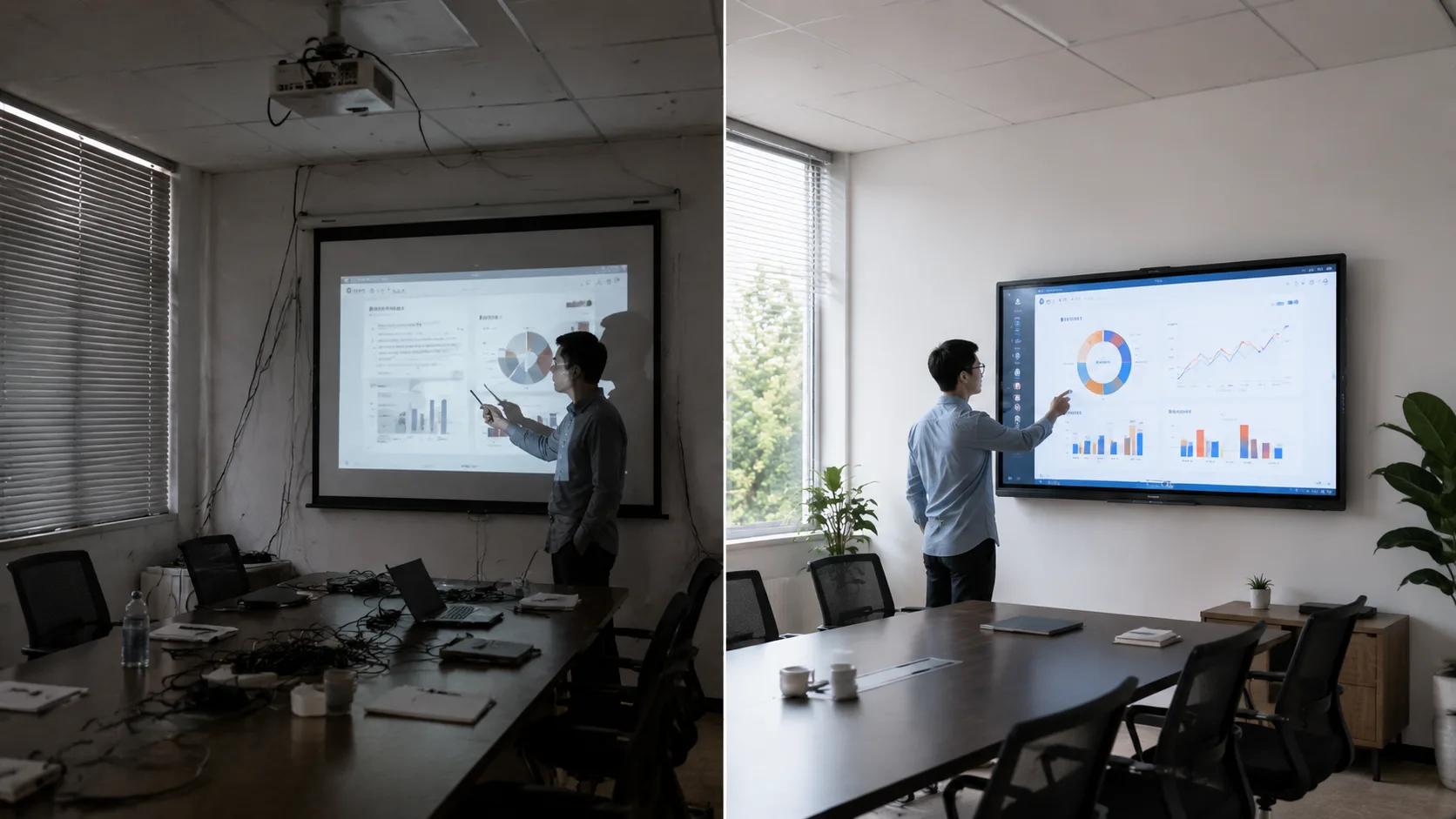
The Setup You Are Probably Replacing
Most classrooms and meeting rooms still run on a projector aimed at a whiteboard, with a computer somewhere nearby. If this is your setup, you know how a typical session starts.
Turn on the projector. Wait for it to warm up — thirty seconds if you are lucky, longer if the bulb is aging. Adjust the focus because someone moved the cart yesterday. Close the blinds because the image is washing out. Find the right input on the remote. By the time everything is ready, you have lost three to five minutes of a forty-minute class or a thirty-minute meeting.
During the session, the projector hums. The fan runs. The presenter stands in the beam and casts a shadow across the screen. Someone wants to write on the board but the markers are dry. Someone else wants to show a website but switching inputs means fumbling with cables while everyone waits.
None of this is catastrophic. But it accumulates — meeting after meeting, period after period. And it sets a baseline for what "normal" feels like.
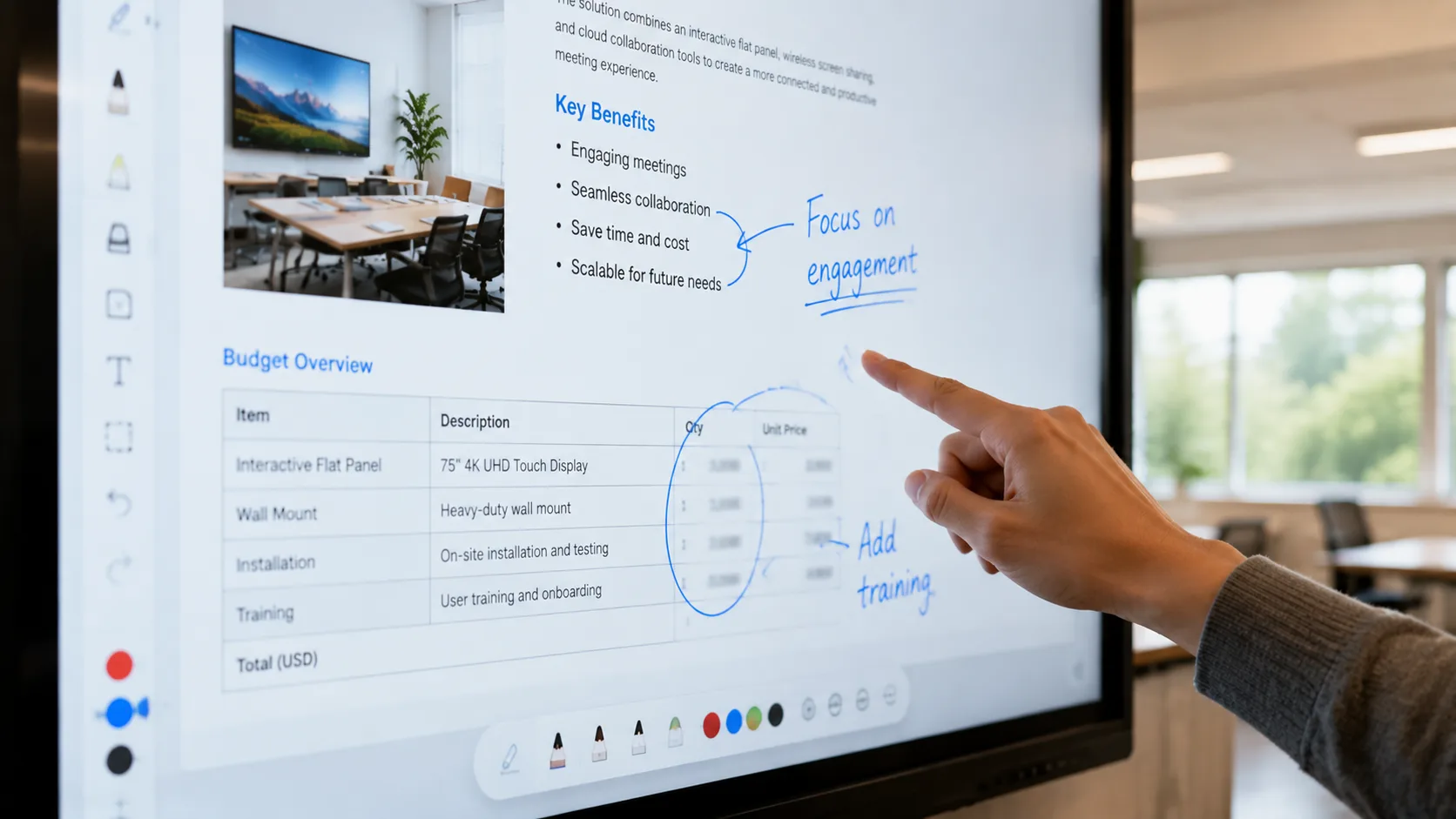
What Changes the First Week
Now picture the same room with an interactive electronic whiteboard — the kind that is a single flat panel on the wall, no projector, no separate whiteboard surface.
You walk in. You press one button. The screen is on instantly. The blinds stay open because the display is bright enough to compete with daylight. No fan noise. No shadow when you stand in front of it.
The first thing you notice is how much faster everything starts. The second thing you notice — and this one sneaks up on you — is how much more you use the board itself.
When the board is just a projection surface, you use it as a screen. You show slides. You play videos. You might annotate once or twice if the software cooperates. But when the board IS the screen — when touching it feels as natural as touching a tablet — the behavior shifts. You pull up a document and mark it up in real time. You open a browser and navigate together. You save the annotated notes and send them to everyone before they leave the room.
For teachers, this means no more "copy this from the board before I erase it." The notes are saved automatically. Students who were absent get the exact lesson with the exact annotations, not a classmate's incomplete copy.
For meeting rooms, it means the whiteboard notes from a brainstorming session do not get wiped at the end. They get saved as a PDF and attached to the follow-up email. Everyone walks out with the same record of what was decided.
The Maintenance That Disappears
Projectors need bulbs. Bulbs cost $100 to $300 and last a couple thousand hours. In a classroom that runs six hours a day, that is a bulb every year or two. In a conference room used less often, the interval is longer — but the bulb still dies eventually, and it always dies right before an important meeting.
Projectors also need filter cleaning, focus adjustment, and occasional recalibration if they are paired with an interactive whiteboard surface. Multiply that across ten classrooms or ten meeting rooms and someone on staff is spending real time on maintenance — time that no longer has a line item once you switch to a flat panel display with no moving parts, no bulbs, and nothing to calibrate.
That is not to say flat panels never need attention. Software updates happen. Touch screens occasionally need a reboot, like any computer. But the routine maintenance burden — the stuff that eats hours every month across a fleet of rooms — drops sharply.
For organizations running multiple rooms, this is where who manufactured the panel starts to matter. Panels from a company like LonTon, producing interactive flat panels since 2005, ship with software pre-loaded and tested. You spend your first week using the board, not chasing driver updates.
Is It Worth the Switch?
This depends more on how your rooms are used than on any spec sheet.
If your classroom or meeting room gets heavy daily use — six to eight sessions a day, multiple presenters, a mix of slides and whiteboarding and video — the switch pays for itself in time saved and frustration avoided. The bulb savings alone close part of the gap, and the rest comes from sessions that start on time, notes that get saved instead of erased, and presenters who actually use the interactive features instead of ignoring them.
If the room gets light use — a meeting once a week, a classroom used for two periods a day — the math is less dramatic. A projector-based setup still works. The upgrade is real but the urgency is lower.
What tips the decision for most organizations is not the features. It is the friction that disappears. No warm-up. No bulb. No calibration. No "can everyone in the back see this?" The interactive electronic whiteboard does not add new complexity to a room. It removes complexity that everyone had already accepted as normal.
That is the part spec sheets do not capture — and it is the part you will notice first.
LonTon has been manufacturing interactive flat panels since 2005, supplying both education and corporate markets. If you have been asked to evaluate options and you want to talk through what fits your rooms and your budget, reach out. Tell us about your setup — how many rooms, how they are used, what matters most to the people who will actually stand in front of the board every day. We will help you figure out whether the switch makes sense, and if it does, what configuration fits.

