
 English
Best Conference Room TV with Camera: What You Actually Need (2026)
You typed "best conference room TV with camera" because the idea makes sense. A big screen. A camera built in. Plug it in, start the meeting. Simple.
Here is the thing. A smart TV with a built-in camera sounds like the obvious solution. In practice, it runs into problems you do not see until the first real meeting.
Smart TVs are built for Netflix and YouTube. The camera — if there is one at all — is designed for living room video calls. One person on a sofa, not four people around a table. The viewing angle is narrow. The microphone picks up whoever is closest to the screen and muffles everyone else. And the software expects you to be logged into a consumer account, not joining a company Teams or Zoom call.
Wireless screen sharing on a TV usually means Chromecast or AirPlay — one platform each. If someone in the room has a Windows laptop and someone else has a MacBook, one of them is hunting for an HDMI cable while the meeting waits. That best conference room TV with camera vision of everything just working starts to crack the moment different devices enter the room.

So what should you actually look at?
If your room seats four to eight people and meetings involve screen sharing, video calls, and maybe some whiteboarding, you want an interactive flat panel with a built-in or attached camera. The camera is designed to capture a room, not a couch. The microphones cover the whole table. Wireless sharing works across Windows, Mac, Android, and iOS — usually through pre-installed software that handles the protocols behind the scenes. Panels like the ones LonTon manufactures come with multi-protocol sharing ready to go, no dongles or app store visits required. And the screen is bright enough that you do not have to close the blinds to see who is talking.
The price difference is real — a smart TV with a camera runs a few hundred dollars. An interactive flat panel starts at $500 for a 55-inch entry model. But if your conference room is used every day, the TV becomes a bottleneck. People tolerate it. The flat panel becomes something people actually want to use.
Here is a way to think about it. A best conference room TV with camera search usually means you want a display, a camera, and simple setup in one device. That is exactly what an interactive flat panel delivers. The keyword just happens to point you toward TVs first because that is the category you know.
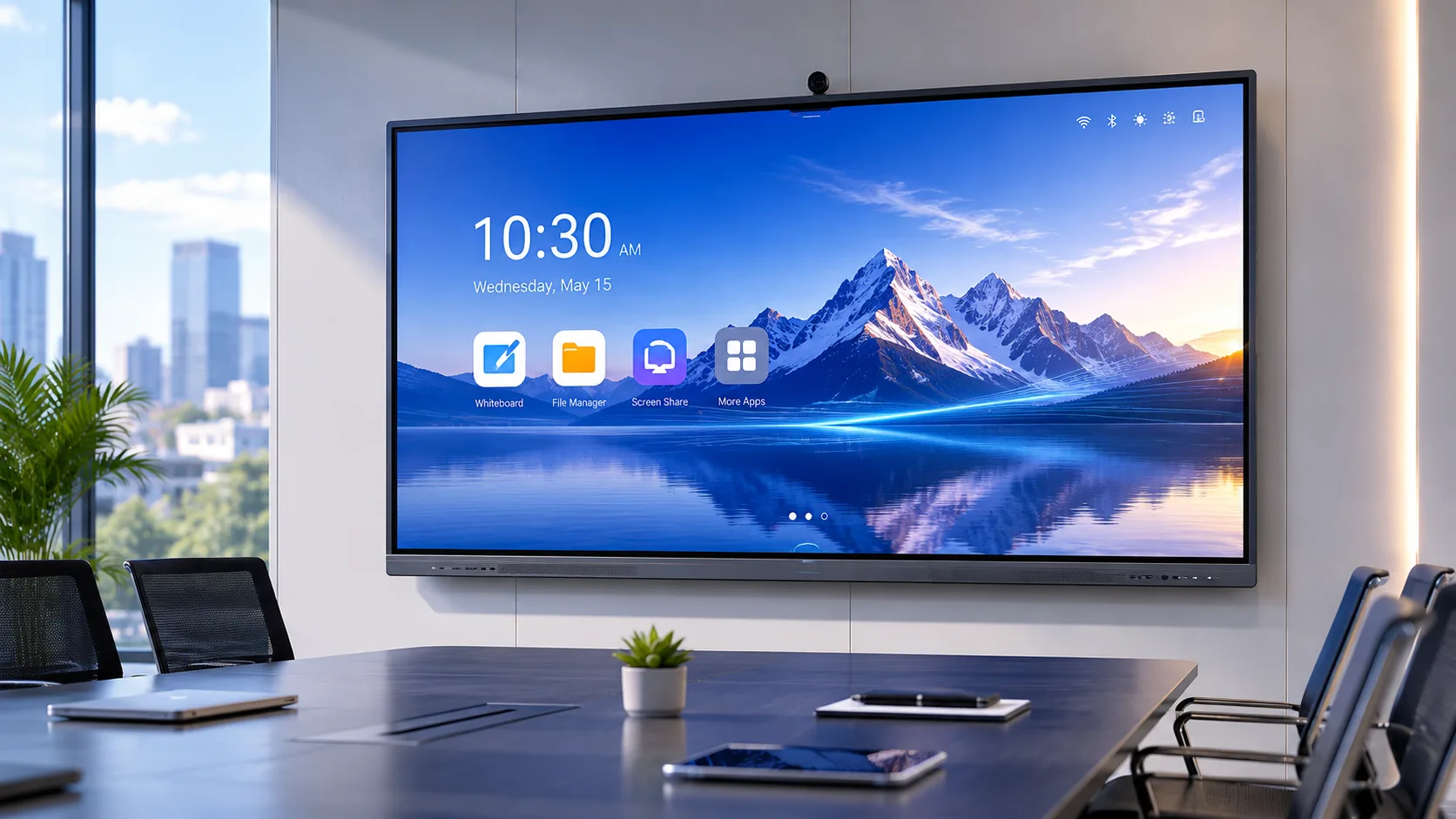
If you really do need a TV — a large display for a lobby, a break room, a casual huddle space where nobody needs to touch the screen or share from multiple devices — a smart TV with a good external webcam works fine. But for a room where actual meetings happen, with actual people sharing actual work, the TV approach starts to show its limits around the second or third meeting of the day.
LonTon has been manufacturing interactive flat panels for conference rooms since 2005. If your room needs a display, a camera, and wireless sharing that covers everyone's device — tell us about the space and how you meet. We can help you sort through what makes sense.

