
 English
Interactive Displays for Training & Corporate Learning Centers (2026)
A corporate trainer who'd been running sessions for a decade told me the most deflating thing in a training room is where the learners' eyes go. With a projector, everyone sits head-down copying slides, and the moment he asked for participation, nobody looked up. When the room moved onto a flat panel he could write on and cast to, learners' phones and laptops went up on the screen in a tap, and several people stepped up to write at once. He said it was the first time he'd seen a whole room lean forward.
Training only works when people participate, and participation dies in a room that's set up for watching, not doing. Here's where a display earns its keep in a training or corporate learning centre.
Where a display earns its keep in a training center
- Classrooms and workshops. The core of the room. A panel the trainer writes on, and that learners cast to, turns a one-way lecture into a shared surface where everyone can contribute.
- Hybrid and remote training. A panel with a built-in camera runs the room and the remote learners together — the trainer up front, the branches and home offices dialling in.
- Breakout and group work. A touch panel in each breakout area lets a group brainstorm, sketch and present their results back without borrowing the main screen.
- Onboarding and certification. A large panel walks a new hire through systems and procedures, and doubles as the test and sign-off surface.
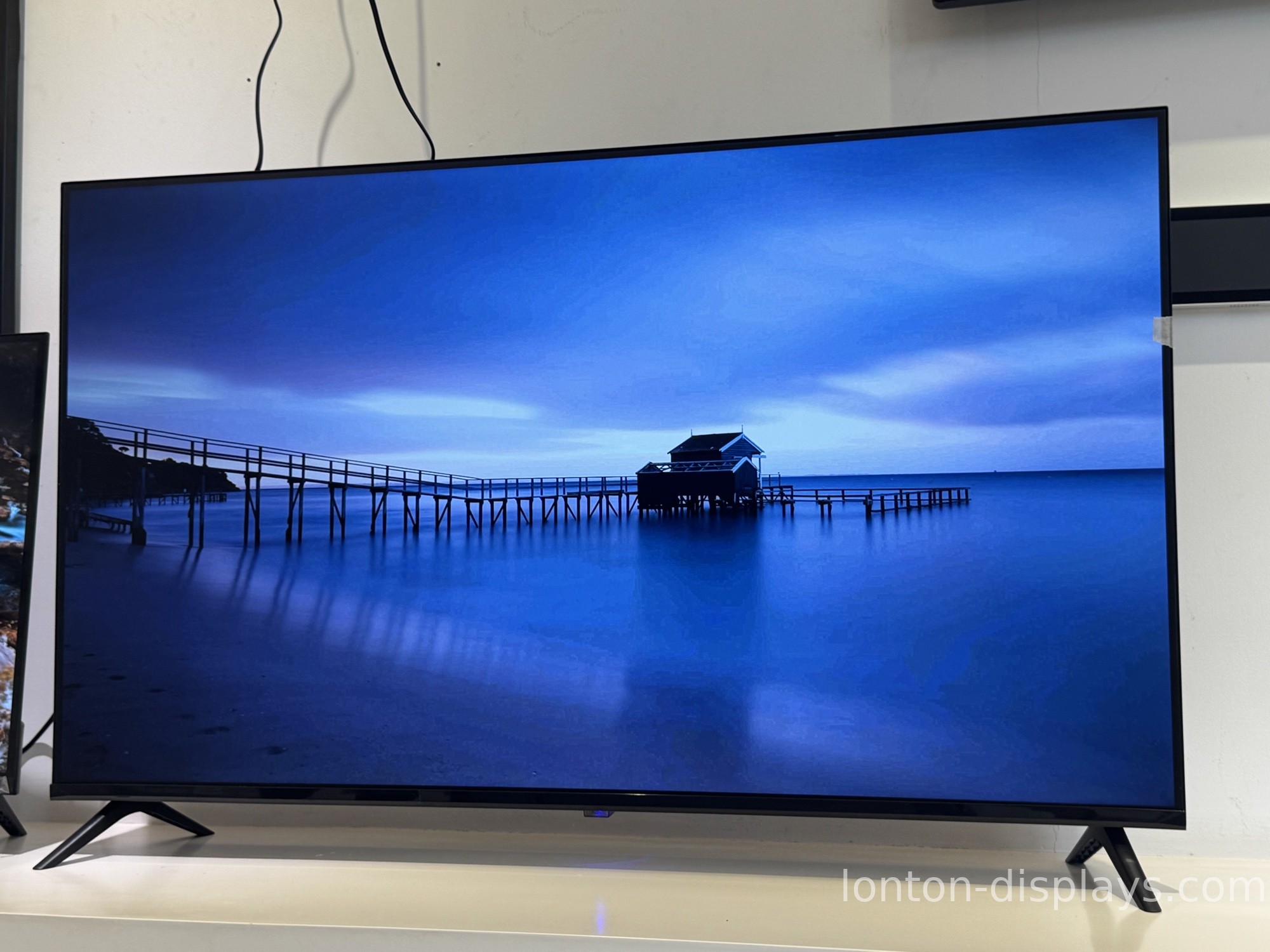
What a training screen has to be
The first thing is interactive. A training room fails the moment it becomes a lecture. The screen has to invite people up — write on it, cast to it, work on it together — or the room is just a bigger television.
The second is clear for everyone. A room of learners sits at different distances and angles. A 4K panel keeps slides, diagrams and handwriting sharp from the back row, so nobody's squinting at the board.
The third is effortless. The trainer is there to teach, not to fight the AV. One tap to cast, one tap to write, one tap to bring in remote learners — if it takes a technician, it's already in the way.
How Lonton fits a training center
We build interactive flat panels for rooms built around participation. The 4K display keeps slides and handwriting sharp from the back row, the 40-point touch lets several learners write and work at once, and wireless casting means any laptop or phone is on the screen in a tap. The built-in 48MP camera and 8-microphone array run hybrid training without extra gear.
Because we're the factory, a training centre or a corporate academy can outfit every classroom, breakout area and onboarding room on one platform, with OEM/ODM branding and central management — at a factory-direct price. 100,000+ square metres, 15 production lines, every panel inspected before it ships.
Turn a lecture into a shared surface
The test for a training room is simple: does the screen invite people up, or does it keep them in their seats? If the room is set up for watching, that's what you'll get. Tell us your rooms and how you train, and we'll spec the panels and send a factory-direct quote, usually within 24 hours.
FAQ
Can learners cast from any device?
Yes. Wireless casting puts any laptop or phone on the screen in a tap.
Can several people write at once?
Yes. 40-point touch lets multiple learners work on the board together.
Is it readable from the back row?
Yes. The 4K display keeps slides and handwriting sharp across the room.
Does it handle hybrid and remote training?
Yes. The built-in 48MP camera and 8-microphone array cover the room and remote learners.
Can a trainer run it without a technician?
Yes. One tap to cast, write or bring in remote learners — no AV team needed.
Can a training centre manage every screen centrally?
Yes. Central management and OEM/ODM branding on one platform across all locations.

