
 English
How to Update Smart Board Software: OTA, Firmware & Apps Guide (2026)
Knowing how to update smart board software keeps your display secure and running the latest features. Regular updates ensure access to security patches and performance improvements. The update process varies slightly by brand, but most interactive flat panels follow these three standard methods.
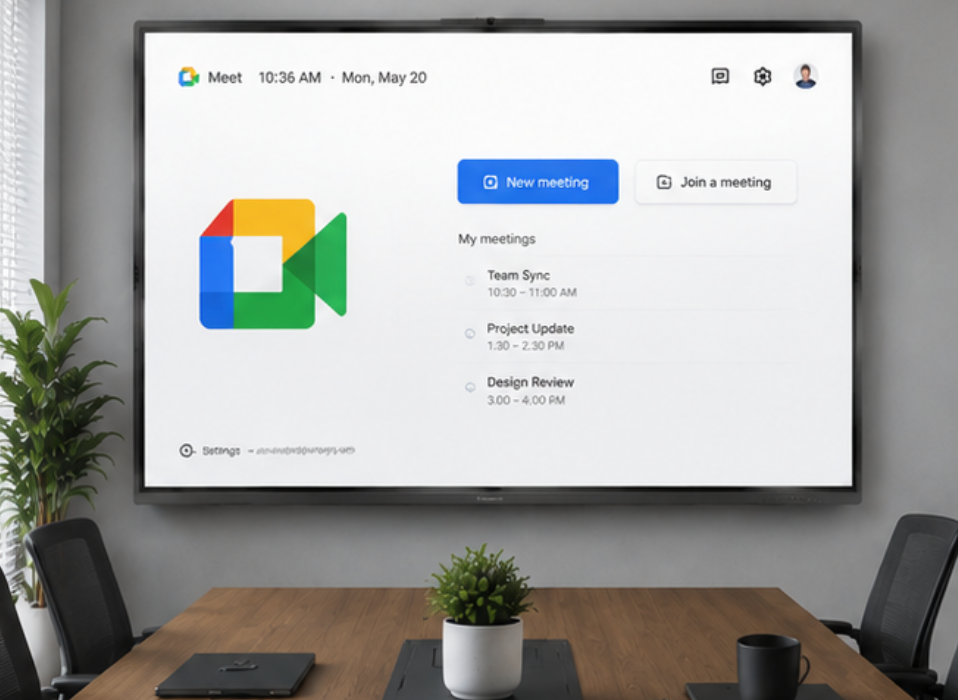
Method 1: Over-the-Air (OTA) Update (Recommended)
OTA updates are the simplest way to update:
- Connect your IFP to a stable Wi-Fi or Ethernet network.
- Open settings (gear icon) from the home screen or sidebar.
- Navigate to system → about device → system update (or software update).
- Tap check for updates. If a new version is available, you'll see the version number and changelog.
- Tap download and install. The IFP will download the update package, then prompt you to reboot.
important: Do not power off the IFP during installation. The process usually takes 5–15 minutes, and the device will restart automatically once complete.
Method 2: USB Firmware Update
Use this when your IFP is offline or a specific firmware package was provided by your vendor:
- Download the latest firmware file from the manufacturer's support portal onto a USB drive (FAT32 format).
- Insert the USB drive into the IFP's USB port (typically the one labeled "USB 3.0" or "Service").
- Open settings → system update → local update (or usb update).
- Browse to the firmware file on the USB drive and select it.
- Confirm the update and wait for completion.
Only use firmware files provided directly by your IFP manufacturer. Third-party firmware can brick the device.
Method 3: App / Launcher Updates
IFPs running Android or Windows OPS can update individual apps:
- android-based ifps: Open the built-in app store (or sideload the APK via USB), navigate to my apps → updates, and install available updates. Keeping your apps current is part of the routine to update smart board software across the entire system.
- windows ops: Run Windows Update from the Start Menu to get OS and driver updates. Also check the manufacturer's software suite for IFP-specific driver updates.
Pre-Update Checklist
- Back up important whiteboard files and annotations to the cloud or USB.
- Ensure stable power — avoid updating during a thunderstorm or power fluctuation.
- Inform all users that the board will be unavailable for up to 30 minutes.
- Note your current software version in case you need to reference it later.
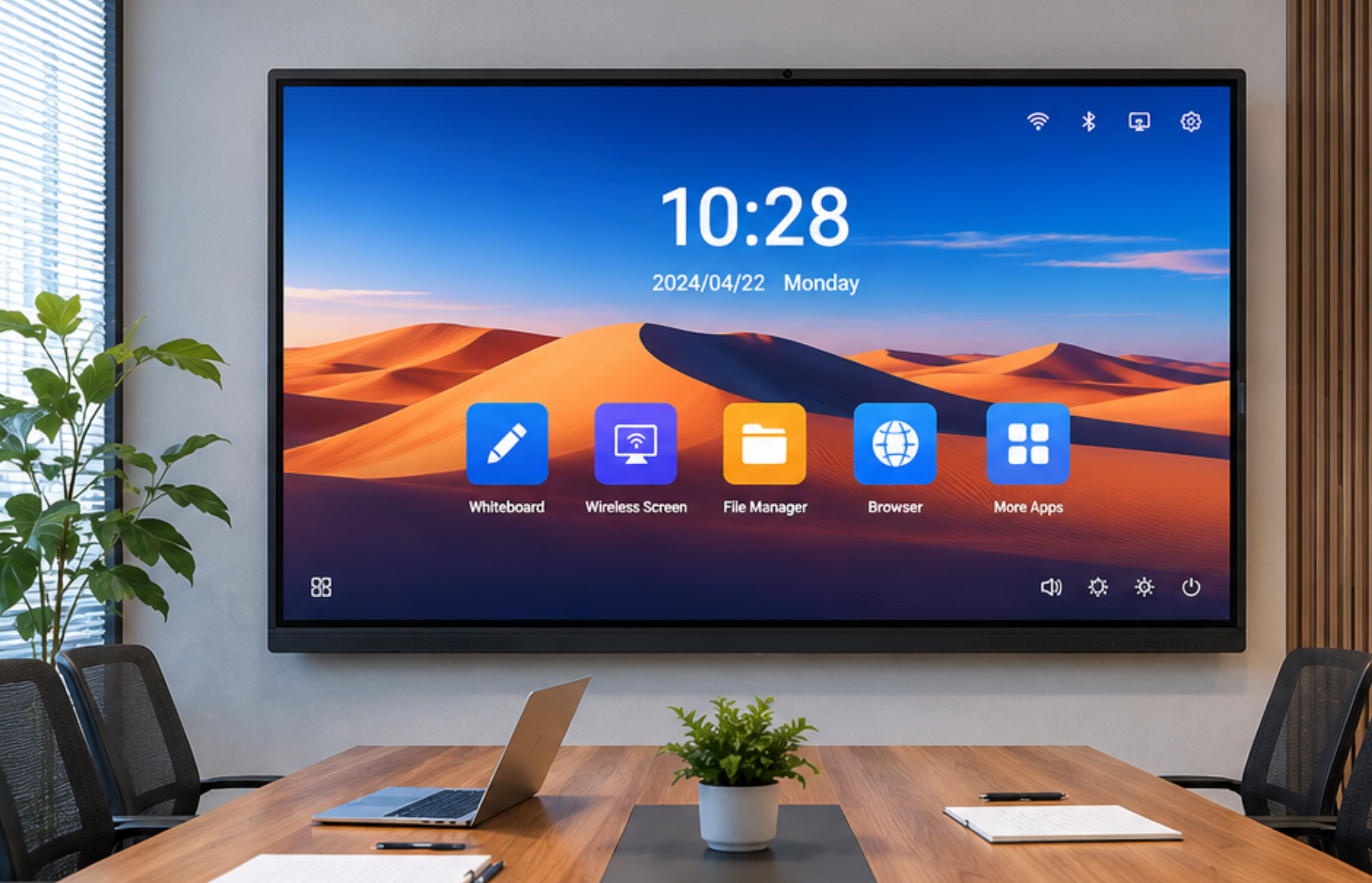
As a professional manufacturer, LonTon ships its interactive flat panels with OTA update capability built in — firmware updates arrive automatically, making it effortless to update smart board software and keep your board current without an IT ticket.

