
 English
How to Replace OPS Module on Smart Board: Step-by-Step Guide (2026)
When you need to replace the ops module on a smart board, the process is simpler than most people expect. The OPS — Open Pluggable Specification — module is the removable computing unit that powers Windows on your interactive flat panel. Over time, you might want to upgrade to a faster module, replace a failing unit, or swap between different Windows configurations for different rooms.
Before touching any hardware, power down the IFP completely and unplug it from the wall. Ground yourself by touching a metal surface to discharge static electricity — a static shock can damage the new module before it is even installed. The OPS slot is typically located on the side or bottom edge of the panel, often behind a small access panel secured by thumbscrews.

To replace the ops module on a smart board, locate the existing module in its slot. Most modules have a release lever or two screws holding them in place. Loosen the screws or press the release, then gently pull the module straight out. Do not twist or angle it — the connector inside is straight and forcing it at an angle can bend pins. Slide the new module in the same way, firmly but gently, until it clicks or seats fully. Tighten the screws or secure the lever, replace the access panel, and plug the board back in.
When the IFP powers on, switch the input source to the OPS slot — usually labeled "OPS" or "HDMI-OPS" in the input menu. Windows should boot from the new module. You may need to install touch drivers from the manufacturer's website if the touch screen does not respond immediately. If the screen stays blank, reseat the module and check that the input source is correct. If there is no power to the module at all, it may not be fully connected — pull it out and try again.
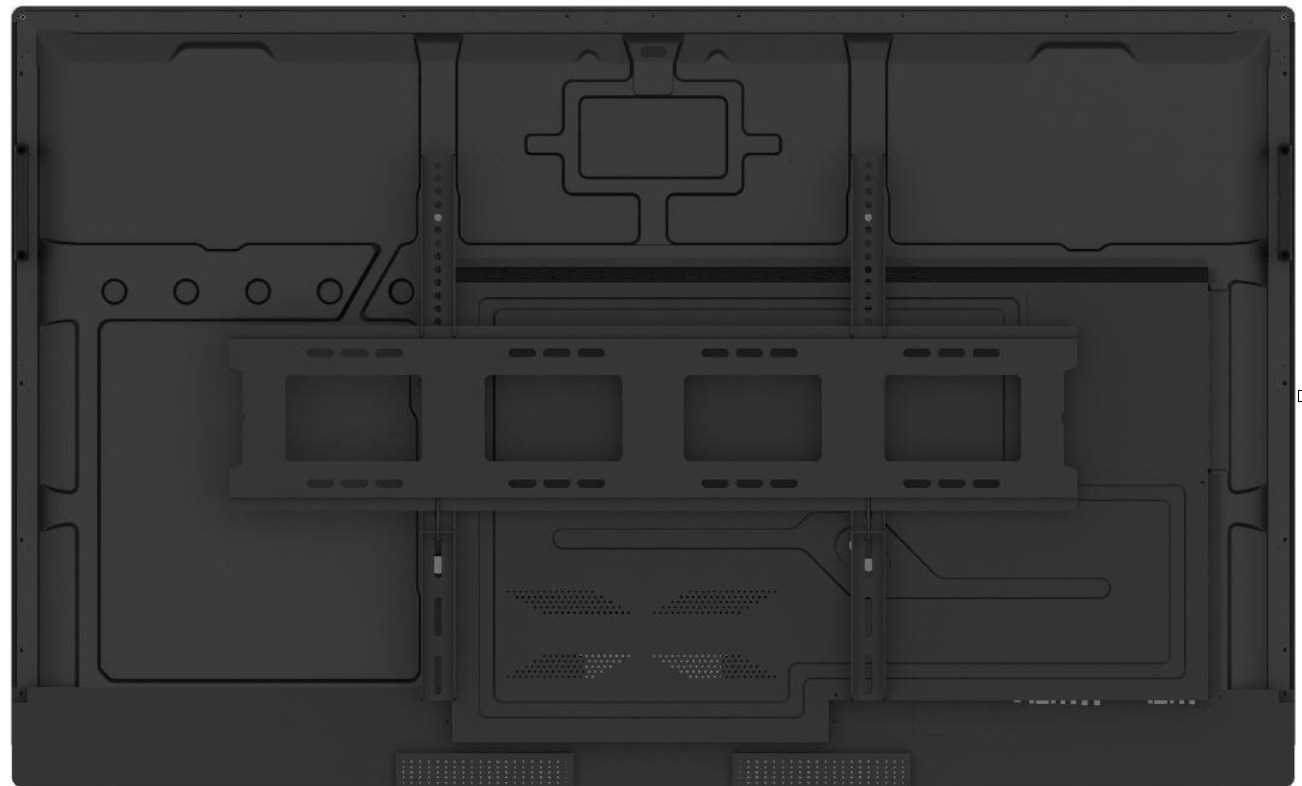
As a professional manufacturer, LonTon designs its interactive flat panels so you can replace the ops module on a smart board in under two minutes with a tool-free slot — swap the computing module without opening the chassis or voiding your warranty coverage.

