
 English
Google EDLA vs Standard Android: What's the Difference?
Two interactive flat panels can both say "Android" on the box and behave completely differently once you turn them on. One opens Google Play and Classroom the day it arrives. The other sits there as a basic touch screen, waiting for someone to load apps by hand.
The difference is Google EDLA. Here's what separates an EDLA-certified panel from a standard Android build, and why it matters when you're the one signing the invoice.
The Core Difference in One Line
An EDLA-certified panel runs Android with Google Mobile Services pre-installed. A standard panel runs a bare AOSP build — Android without any of Google's apps or services.
Both will turn on and both will accept touch. The gap shows up the moment you try to do actual work on them.
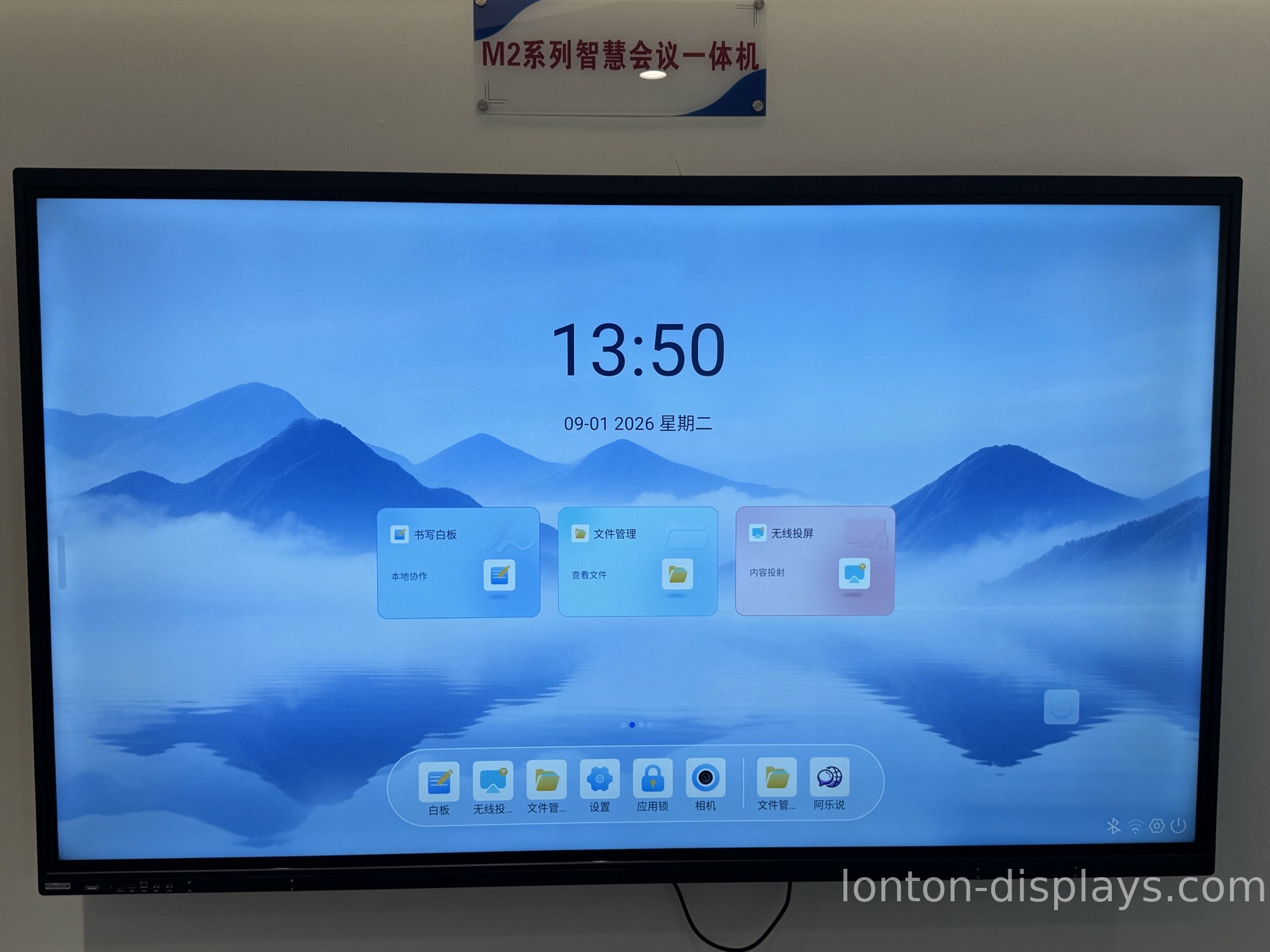
What a Standard (AOSP) Android Panel Can't Do
A non-EDLA panel has no Play Store, no Google Meet, no Chrome, no Drive. Installing classroom or meeting software means sideloading APK files from outside Google's ecosystem. That's a manual, security-risky process that most school IT departments and corporate admins simply refuse to run.
It also means no automatic updates through official channels. Security patches and app fixes arrive late — or not at all — leaving the device a bigger attack surface over time.
Where EDLA Shows Up Day to Day
On an EDLA panel, a teacher signs in and opens Google Classroom without touching a settings menu. A meeting host launches Google Meet straight from the home screen and shares a Drive file with two taps. Students pull up Docs and Slides through their own Google accounts, and everything syncs.
That's the practical difference: an EDLA panel is a working tool on day one. A standard panel is a project your IT team has to finish.
Security and Updates
Google pushes security patches and app updates to EDLA devices on a regular cadence. A non-certified Android panel doesn't receive those updates through official channels, which means more work for IT and a larger risk profile as the OS ages.
For a school board or a procurement team answering to a security policy, that one point often decides the purchase on its own.
How Lonton Ships EDLA Panels
Lonton builds interactive flat panels from 65" to 110", running 40-point infrared touch and 4K UHD, with Google EDLA certification available across the line. Read what Google EDLA actually is for the plain-English version before you compare quotes.
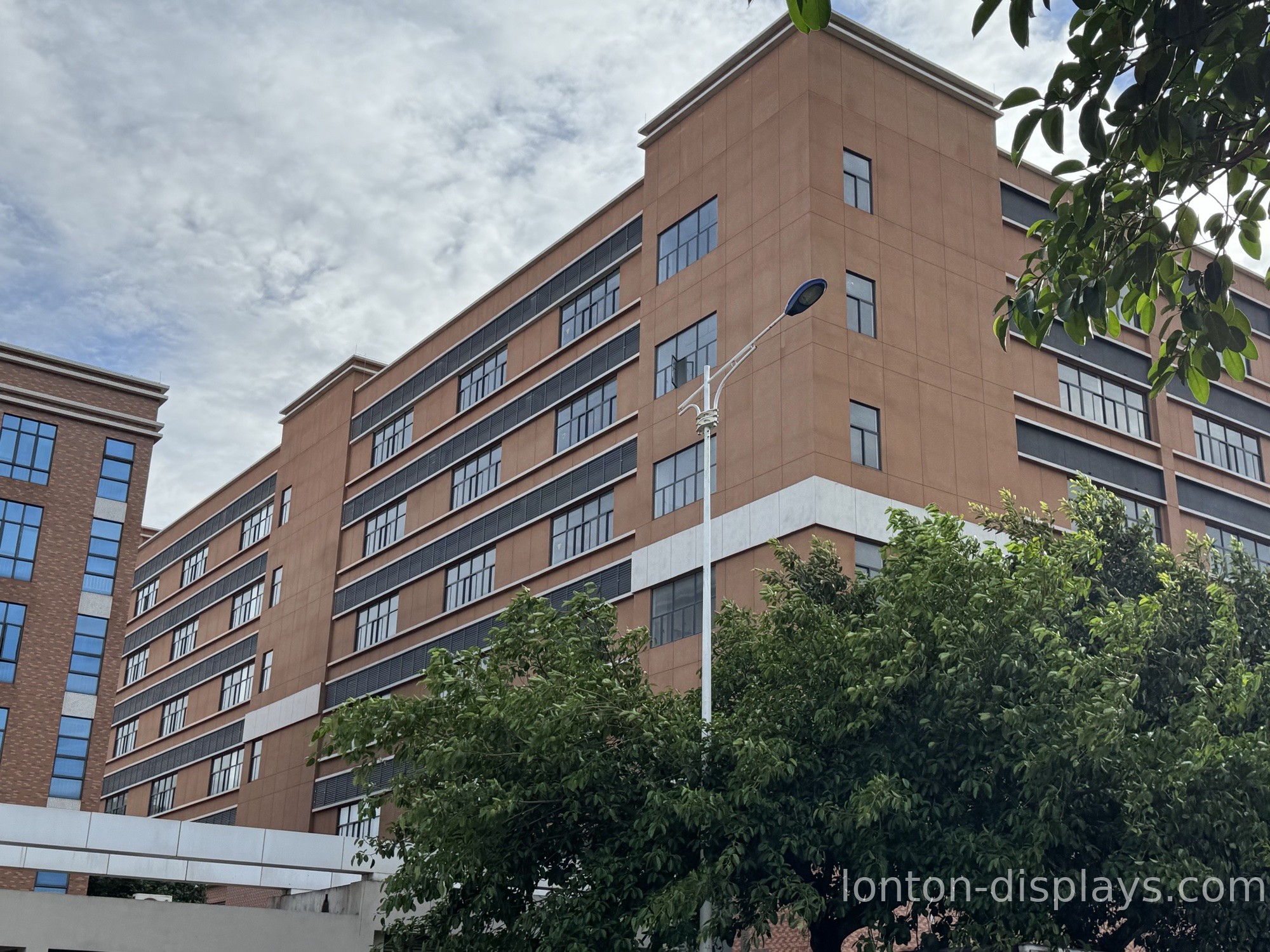
We ship from a 100,000+ m² facility with 15 production lines and a 23,000 m² Class 10,000 cleanroom, and we hold ISO 9001, 14001, and 45001 plus CE, FCC, and RoHS. MOQ starts at 5 units, so a single school order already gets factory pricing.
Get a Quote With the Right Android Spec
Tell us whether your rooms run on Google Workspace or a different stack, and we'll spec the panel accordingly — EDLA certification, the Android version, and the Google apps you need, all written into the quote.
FAQ
Is Google EDLA the same as Android?
No. Android is the operating system. EDLA is Google's licensing program that adds the Google app family and update channel on top of it.
Can I add Google apps to a non-EDLA panel later?
Only by sideloading APKs, which most IT teams avoid. EDLA panels get apps and updates through official Google channels from the start.
Which one should my school buy?
If you run Google Classroom or Workspace for Education, choose an EDLA panel. The setup and update advantages outweigh any small price difference.
Does EDLA cost more?
EDLA panels can carry a small licensing cost, but for most schools and businesses the saved IT time and official updates make it the better value.
Does Lonton offer both?
Yes. Lonton builds both standard Android and Google EDLA certified panels, so you can pick the spec that fits your rooms.

