
 English
Best Interactive Board: What to Look For (2026)
The best interactive board is not a single brand or model. It is the board that matches how you actually use it — and does not cost you extra for features you will never touch. This guide walks through the specifications that separate a board that lasts from one that gives you trouble six months after it goes on the wall, so you can compare any option on equal footing.
What "best" means depends on the room
There is no one board that wins everywhere, because a classroom and a boardroom ask for different things:
- Classroom. Durability, multi-touch so several students can write at once, and software simple enough for a teacher to use on day one.
- Meeting room. OS flexibility (Android plus Windows), reliable wireless screen sharing, and a panel sharp enough for video calls and documents.
- Training center. Smooth annotation, session recording, and enough touch points for group exercises.
Start from your room, not from a brand name. The "best" board for a lecture hall is usually the wrong board for a huddle room.
The five specs that actually matter
When every sales sheet says "high quality" and "advanced," ignore the adjectives and check the numbers:
- Touch technology. Infrared (IR) is the standard for classrooms and meeting rooms — it works with any pen or finger, needs no calibration, and is affordable. Capacitive is smoother but pricier and less common on large boards.
- Touch points. Forty-point IR lets a whole group write at once. Cheap boards drop to 10 or 20 points and choke when two people write together.
- Size. Sixty-five inches suits a standard classroom; 75 and 86 inches fit larger rooms and lecture halls.
- Operating system. Android built in, Windows through an OPS slot, or both. A dual-system board covers the most use cases.
- Glass and panel. MOHS 7 tempered, anti-glare glass survives daily use; a 350 cd/m² panel stays readable in a bright room.
What separates a board that lasts
The difference between a board that runs for years and one that develops dead pixels in six months is usually invisible at the demo. It comes down to two things in the factory:
- Aging test. Every board should run a 72-hour burn-in before it ships — cycling colors, patterns, and video so weak pixels and backlight faults surface in the factory, not on your wall.
- Cleanroom assembly. Panels assembled in a Class 10,000 cleanroom with controlled temperature and humidity are far less likely to develop dust-related dead pixels later.
These are exactly the steps cheap boards skip, because the buyer cannot see them in a showroom.
How to compare brands without the sales pitch
Most brands sell the same underlying panel and touch technology, then add a markup for the logo. Strip away the branding and compare these:
- Ask for numbers, not adjectives. How many touch points? What is the glass hardness? What OS and panel? A real factory answers in figures.
- Factory-direct versus reseller. Buying from the factory that assembles the board removes one or two layers of markup. A branded board with the same specs can cost 30–50% more.
- Warranty and after-sales. A long warranty is only useful if someone actually answers when the board has a problem. Ask who handles local support.
What Lonton offers
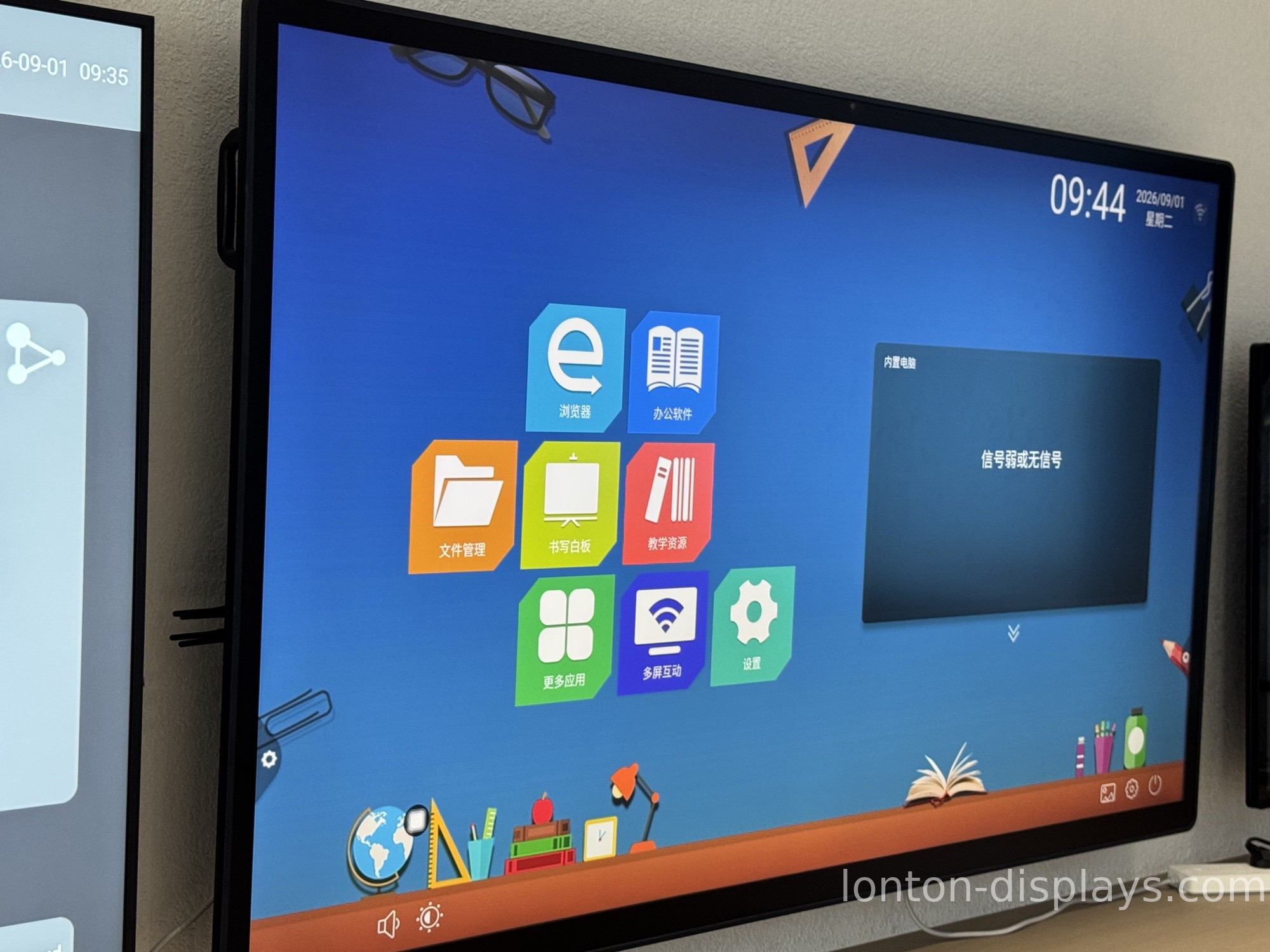
Lonton has built interactive boards since 2005, from 65 to 110 inches. Every board runs 40-point infrared touch, MOHS 7 anti-glare tempered glass, and Android 15 with an optional Windows OPS slot, on BOE or CSOT panels. They are assembled in a 23,000 m² Class 10,000 cleanroom and pass a 72-hour aging test before shipping, with ISO 9001, CE, FCC, and RoHS certification. Whether you call it an interactive board, an interactive whiteboard, or a smart board, it is the same factory-direct product — available with OEM branding from 5 units.
For a deeper look at the touch technology that powers these boards, see our guide on how infrared touch works.
Get a factory-direct quote
If you are sourcing boards for a school, an office, or your own brand, tell us the sizes and quantities you need and we will send a factory-direct quote. You are welcome to visit the factory or take a live video tour of the line.
Contact us or browse our interactive boards.
FAQ
What is the best interactive board?
The best board is the one that matches your room and use case — durable multi-touch for a classroom, OS flexibility for a meeting room — at a factory-direct price without brand markup.
Is an interactive board the same as an interactive whiteboard?
Yes. "Interactive board," "interactive whiteboard," and "smart board" all describe the same category of touchscreen display. "Smart Board" is a brand name that became generic.
How many touch points do I need?
Forty-point infrared is the modern standard and lets a group write at once. Avoid boards that drop to 10 or 20 points if more than one person will use it at a time.
Why does the aging test matter?
A 72-hour aging test burns off early failures before a board ships, so weak pixels and backlight faults are caught in the factory instead of surfacing after you mount it.

