
 English
Best Apps for Smart Board Meeting Rooms: 2026 Guide
The best apps for smart board meeting rooms are not some secret list hidden behind a paywall. They are the tools your team already uses, running on hardware that does not get in the way. When you walk into a meeting room, the board should feel ready — not like a project.
As a professional manufacturer, LonTon ships every interactive flat panel with Google Play Store access and EShare pre-installed, so downloading apps and sharing screens is available from the first power-on. Here is what actually matters when you are choosing software for a meeting room IFP.
Whiteboarding: Miro and What Is Already Built In
Miro is the industry standard for a reason. Infinite canvas, template libraries, real-time remote collaboration, and deep integrations with Jira, Slack, and Google Drive. If your team runs workshops, sprint planning, or design reviews across distributed offices, Miro on the IFP's Android OS gives you the full experience — pinch to zoom, multi-touch sticky notes, everything you would expect from the desktop version.
That said, not every meeting needs Miro. The built-in whiteboard on LonTon boards launches in under three seconds. No login, no Wi-Fi, no account. You walk up, grab a stylus, and start sketching an idea while someone is still pulling up their laptop. For quick brainstorming sessions where minutes matter, native speed beats feature depth.
The right answer depends on the meeting. For structured collaboration with remote participants, install Miro. For a ten-minute whiteboard sprint before lunch, tap the built-in app and go.
Video Calls: Zoom, Teams, and Meet
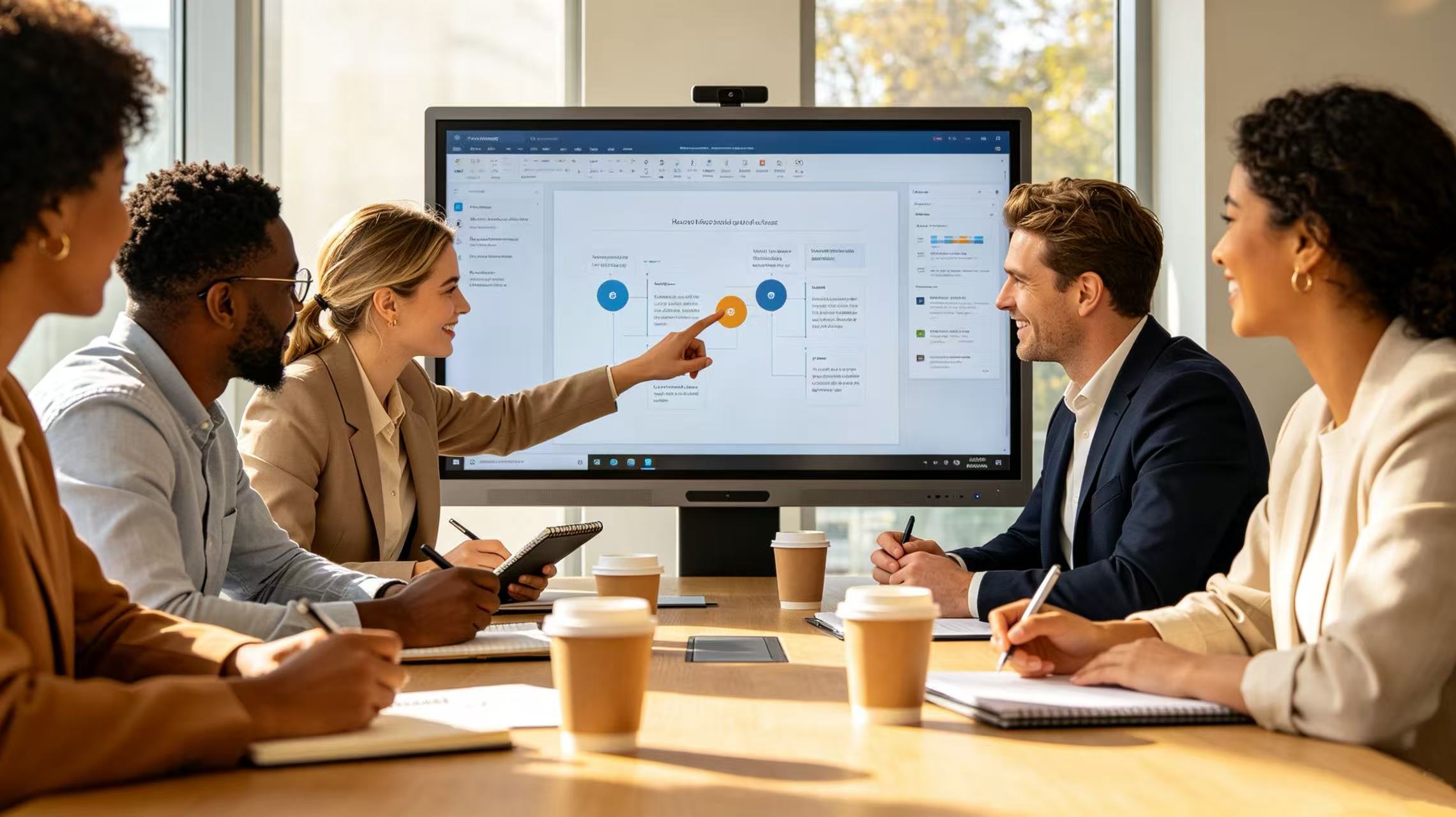
Zoom, Microsoft Teams, and Google Meet are not optional in 2026 — they are the meeting room operating system. All three run directly on the Android OS inside LonTon panels. Zoom Rooms provides touch-optimized controls and one-tap meeting join. Teams Rooms ties into your Outlook calendar so meetings appear without anyone typing a code. Google Meet needs zero installation because it runs in Chrome, which every Android IFP has by default.
What separates a good meeting room from a frustrating one is not which app you pick — all three work. It is whether the board has the hardware to match. LonTon IFPs include a built-in camera and microphone array as standard, so the board is the conference system. No external webcam dangling from the top bezel, no USB speakerphone occupying the cable management tray. The room stays clean and the meeting starts on time.
Wireless Screen Sharing: EShare as the Hub
This is where hardware and software either work together or waste your meeting's first five minutes. Most boards ship with bare Android and leave screen sharing as an exercise for the IT department. LonTon takes the opposite approach: EShare comes pre-installed and tested on every panel.
Open the EShare app on the board, scan a QR code with your phone or laptop, and your screen appears. No Wi-Fi password exchange, no dongle, no searching the Play Store for a casting app. EShare supports three connection methods to fit different network setups: device list discovery for open corporate networks, SSID prefix auto-connect for repeat visitors who connect to the same Wi-Fi each time, and direct IP connection for tightly managed IT environments where mDNS may be restricted.
Once connected, two-way touch control lets you operate your phone or laptop from the IFP screen. Tap apps, swipe through presentation slides, type text — all on the large display without walking back to your device. For guest presenters who do not want to install anything, EShare handles AirPlay, Google Cast, and Miracast simultaneously. An iPhone user, an Android user, and a Windows laptop can all share their screens in the same meeting without switching apps or cables.
The best apps for smart board meeting rooms are the ones that disappear. EShare works in the background — scan, share, move on — and that is why it earns the center of this guide.
Documents: Google Workspace and Microsoft 365
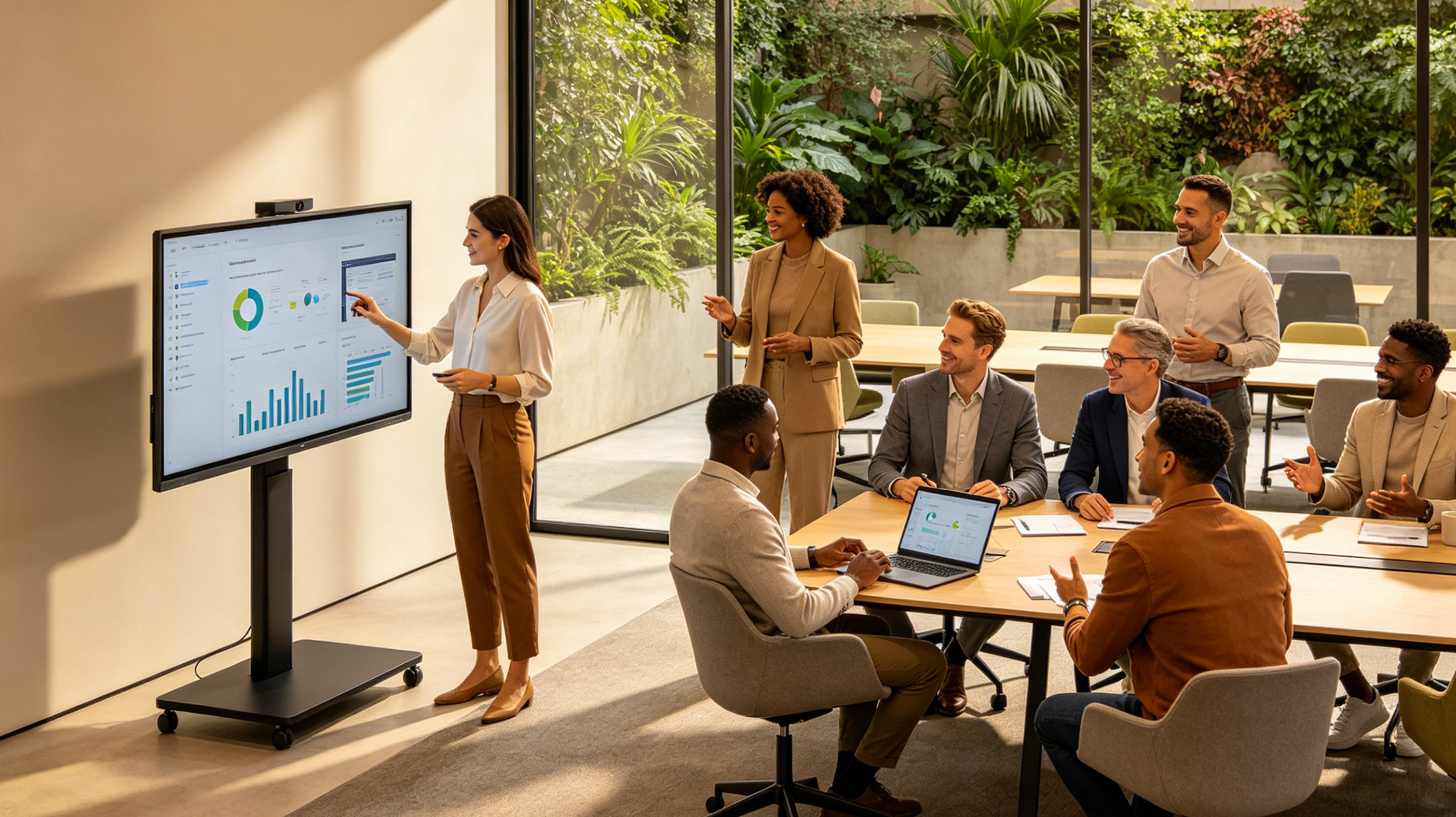
Most meeting room document work is lightweight. Someone pulls up a shared Sheet to check budget numbers. Another person opens a contract PDF for a quick markup. Google Workspace handles the first case natively in Chrome — Docs, Sheets, and Slides run in the browser with no installation. For teams on Microsoft 365, the Android versions of Word, Excel, and PowerPoint cover quick edits, while the Windows OPS module gives you full desktop Office when you need it.
For PDF annotation, any Android PDF reader lets you mark up directly on the IFP screen. Circle a clause, scribble a margin note, save, and email it to the room — all without anyone huddling around a laptop.
What to Skip
Digital signage software, room booking dashboards, and IoT control panels are real product categories, but they are separate tools for separate use cases. A meeting room IFP works best when it stays focused on what happens during meetings. If your facility team needs a hallway display for room schedules, that is a different screen.

A Few Tips That Save Headaches
Use the built-in Android OS for as much as possible. Boot time stays under five seconds and you avoid waiting for Windows to start just to open a calendar. Test any new app on one board before rolling it out to every meeting room — Android app behavior on a 65-inch or 86-inch touch panel can differ from what the developer tested on a phone screen. And when a guest presenter walks in with an unfamiliar device, let EShare handle the connection. The best apps for smart board meeting rooms are the ones your team reaches for without thinking, and the ones visitors figure out before they sit down.
LonTon interactive flat panels come with the core meeting room workflow ready out of the box: Google Play for app installation, EShare for wireless screen sharing, and built-in camera and microphone for video calls. If your team is evaluating IFPs for meeting room deployment, the software experience deserves the same scrutiny as the panel specs.

