
 English
English
English
What Is the Difference Between a Smart Board and a Whiteboard?
We usually understand the difference between a smart board and a whiteboard is a technical question — Actually it is a purchasing decision that affects how your team works every day.
A traditional whiteboard is a simple writing surface used with dry-erase markers. It is commonly used in classrooms, offices, training rooms, and meeting spaces for quick notes, brainstorming, and basic presentations;

A smart board, also known as an interactive smart board or interactive flat panel display, is a digital touch screen that combines the functions of a whiteboard, computer, projector, and display into one device.
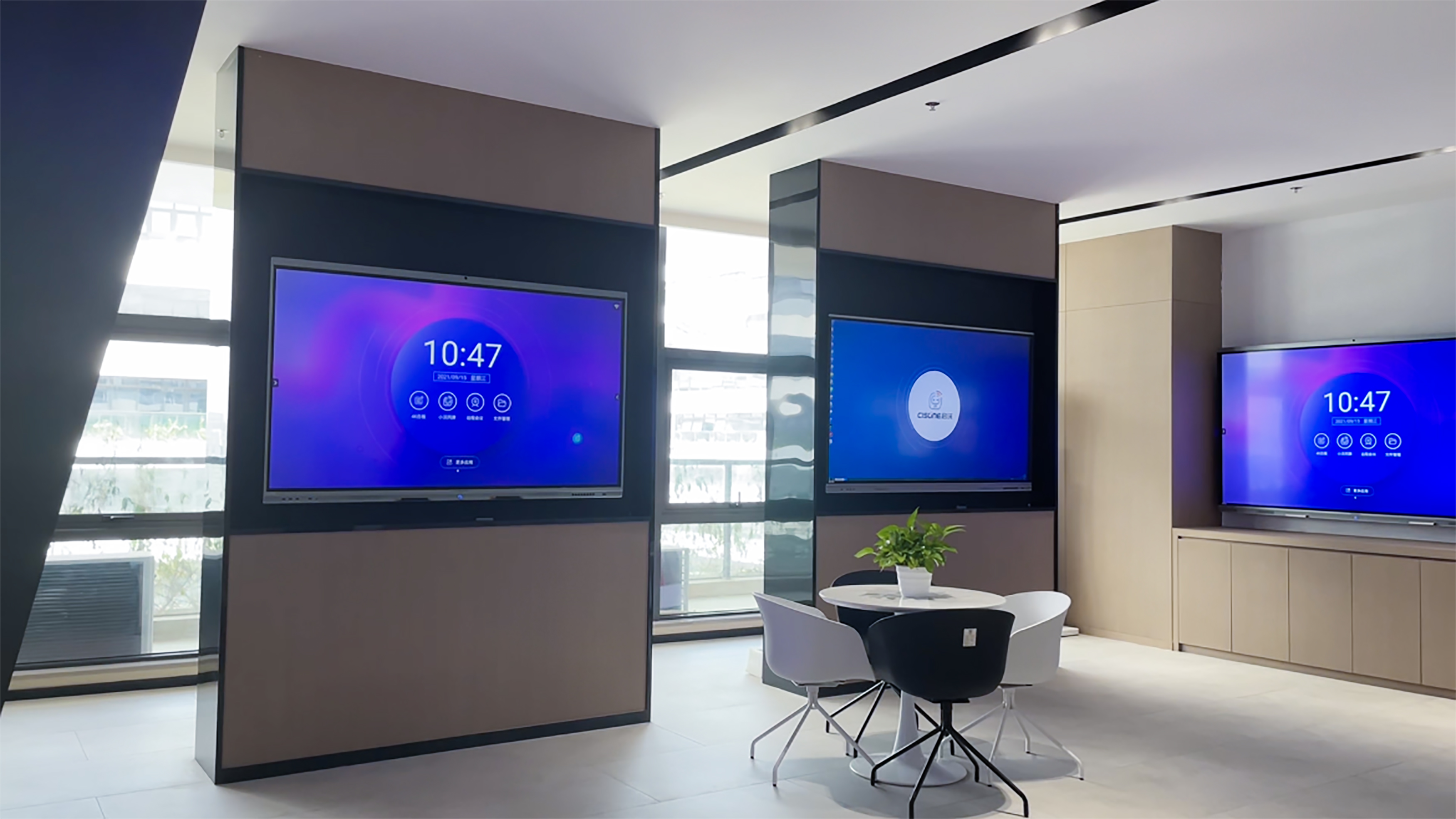
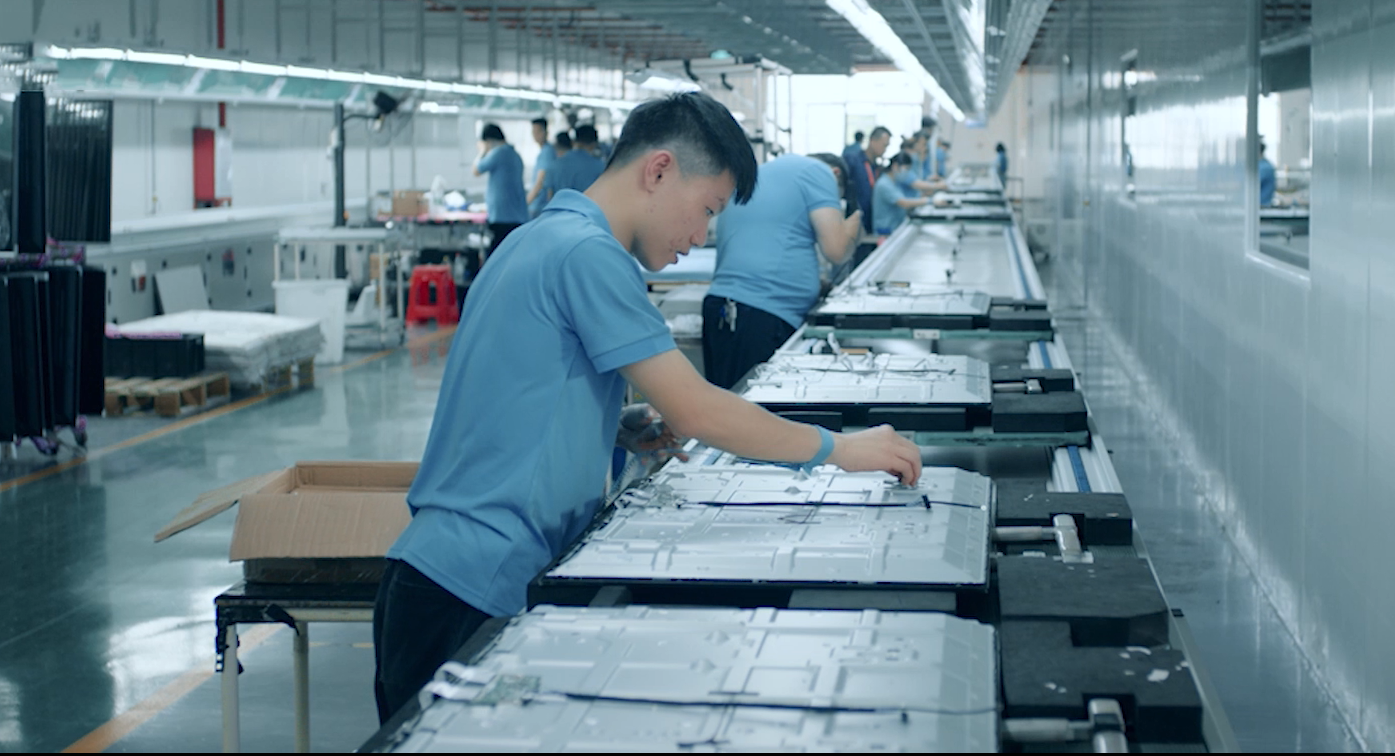
At LonTon, we manufacture smart interactive flat panels for businesses worldwide. We have helped hundreds of distributors, schools, and corporate buyers switch from traditional whiteboards to smart boards — not because whiteboards are bad tools, but because smart boards solve problems that whiteboards simply cannot.
As classrooms and meeting rooms become more digital, many organizations are replacing traditional whiteboards with smart boards.
A smart board is not just a digital version of a whiteboard. It combines a touch screen, display, computer, annotation tool, wireless screen sharing, and collaboration system into one interactive solution.So, what is the difference between a smart board and a whiteboard? This guide explains the key differences, benefits, applications, and how to choose the right solution for your classroom or meeting room.
A traditional whiteboard is a glossy writing surface — melamine, painted steel, or porcelain — paired with dry-erase markers. It is simple, familiar, and costs almost nothing to run.
Traditional Whiteboard
Best for:
Simple writing, quick notes, and basic discussions.
Advantages:
Easy to use. No power. No cables. No IT support. Low upfront cost.
Limitations:
No remote interaction. No saving or sharing. Limited collaboration. No documents, videos, websites, or digital content.
For a business with hybrid teams, international clients, or training programs that need to be reused, the whiteboard stops being a tool and starts being a bottleneck.
A smart board — also called an interactive flat panel, smart interactive display, or interactive whiteboard — combines a high-resolution touchscreen with built-in computing, wireless connectivity, and video conferencing capabilities. Sizes range from 55" to 110", with multi-touch support for simultaneous collaboration.
What a smart board does that a whiteboard cannot:
1.Display Digital Content
A smart board can show PowerPoint presentations, PDFs, Word documents, Excel files, websites, images, and videos directly on the screen.
A traditional whiteboard cannot display digital content unless it is used together with a projector or another screen.
2. Support Touch Writing and Annotation
Users can write, draw, erase, highlight, zoom, and annotate directly on a smart board using a finger, stylus, or smart pen.
This is especially useful when teachers or presenters need to explain slides, mark important points, or interact with digital materials.
3. Save Notes and Annotations
A traditional whiteboard loses all content once it is erased. A smart board can save notes, drawings, and annotations as images, PDFs, or cloud files.
This makes it easier to share meeting notes, lesson content, or training materials after the session.
4. Share Screens Wirelessly
A smart board allows users to share content from laptops, tablets, and smartphones without cables.
In a meeting room, different team members can quickly present their screens. In a classroom, teachers can display teaching materials from multiple devices.
5. Support Remote Collaboration
A traditional whiteboard is difficult for remote participants to see clearly during online meetings.
A smart board can work with video conferencing tools, allowing both in-room and remote participants to view, discuss, and collaborate on the same content in real time.
6. Play Multimedia Content
A smart board can play videos, audio, animations, and interactive learning materials.
This helps make lessons, presentations, and training sessions more visual and engaging.
7. Connect With Apps and Software
Many smart boards support built-in operating systems such as Android or Windows. Users can open apps, browsers, whiteboard software, video meeting tools, and document viewers directly on the screen.
A traditional whiteboard cannot run software or connect to digital workflows.
8. Enable Multi-User Interaction
Modern smart boards often support multi-touch interaction, allowing multiple people to write or interact with the screen at the same time.
This is useful for classroom activities, brainstorming sessions, team discussions, and collaborative training.
9. Reduce the Need for Multiple Devices
A smart board can replace or integrate several devices, including:
This helps simplify classrooms and meeting rooms.
10. Improve Efficiency
A smart board does not only help users write. It helps them present, explain, annotate, save, share, and collaborate more efficiently.
Ultimately, the key is not simply understanding the difference between a smart board and a whiteboard, but choosing the solution that best fits your needs. For basic writing and quick discussions, a traditional whiteboard may be enough. For digital teaching, business presentations, hybrid meetings, and interactive collaboration, a smart board offers far greater value.
 Hot News
2025-12-13
2025-12-13
2025-12-13
2025-12-13
2026-05-21
2026-05-21

Copyright © 2026 | All Rights Reserved.
