All Categories
en English

PCAP Touch Interactive Flat Panels

Where precision matters. Capacitive touch — responsive as a smartphone, scaled to any room. Smooth. Instant. No lag. Whatever space you're equipping, it feels exactly right.

Contact us

What It Is — and What It Isn't

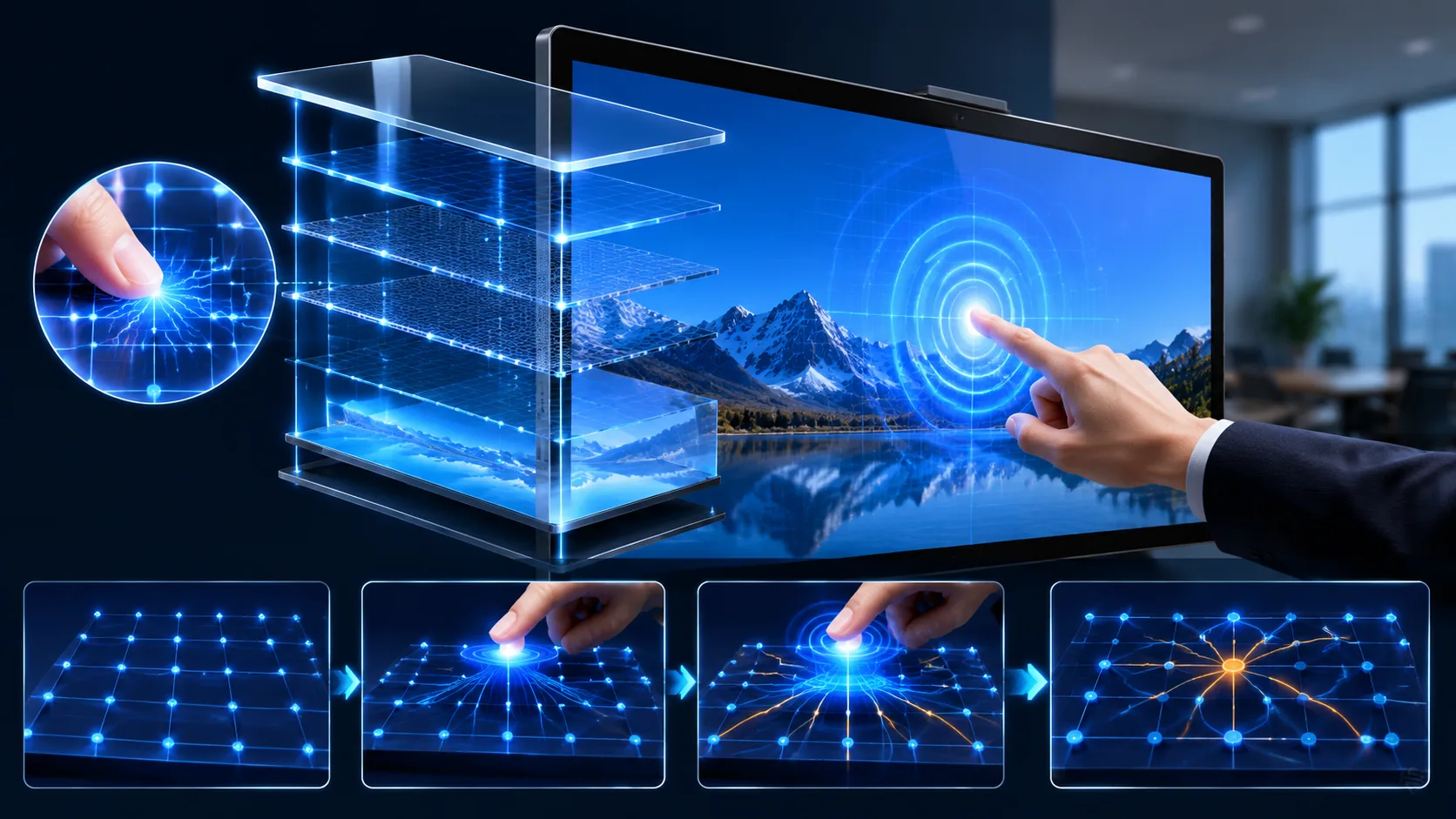
PCAP — projected capacitive — is the same touch technology in your phone and tablet. A grid of conductive sensors behind the glass detects your finger through electrical field changes. The result: a touch experience that's smooth, instant, and millimeter-precise.

This is the touch technology for rooms where the experience matters as much as the function. A CEO walking up to annotate a slide. A designer zooming into a render. A client leaning in and scrolling through a proposal with their fingertip. PCAP makes these moments feel fluid. No friction. No delay.

PCAP requires a conductive touch — bare finger or a capacitive stylus. Gloves don't register. That's the tradeoff. But the precision and responsiveness you get in return make it the default choice for premium meeting spaces.

What Matters When You're Comparing

Touch Technology

Projected capacitive. Smartphone-level precision. 10 to 20 touch points simultaneously — enough for two people annotating side by side. Instant response, zero noticeable lag.

Screen Sizes

Configurable to your room. For a boardroom seating 8-12 people, 75 or 86 inches is the common pick. Smaller huddle rooms: 55 or 65 inches. Larger rooms — tell us your dimensions, we build to spec.

Built-in System

Android standard. Open documents, run apps, connect to Wi-Fi without a laptop. Optional Windows OPS module for full desktop capability.

Anti-Glare, 4K

4K resolution on a commercial-grade LED panel. Anti-glare coating standard. Lights on, windows open — readable from every seat.

What It Actually Does in a Room

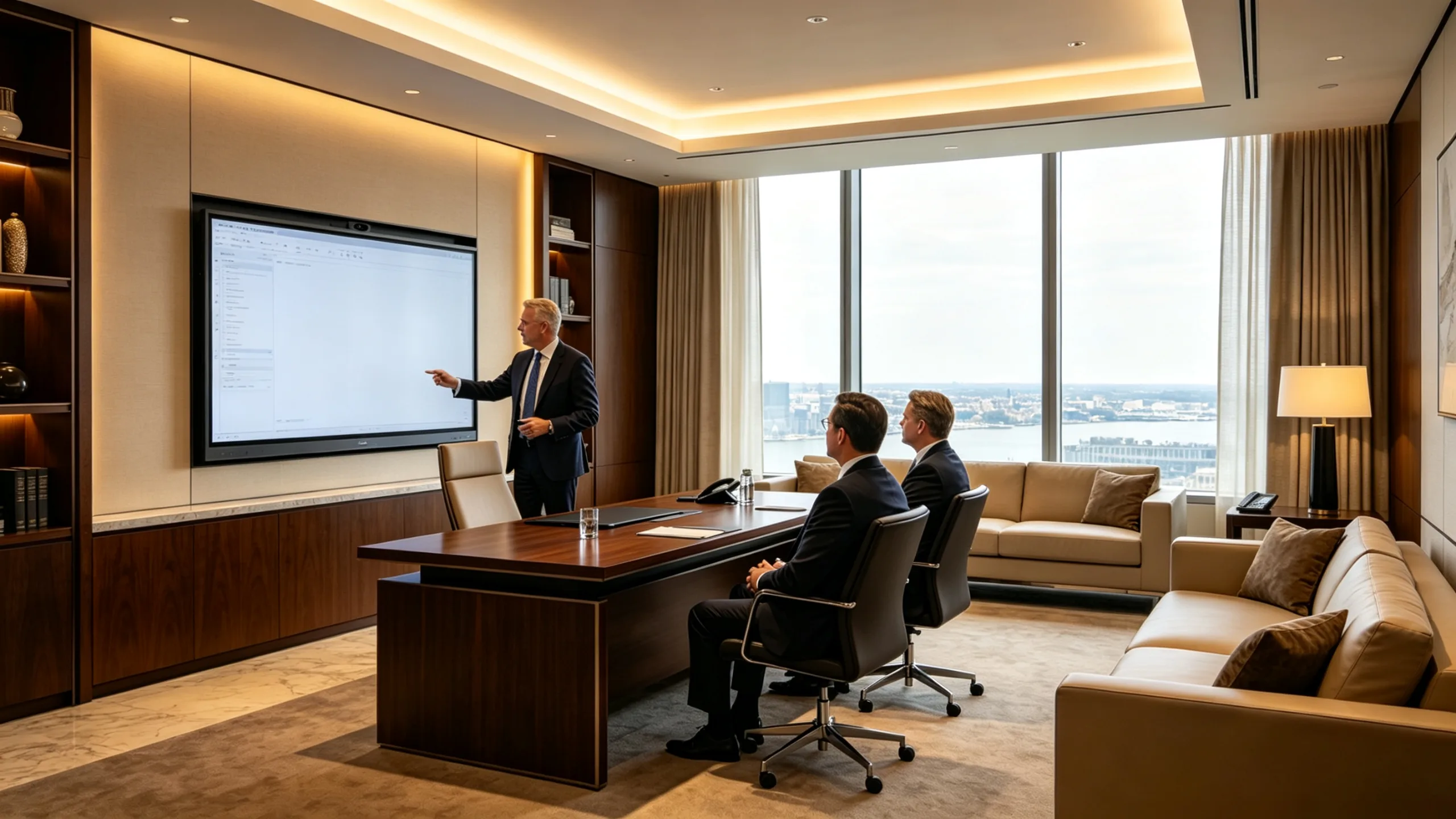
A boardroom. The quarterly review. The CFO walks up to the screen, swipes through revenue charts, pinches to zoom on a regional breakdown. No remote. No laser pointer. Just a finger on the screen, and the room follows.

A client presentation. You pull up a CAD drawing, zoom into a detail, circle a dimension. The client steps up and draws a revision directly on the file — no hesitation, no "how do I use this." The technology disappears.

Popular Configurations

All sizes configurable to your requirements.OEM / ODM supported.

55" PCAP Touch Display

55" PCAP Touch Display

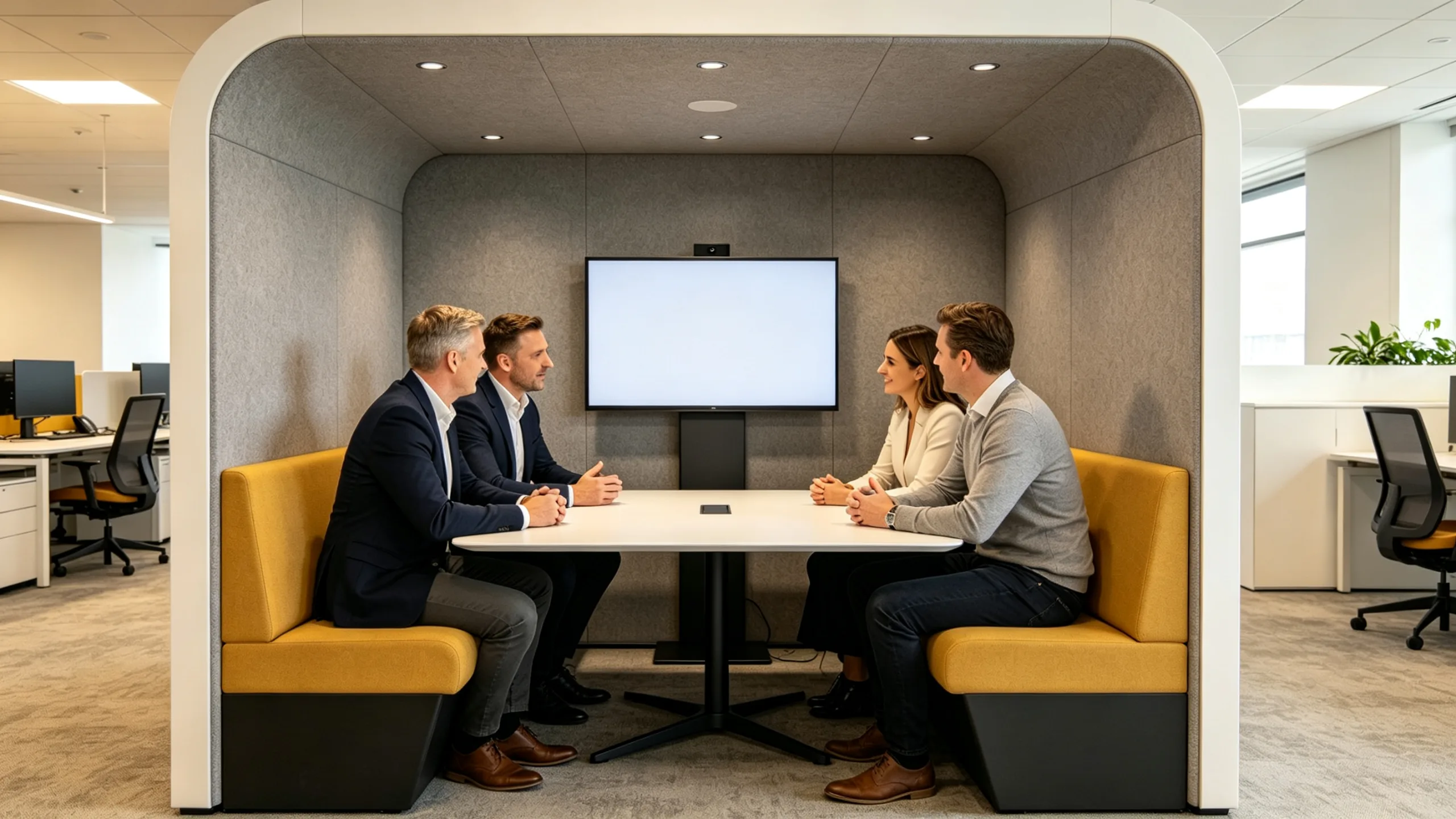
Small meeting room / 4–6 people

65" PCAP Touch Display

65" PCAP Touch Display

Executive office / 2–4 people

75" PCAP Touch Display

75" PCAP Touch Display

Standard boardroom / 6–10 people

86" PCAP Touch Display

86" PCAP Touch Display

Large boardroom / 10–16 people

20 Years of Specialized Excellence

From our first panel in 2005 to today, we maintain the same factory and the same single-minded focus.

Integrated 100,000 m² production base, in-house CNAS-accredited testing, certified for CE, FCC, and RoHS worldwide.

We don't chase trends. We master interactive flat panels—20 years, zero compromise.

01
Can I use a regular stylus with PCAP touch? +
02
Is PCAP more expensive than infrared? +
03
Can two people write at the same time on a PCAP panel? +
04
Does PCAP touch degrade over time? +

See the Touch Response Before You Buy

Tell us your room size and how the display will be used — we'll recommend the right size and configuration. We can arrange a live video demo so you can feel the touch response

Find Your Interactive Flat Panel Solution. Contact LONTON for a custom quote.
WeChat
WeChat QR
WhatsApp
Chat with us
WhatsApp QR
Call Us
+86 133 7129 6833
Email Us
[email protected]