All Categories
en English

Infrared Touch Interactive Flat Panels

Where more than one person steps up to the screen. Configurable touch points — works with a finger, a stylus, anything. Lights on, windows open. No dark room needed.

Contact us

What It Is — and What It Isn't

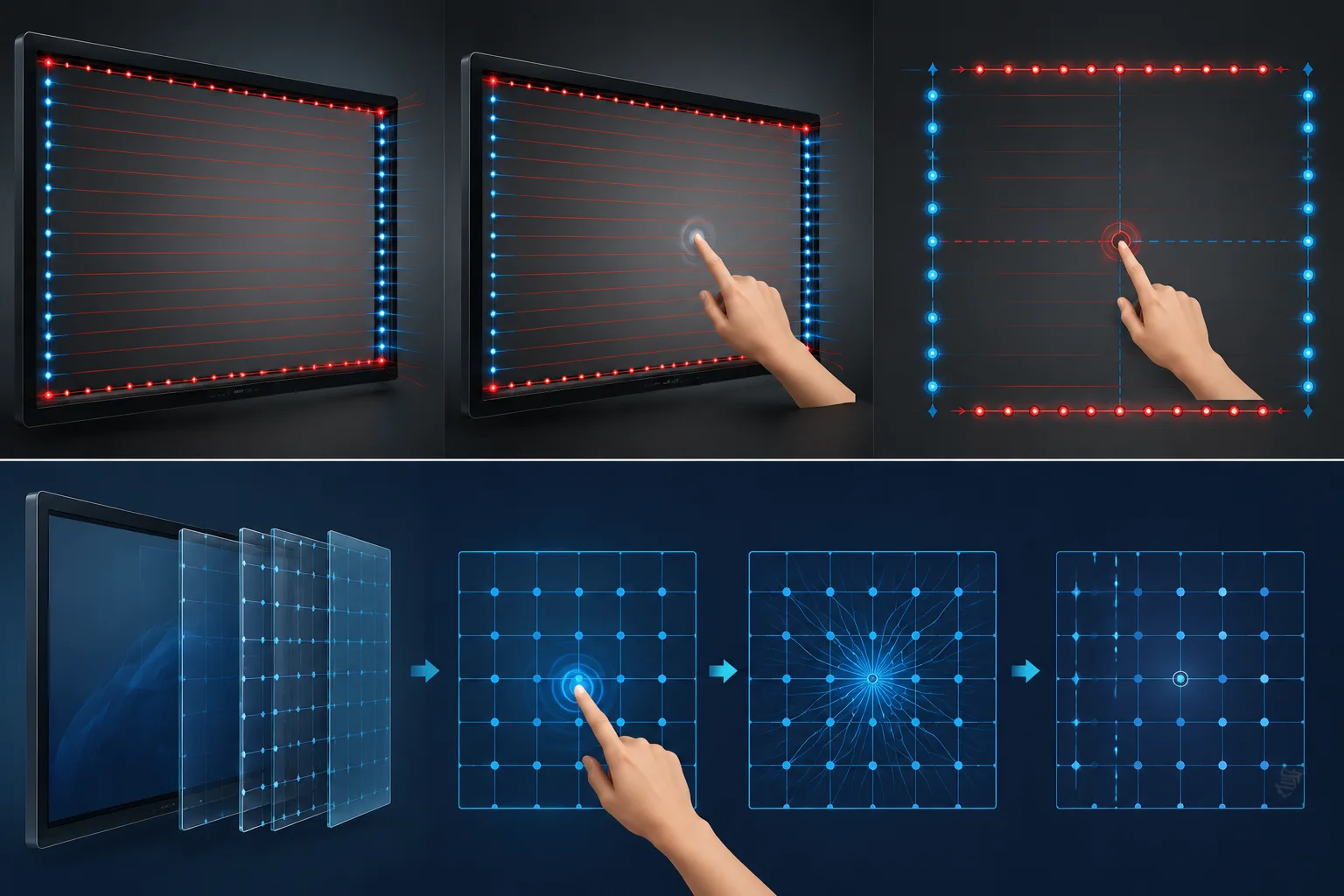
An infrared touch IFP uses rows of invisible infrared beams across the screen bezel. Your finger or stylus breaks the beam, and the system knows where you touched.

This is the most common touch technology in education. Not because it's the fanciest — because it's the most practical. Handles large screens. Doesn't care what you use as a pen — finger, stylus, even a gloved hand. Costs less than capacitive. Holds up in rooms where sunlight hits the screen all afternoon.

If you're comparing IR to PCAP: IR is what you choose when your room has multiple users, strong ambient light, and you don't need the ultra-fine precision of a capacitive panel. Boardroom with one person controlling the screen — PCAP might fit better. Classroom where three students walk up and start writing — this is the one.

What Matters When You're Comparing

Touch Technology

Infrared touch. Detects anything that breaks the beam — finger, stylus, gloved hand, plastic pointer. Touch points configurable to your use case. More students at the board = more points. Talk to us about your room.

Screen Sizes

Available from 55 inches to 110 inches. Standard classroom of 20-30 students: 75 or 86 inches is the common pick. Smaller rooms: 65 inches. Lecture halls: 110 inches.

Built-in System

Android standard. Open files, run apps, connect to Wi-Fi — no laptop needed. Optional Windows OPS module for schools that run Windows-only software.

Anti-Glare, 4K

4K resolution on a commercial-grade LED panel. Anti-glare coating standard. Students in the back row see the same clear image as the ones up front — lights on or off.

What It Actually Does in a Room

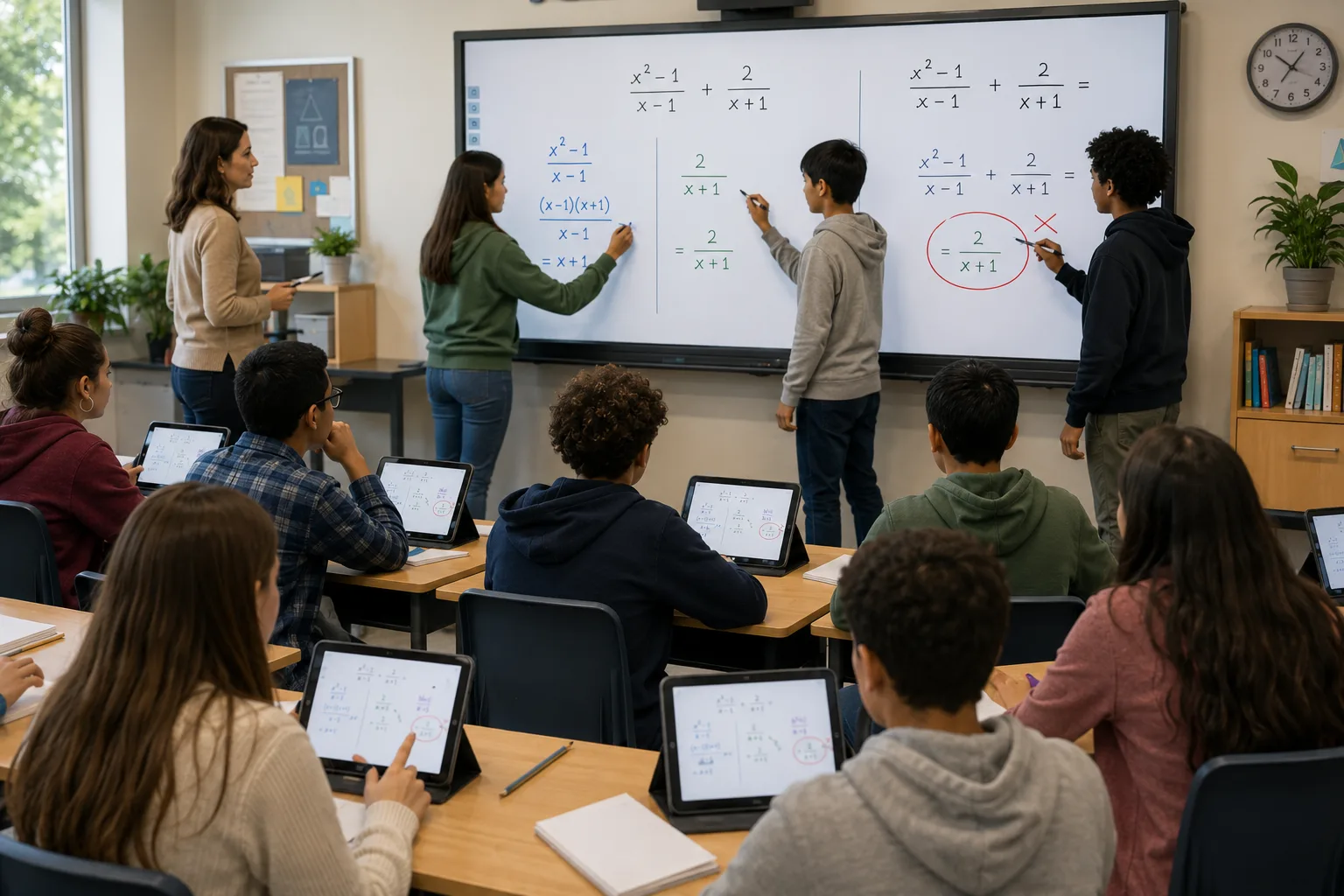
A teacher writes a math problem. Two students walk up and solve different parts at the same time. A third circles a mistake. The rest of the class watches on their tablets via screen share. Teacher saves the page. Next period picks up where they left off.

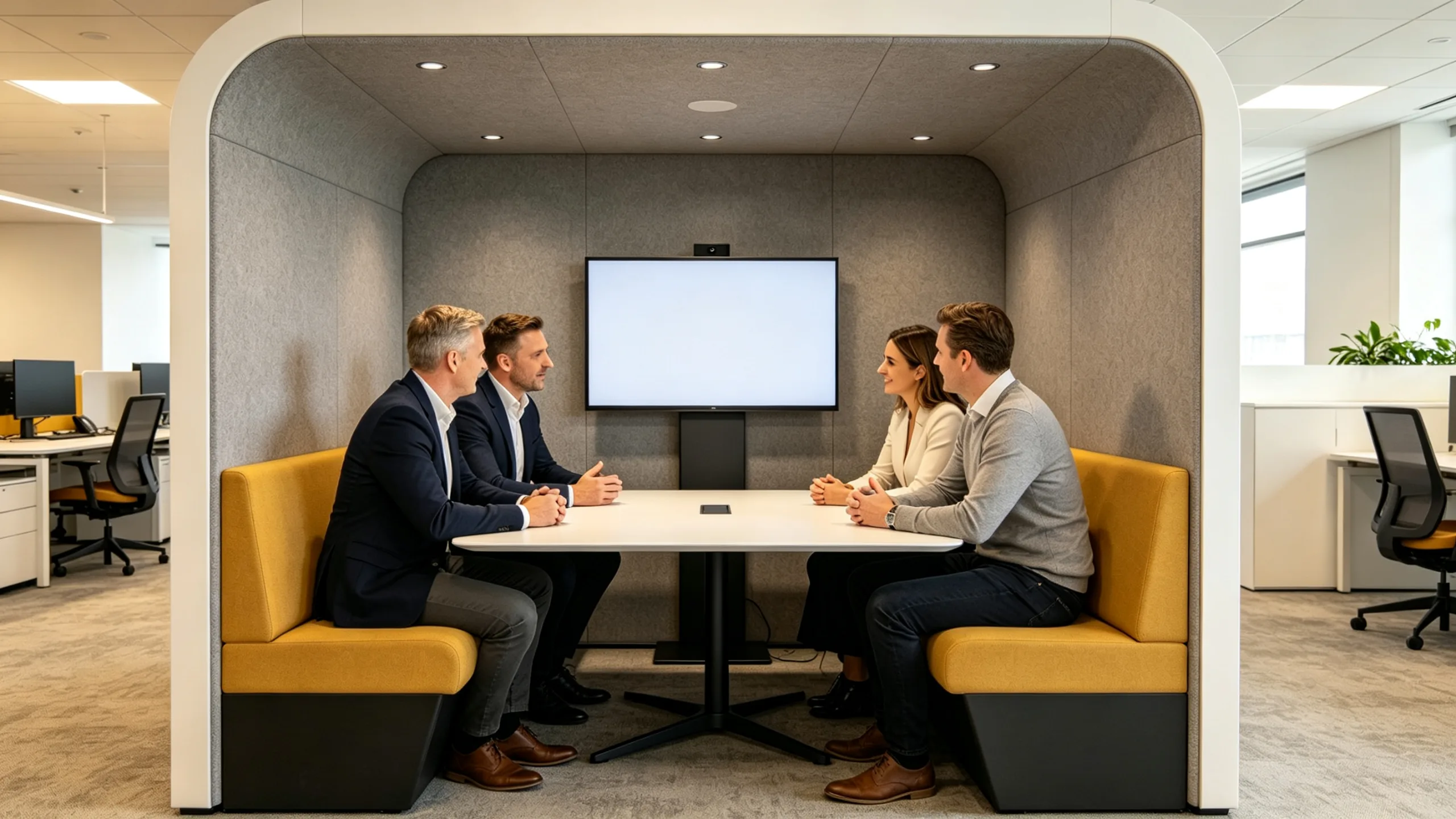
In a training room: twenty employees. The instructor marks up a diagram, zooms in, pulls up a video, goes back to the whiteboard. No switching devices. Everything on one screen, one flow.

Popular Configurations

All sizes configurable to your requirements.OEM / ODM supported.

55" Infrared Touch Display

55" Infrared Touch Display

Small classroom / Small training room

65" Infrared Touch Display

65" Infrared Touch Display

Medium classroom / Huddle room

75" Infrared Touch Display

75" Infrared Touch Display

Standard classroom / Medium training room

86" Infrared Touch Display

86" Infrared Touch Display

Large classroom / Large training room

98" Infrared Touch Display

98" Infrared Touch Display

Lecture hall / Auditorium

110" Infrared Touch Display

110" Infrared Touch Display

Large lecture hall / Auditorium

20 Years of Specialized Excellence

From our first panel in 2005 to today, we maintain the same factory and the same single-minded focus.

Integrated 100,000 m² production base, in-house CNAS-accredited testing, certified for CE, FCC, and RoHS worldwide.

We don't chase trends. We master interactive flat panels—20 years, zero compromise.

01
Can students use their fingers or do they need a stylus? +
02
Does infrared touch work with strong classroom lighting? +
03
What's the difference between infrared and capacitive touch? +
04
How long does installation take? +

Not Sure Which Size Fits Your Space?

Tell us your room size, how many students or trainees, and whether you need Windows — we'll recommend the right size and configuration.No blind upselling.

Contact us
Find Your Interactive Flat Panel Solution. Contact LONTON for a custom quote.
WeChat
WeChat QR
WhatsApp
Chat with us
WhatsApp QR
Call Us
+86 133 7129 6833
Email Us
[email protected]