
 English
Walk into any modern preschool classroom today, and you'll notice something has changed. The dusty chalkboard in the corner? Gone. The TV cart that took five minutes to wheel in and plug up? Retired.
In their place sits a sleek, wall-mounted screen that children actually want to interact with.
That's a smart board for preschool — and if you're a school director, an early education center owner, or a purchasing manager researching your first interactive display, you're in the right place.
This guide covers everything: what makes a preschool smart board different from a regular one, which features actually matter for 3-6 year olds, how much to budget, and how to avoid buying the wrong thing.

1. What Makes a Smart Board for Preschool Different?
Here's the thing most suppliers won't tell you: a smart board designed for a corporate boardroom and one designed for a classroom full of four-year-olds are not the same product.
Preschool use creates unique demands:
| Requirement | Why It Matters |
| Low mounting height | 3-5 year olds need to reach the screen. A board mounted at adult eye level is useless. |
| Anti-blue light certification | Young eyes are more sensitive. Look for TÜV Rheinland low blue light or flicker-free certification. |
| Rounded corners & tempered glass | Kids bump into things. Sharp bezels = accident waiting to happen. |
| 20-point (or more) multi-touch | Multiple children should write or draw at the same time -group interaction is the whole point. |
| Simple, icon-based UI | Complicated menus kill engagement. Teachers need a one-tap startup. |
| Anti-glare matte screen | Preschool rooms often have large windows. Glossy = invisible. |
If the smart board for preschool you're looking at doesn't check at least four of these boxes, keep scrolling.
2. Size Guide: What Size Smart Board for a Preschool Classroom?
The single most common mistake preschools make is buying too big or too small.
| Room Type | Capacity | Recommended Size |
| Small activity room | 6-10 kids | 55" |
| Standard classroom | 10-20kids | 65" |
| Large classroom / multi-purpose | 20-30 kids | 75" |
| Assembly hall / common area | 30+ kids | 86" |
A good rule of thumb: stand at the back of your classroom. Can a child sitting at the last table clearly see text the size of their palm on the screen? If not, go bigger.
But bigger isn't always better. A 86" screen in a small 6-child room overwhelms the space and forces kids to crane their necks. Most preschools land on 65" or 75" as the sweet spot.

3. Which Features Actually Matter? (Not What Salespeople Tell You)
Smart board spec sheets are full of buzzwords. Let's cut through the noise.
Must-Have
- Infrared touch (20+ points): Capacitive is nice, but infrared handles sticky fingers, markers, and accidental palm presses better.
- 4K UHD resolution: At 65-75", anything less than 4K looks fuzzy up close, and preschoolers already have enough visual noise.
- Built-in Android OS: No external PC needed for basic whiteboarding, YouTube Kids, or educational apps. Turn it on and teach.
- Dual-band WiFi + screen mirroring: Teachers should be able to cast a tablet or phone in seconds — not spend five minutes plugging cables.
- Integrated speakers (Personalized customization): Preschool content is heavy on songs, audio stories, and phonetic exercises. Bad speakers ruin the experience.
Nice-to-Have
- Built-in 48MP+ camera & 8-microphone array: Useful if your preschool ever does hybrid sessions (parent demos, remote specialist consultations).
- OPS slot: A modular PC slot lets you upgrade the computing brain later without replacing the entire board.
- Mobile stand: If you plan to share one board across multiple rooms, a rolling stand beats wall-mounting.
Don't Pay Extra For
- "AI-powered lesson planning": Most AI features on preschool boards are gimmicks. A teacher with a whiteboard app is faster.
- 8K resolution: No preschool content exists in 8K, and children can't tell the difference.
4. LonTon's education series smart board: Preschool Smart Board That Gets the Details Right
Here's where we talk about a solution purpose-built for early education — because not every interactive display manufacturer thinks about what a four-year-old needs.
LonTon's education series smart boards are designed with preschools specifically in mind. A few things that stand out:
- Height-adjustable wall brackets come standard(Personalized customization)— the board drops to 75cm from the floor, so even the shortest student can reach the center of the screen.
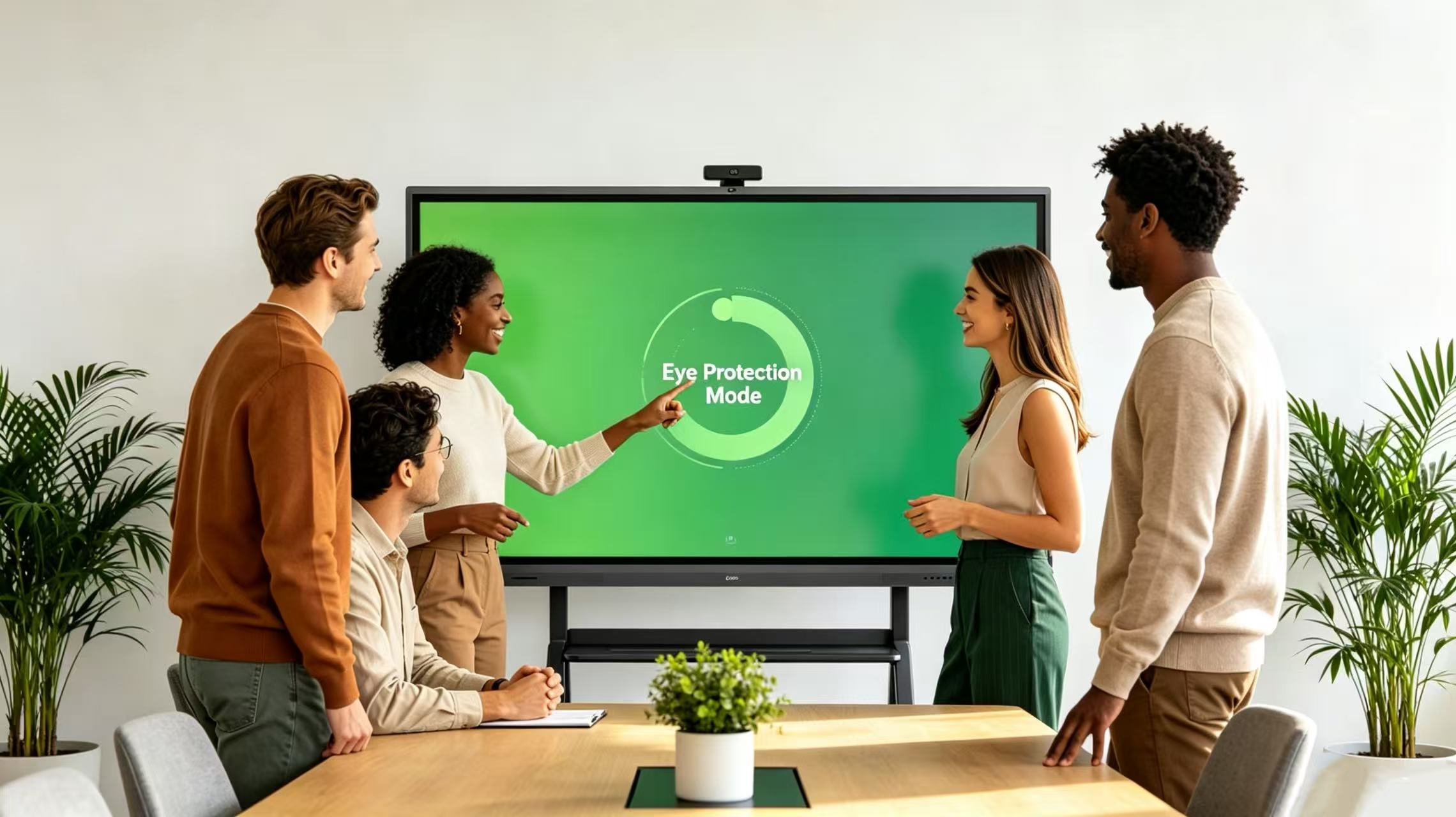
- TÜV-certified low blue light mode kicks in automatically during extended use, reducing eye strain that regular commercial displays ignore.
- 4mm tempered anti-glare glass with rounded corners — not the sharp aluminum bezels you'll find on generic office boards.
- 20-point infrared touch that works with fingers, stylus pens, or even a paintbrush — because preschool art class doesn't wait for calibration.
- Pre-installed educational app store with curated, ad-free content for ages 3-6, so teachers aren't scrolling through app stores during class.
A preschool in Jakarta running 12 LonTon 65" boards across their K1-K3 classrooms reported something interesting: teacher prep time dropped by roughly 30% because the "plug and play" Android system meant zero PC troubleshooting before each lesson. That's real time back in teachers' hands.
5. Budget: How Much Does a Smart Board for Preschool Cost?
Let's talk numbers. Pricing varies by size, brand, and feature set, but here's a realistic range for 2026:
| size | Entry-Level | Mid-Range(Recommended) | Premium |
| 55" | $500-$1,200 | $1,500-$2,000 | $2,500+ |
| 65" | $1,000-$1,500 | $1,800-$2,500 | $3,200+ |
| 75" | $1,400-$2,000 | $2,200-$3,000 | $4,000+ |
| 86" | $1,800-$2,500 | $2,800-$3,800 | $5,000+ |
What's the difference between entry-level and mid-range?
Entry-level boards cut corners on touch responsiveness, speaker quality, and glass durability. For a preschool — where the board gets touched by 20+ pairs of hands daily — the mid-range tier pays for itself within the first year in avoided repairs and replacement parts.
Budget tip: if you're outfitting multiple classrooms, most manufacturers (LonTon included) offer volume discounts starting at 5+ units. Ask for it — don't wait for them to offer.
6. Red Flags: 5 Things That Signal a Bad Purchase
- No local warranty or support: If the board breaks and you're emailing a factory 5,000 miles away with no local service partner, expect weeks of downtime.
- "Professional installation not included": Preschool wall mounting involves finding studs behind drywall at child-safe heights. This is not a DIY weekend project.
- Generic Android tablet OS: A smart board that just runs raw Android 12 with no custom launcher means teachers are navigating tiny icons and notification bars. Look for a purpose-built education UI.
- Glossy screen: Walk into the classroom at 10 AM when the sun hits. If you can see your reflection more clearly than the screen content, that board is useless for half the day.
- No anti-bacterial surface certification: Post-pandemic, parents care about this. Some boards now come with silver-ion antimicrobial coating on the glass — not a must-have, but a strong signal of a manufacturer thinking about the right things.
7. The Bottom Line
A smart board for preschool isn't just a gadget — it's the centerpiece of a modern early education classroom. The right board keeps kids engaged, saves teachers time, and signals to parents that your school invests in quality.
The wrong board? It collects dust in the corner while teachers go back to flashcards and YouTube on an iPad.
If you're evaluating options and want to talk specifics — classroom layouts, mounting solutions, or volume pricing for multiple rooms — reach out to a supplier that knows education, not just office tech.
LonTon has been equipping preschools, primary schools, and training centers with interactive flat panels since 2005. Get in touch for a consultation, spec sheets, or a quote customized to your classroom setup.
Contact LonTon for a Preschool Smart Board Quote.

