
 English
Smart Board for Home: What Actually Makes Sense (2026)
You are here because the idea made sense when it popped into your head.
Maybe you have been working from home and the laptop screen feels too cramped after the third video call. Maybe your kids are doing more learning through screens than anyone planned for, and a tablet is not cutting it anymore. Or maybe you just walked out of a meeting room with one of those big interactive panels and thought — I could use that at home.
Whatever brought you here, you are probably wondering the same thing: does a smart board for home use actually make sense, or is this one of those things that sounds better than it works?
Let us think through it together. Not as a product pitch. As someone trying to figure out whether this is a good idea or an expensive mistake.
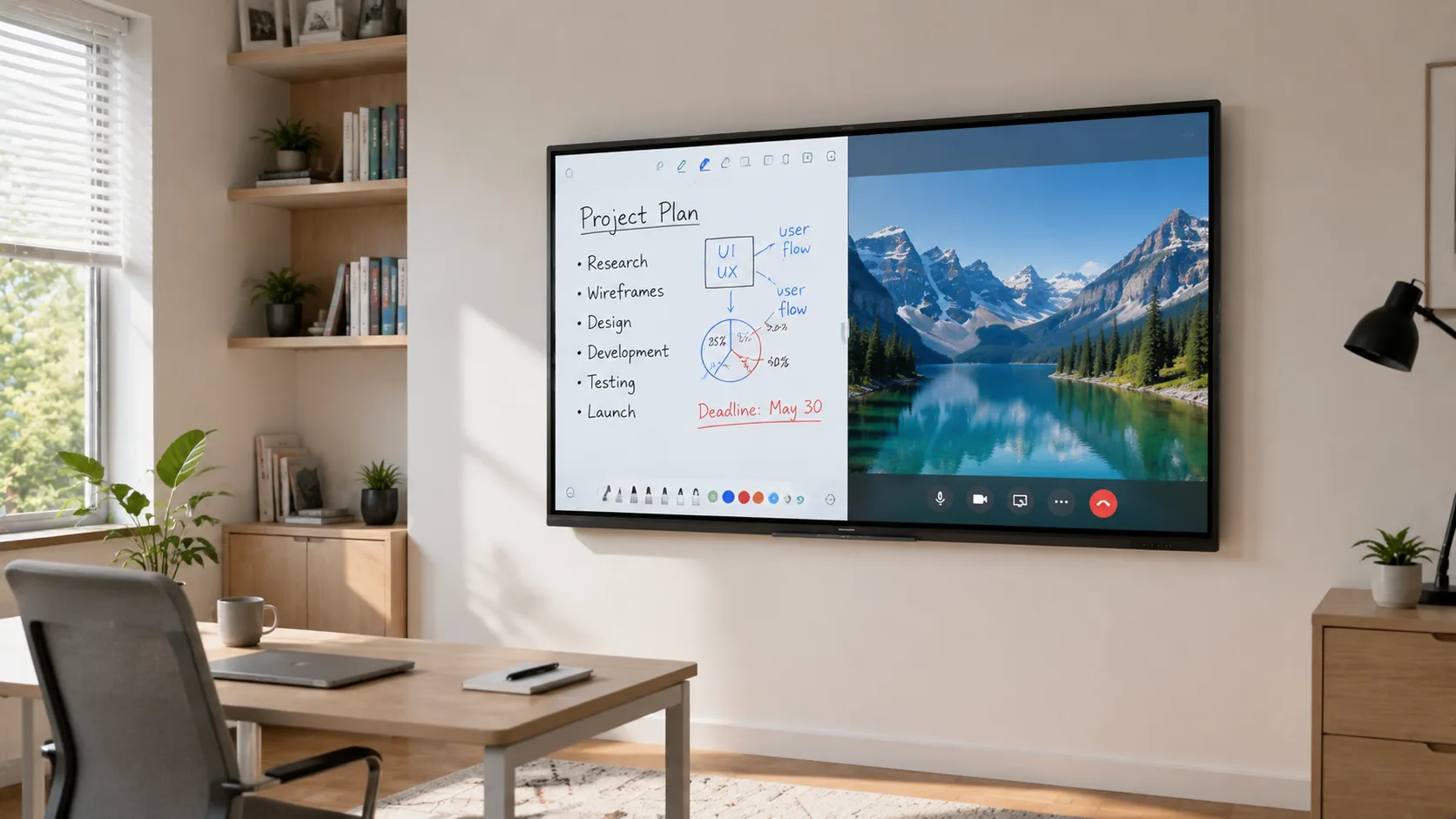
So What Size Are We Actually Talking About?
You have probably seen 75-inch and 86-inch panels in conference rooms. They look great when twelve people are sitting around a table and the person at the far end needs to read the spreadsheet.
Now picture your living room. Or your home office. Or wherever you are thinking of putting this thing.
How far will you be sitting from the wall? Three feet? Four? At that distance, a 55-inch panel already fills your field of view. A 65-inch one starts to feel like the front row of a movie theater — except you are trying to read text, not watch explosions.
That does not mean you cannot go bigger. If you have a dedicated room — a converted garage, a basement setup, a large open-plan space where the seating sits further back — 65 inches works well. But for most homes, 55 to 65 inches is the range where the screen feels right and the room does not feel like it belongs to the board.
Smaller than 55? At that point you are in large-monitor territory, and you are probably better off with a high-end desktop display. The whole reason to get a smart board is the interactive surface — the space to write, sketch, annotate. Below 55 inches, the canvas shrinks to the point where you will wonder why you did not just buy a big iPad.
So before you do anything else, walk into the room. Stand where you would sit or stand while using the board. Measure the distance to the wall. If it is under five feet, 55 inches is your answer. If you have more room, 65 inches is the ceiling. Do not let product pages talk you into more screen than your space can handle.
Which Features Will You Actually Touch?
Spec sheets are designed to impress you. Twenty-point touch. Forty-point touch. 4K resolution. Built-in this, integrated that. It all sounds essential when you read it in a list.
Now ask yourself: on a normal Tuesday afternoon at home, how many of these features will you touch?
If your use case is mostly video calls, whiteboarding, helping kids with homework, or sketching out ideas — you are one person touching one screen. Two-point touch handles pinch-to-zoom. The other eighteen touch points are decoration.
Built-in cameras? Useful if you spend hours a day on calls and you want the clean all-in-one look. But if your home board is mostly for learning apps or solo work, that camera is just hardware you paid for and never use. A USB webcam covers the video call use case when you need it.
Here is what actually matters — the things you will notice every day. Wireless screen sharing that does not require you to hunt for a cable. Touch response that does not lag when you are mid-sentence in a sketch. A screen finish that does not turn into a mirror the moment sunlight hits the wrong wall.
That last one is bigger than it sounds. Offices control their lighting. You do not. Glare will ruin the experience faster than any missing feature.
On the wireless sharing point — this is where paying attention to what comes pre-installed saves you hours of frustration. AirPlay, Google Cast, Miracast. You want at least two of these working right away, not after an afternoon of downloading drivers. Panels like the ones LonTon manufactures come with EShare pre-loaded, covering all three protocols without extra setup. For home use, that means your MacBook, your Android phone, and your partner's Windows laptop all connect the same way — no app store detour required.
What Are We Actually Spending Here?
This is probably where your search started. You wanted a number. Here it is.
A 55-inch panel — the size that fits most homes — runs $500 to $1,500. The lower end is a basic interactive display that works. The higher end gets you better touch response, a brighter screen, and speakers that do not sound like a laptop from ten years ago. For most home users, the middle of that range — around $800 to $1,200 — is where the value lives.
A 65-inch panel adds a few hundred. Budget $1,200 to $2,500. Beyond that, the price climbs faster than anything you will notice from your couch.
That is the panel. Now the part nobody budgets for. A wall mount you can trust: $50 to $300. A mobile stand if you want to wheel it between rooms: $200 to $600. Installation — running power, mounting securely on drywall, hiding the cables you will stare at every day: $200 to $800, depending on how cooperative your wall is.
All-in, a home setup lands between $1,000 and $3,500 for most people. If your number is climbing past that, you are probably buying office hardware for a use case that does not ask for it.
The Part Product Pages Skip
Here is something no spec sheet will tell you: your wall is probably not ready for this.
A 55-inch interactive flat panel weighs somewhere around sixty to eighty pounds. Drywall alone will not hold that. You need to hit studs or reinforce the wall before mounting. If you are renting, this gets complicated fast — check what you are allowed to drill into before you order anything. A mobile stand dodges the wall problem, but it eats floor space. In a home office that already feels tight, that trade-off hurts.
Power is the other reality check. The clean wireless vision — one panel floating on the wall, no cables, magic — requires a power outlet exactly behind where the board goes. If your wall does not have one there, you are either running an extension cord across the floor or paying an electrician. Neither is the end of the world. Both are worth knowing before you unbox the panel.
Cable management matters more at home than it does in an office. In a conference room, nobody looks at the cables behind the display. In your living room or home office, you will see them every single day. Plan the routing before you drill, not after you mount.
And glare. Go into your room at different times of day. Watch where the sun hits the wall. If the answer is "exactly where the board would go," you need a matte-finish panel or a different wall. A glossy screen in direct sunlight is not "slightly annoying." It is unusable.
So Should You Actually Do This?
Let me be straight with you. For a lot of people who search this question, the honest answer is no.
If what you really want is a big screen for Netflix and the occasional video call, buy a large smart TV and a webcam. It does the same job for half the money, with zero installation drama, and it looks like it belongs in a house. A smart board is a creation tool, not a consumption screen. If your use case is mostly watching, save the budget and the wall space.
A smart board for home use makes sense when the board earns its keep through active work — tutoring kids in real time, running remote whiteboarding sessions for your job, teaching music or art online, or working in a field where you sketch and annotate constantly throughout the day. If you are writing on it, drawing on it, sharing your screen from it multiple times a day, the right panel changes how you work at home. If you are mostly looking at it, you bought the wrong tool.
For the people on the right side of that line — the right size, the right features, and a wall that is ready for it — a smart board for home use, configured for your space and your actual daily workflow, is a different experience from a repurposed office panel. You just have to be honest with yourself about which side of the line you are on.
LonTon has been manufacturing interactive flat panels since 2005. The panels that go into corporate meeting rooms and school classrooms come from the same production lines as the ones that end up in home offices. If your home setup has outgrown consumer gadgets and you are trying to figure out whether a smart board is the right next step — tell us your room size, how you plan to use it, and what matters most to you. We will help you think it through, and if it makes sense, point you toward the right configuration.

