
 English
Preschool Interactive Flat Panel: Size, Safety & Content for Ages 3-5
You're setting up a classroom for three- to five-year-olds, and you're trying to figure out whether an interactive flat panel actually fits that age group — or whether it's a screen that's too big, too bright, and too complicated for little kids. It's a fair worry, because most of the advice out there is written for elementary and high school rooms, not preschool.
This guide is for you — the preschool director, the daycare owner, the early-years teacher. It covers the three things that actually matter for the littlest learners: size, safety, and content.
What Size Fits a Preschool Classroom
Here's the thing most guides miss: a 75-inch panel in a preschool room is too much. Three-year-olds are short, their sightlines are low, and a screen mounted at adult height puts half the content above their heads. You end up with kids craning their necks — or ignoring the top half of the screen entirely.
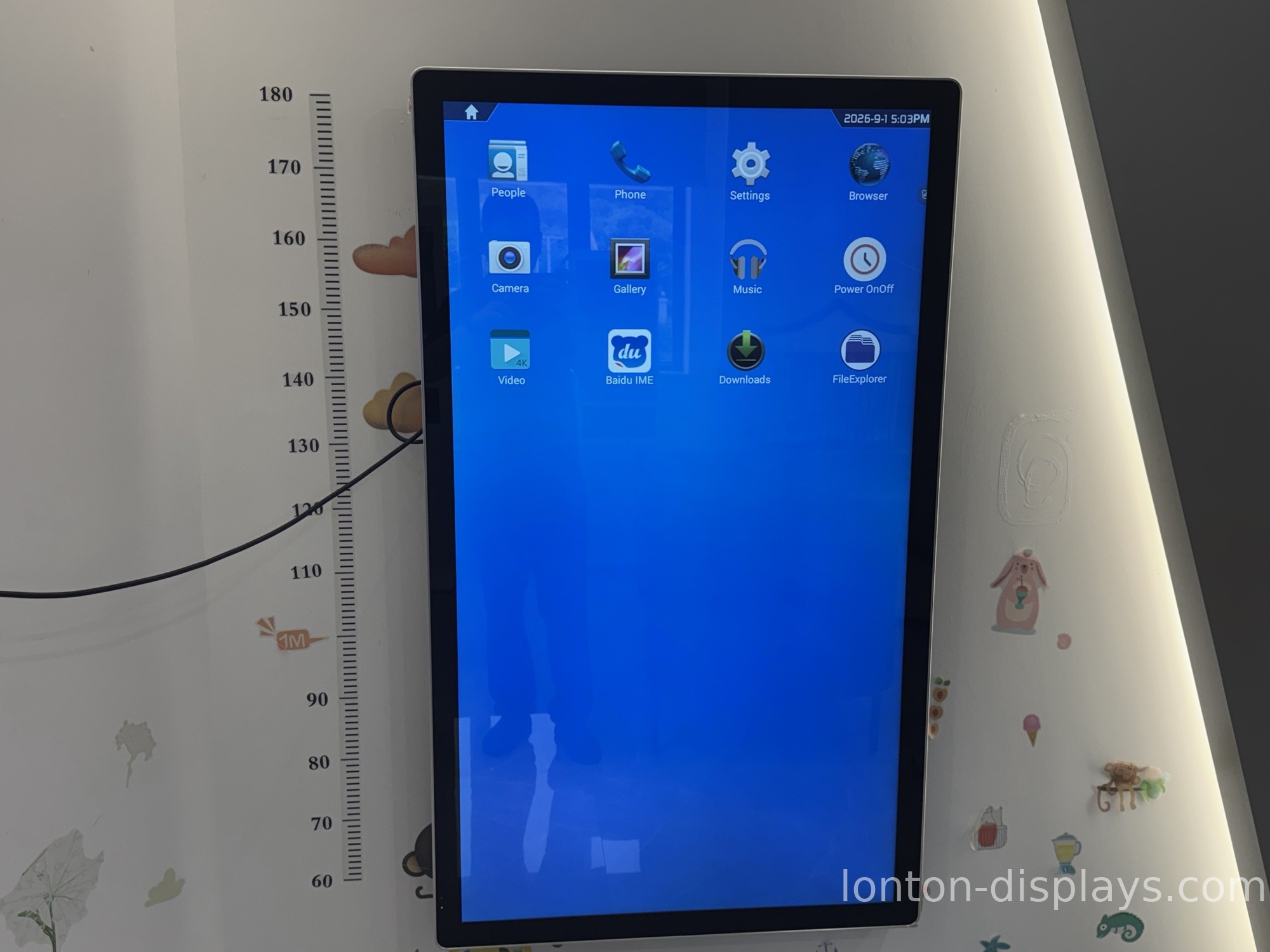
For a preschool room, a 55-inch or 65-inch panel is the sweet spot. Mount it lower than you would in an adult meeting room, roughly at a young child's eye level, and the whole screen stays usable. If you're not sure, the interactive flat panels Lonton builds start at 55 inches, so you're not forced into an oversized display.
Is the Screen Safe for Little Eyes
The safety question comes up in every preschool purchase, and it should. The two real concerns are screen time and eye strain.
On screen time, the panel isn't a passive TV — it's a tool a teacher uses for a few minutes at a time, not a screen kids stare at all day. The difference matters. A short, teacher-led session of letters, shapes, or a counting game is very different from a child left in front of a video for an hour.
On eye strain, look for a panel with an anti-glare surface so classroom lights don't bounce off the screen, and keep the brightness reasonable for the room. A good panel lets the teacher dial the brightness down for a dimmer story-time corner.
What Content Actually Works for 3-5 Year Olds
A preschool panel earns its keep through content, and the content that works at this age is specific: letters and numbers, shapes and colors, simple counting, and songs with movement. Big, bright visuals with a 40-point touch surface matter because little fingers aren't precise — the panel needs to respond to a whole palm, not a stylus-perfect tap.
You also want the panel to grow with the kids. A display that runs Android apps can start with simple preschool games and move up to early reading as the same class gets older. That's more useful than a closed system that only plays the content it shipped with.
How Lonton Fits a Preschool Classroom
Lonton is the factory. We build interactive flat panels from 55 inches up, with 40-point infrared touch, 4K UHD, and Android 15 — so little hands register every tap, and the display runs the apps your teachers already use.
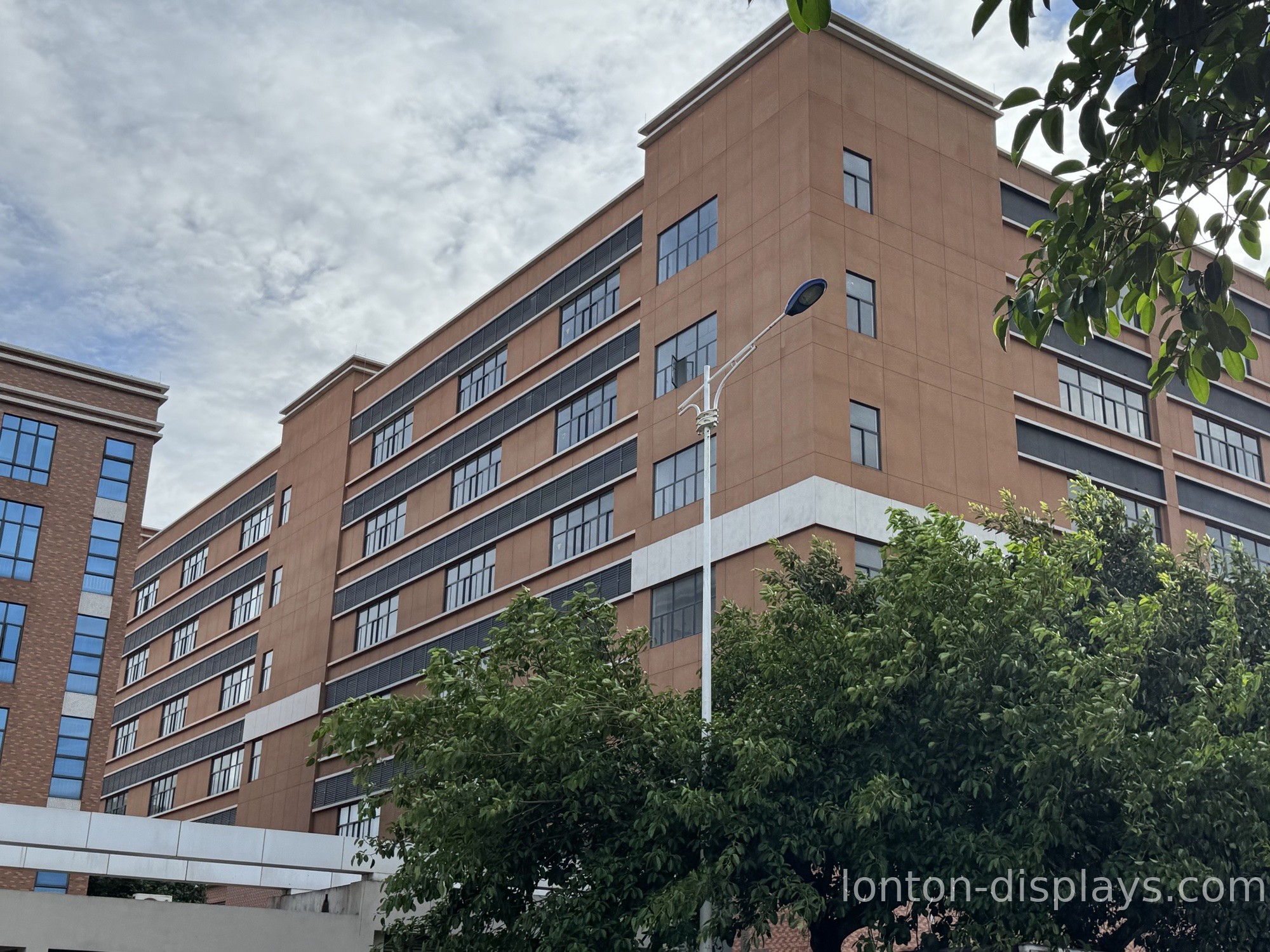
We build in a 100,000+ m² facility with 15 production lines and a 23,000 m² Class 10,000 cleanroom, hold ISO 9001, 14001, and 45001 plus CE, FCC, and RoHS, and ship factory-direct with an MOQ of 5 units. If you're outfitting one preschool or several, that low minimum means you don't have to buy a container's worth to get factory pricing.
Get a Preschool Panel Quote
Tell us your room size, the age group, and how many classrooms you're outfitting, and we'll spec the right size and send a factory-direct quote. You get a panel sized for little learners, not an oversized display forced onto a preschool budget.
FAQ
What size smart board is best for preschool?
A 55-inch or 65-inch panel, mounted low at a young child's eye level. Bigger screens put content above their sightline and go partly unused.
Are interactive flat panels safe for 3-year-olds?
Yes, when used as a teacher-led tool in short sessions rather than a passive screen. Look for an anti-glare surface and adjustable brightness to reduce eye strain.
What should a preschool smart board be used for?
Letters, numbers, shapes, colors, counting, and movement songs — short, big, bright activities led by the teacher, not all-day video.
Do I need 40-point touch for preschool?
It helps. Little fingers aren't precise, so a responsive multi-touch surface registers taps more reliably than a basic single-touch screen.
Can a preschool order a small number of panels?
Yes. Lonton's MOQ is 5 units, so a single preschool or a small daycare chain can order at factory pricing without buying in bulk.

