
 English
Interactive Flat Panel Camera & Microphone: A Video Meeting Guide (2026)
I sat in on a video call once where the company had spent real money on a beautiful display — and the far end spent the whole meeting asking people to repeat themselves. The camera was a webcam taped to the top edge, the microphone picked up the air conditioner better than the speaker, and the "meeting" was forty minutes of "sorry, can you say that again?"
The display is only half of a video meeting. The camera and microphone are the other half, and they're the part nobody specs until a meeting goes wrong. Here's what to look for.
The far end has to see you clearly
A video meeting lives or dies on whether the person on the other end can read your face and your slides. That means a camera that actually resolves detail — a 48-megapixel sensor captures the room and the whiteboard without turning faces into smudges — and framing that keeps the speaker in shot without someone having to crawl toward the screen. A good built-in camera auto-frames the room, so a presenter can stand and walk a little without dropping out of frame.
The difference between a built-in 48MP camera and a webcam clipped to the top is the difference between a professional meeting and a hostage video.
Audio is the part nobody specs but everyone notices
People will forgive a slightly soft picture. They won't forgive not being able to hear. That's why the microphone matters more than the camera in practice. Look for a multi-microphone array — ours is eight microphones — because it's what picks up the person at the far end of the table as clearly as the person next to the screen. A single mic pointed at the ceiling picks up the HVAC and misses half the room.
And don't forget the speakers. 2 × 15W means the far end's voice fills the room without a separate speaker system bolted to the wall.
Built-in beats bolted-on
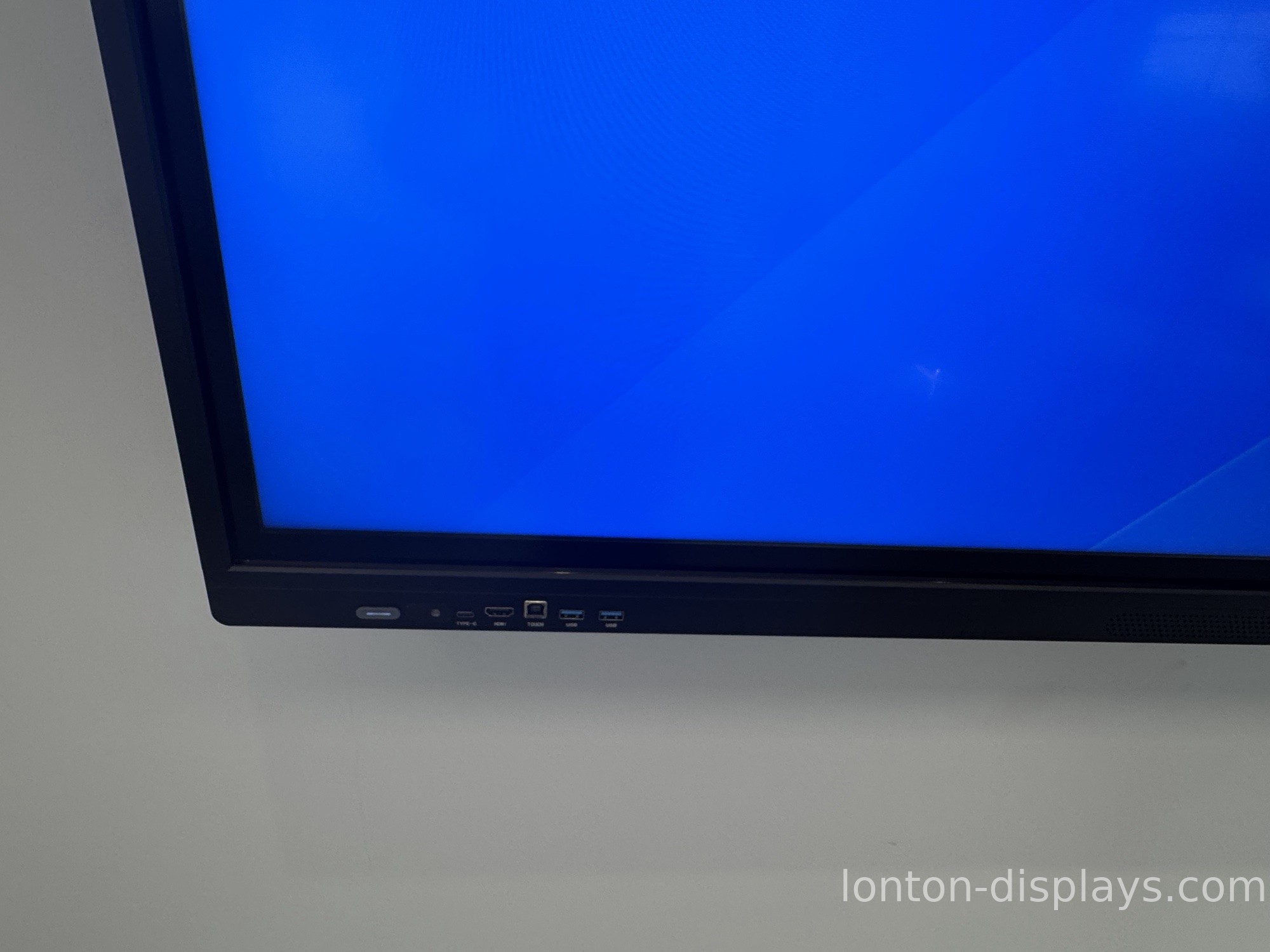
There are two ways to get a video meeting working: buy a display with the camera and mics integrated, or buy a display and then add a webcam, a speakerphone, and a tangle of cables. The integrated path is cleaner — one power cable, one firmware update, one thing to troubleshoot — and it's why a panel with a built-in 48MP camera and 8-microphone array wins over a bare screen with accessories stacked on it.
Ask, before you buy, whether the camera and mic are built in or an add-on. The answer tells you how many boxes and cables are about to live on your conference table.
Check it the way you'll use it
When you evaluate a panel, don't just look at the picture — make a test call. Put a person at the far end of the table, turn on the air conditioning, and ask them how you sound. That one test tells you more than the spec sheet ever will. A panel that passes it will make every future meeting easier; a panel that fails it will make every future meeting a negotiation.
Lonton's interactive flat panels come with a 48MP camera and 8-microphone array built in, plus 2 × 15W speakers — so the room is ready for a video meeting the moment the panel is mounted, not after a week of accessories.
Get a panel that's meeting-ready
If video meetings are part of your week, tell us your room size and we'll spec a panel with the camera and audio built in — factory-direct, usually within 24 hours. Start with a sample unit and make a real test call before you commit.
FAQ
Do I need a separate webcam?
No — Lonton panels have a 48MP camera built in, so there's no webcam taped to the top edge.
Can the microphone pick up the whole room?
Yes — an 8-microphone array picks up the person at the far end of the table as clearly as the one next to the screen.
Do I need separate speakers?
No — 2 × 15W speakers are built in, so the far end's voice fills the room.
Why does audio matter more than the camera?
People forgive a soft picture but not being unable to hear. A multi-mic array is what makes a meeting usable.
How do I test a panel before buying?
Make a real test call with someone at the far end of the table and the air conditioning on — that's the test that matters.
Is the camera and mic an add-on or built in?
Built in on Lonton panels — one unit, one cable, ready the moment it's mounted.

