
 English
Interactive Flat Panel Brightness: How Many Nits Do You Need? (2026)
A client once showed me a photo of their new conference room: floor-to-ceiling windows, afternoon sun, and a panel you could barely read from the far end of the table. The spec sheet said 250 nits, which looked fine on paper. In that room, at that hour, it was a mirror with a picture behind it. The panel wasn't broken — it was under-specced for the space.
Brightness is the spec people fixate on and usually get wrong. Here's how to match it to your room instead of the brochure.
What a nit actually means
Brightness is measured in nits — the same thing as candela per square metre (cd/m²). It's simply how bright the screen can go. For reference: a living-room TV runs 250–400 nits, a phone screen runs 400–800, and a meeting-room display should sit in the 300–400 range. Below 300, a bright room washes the screen out. Above 400, you're paying for brightness you'll never use in a meeting space.
Match the nits to the room
The right brightness isn't one number — it's a number that fits the room the panel lives in:
- Windowless or dim room. 300–350 nits is plenty. Brighter than that just makes people squint through a two-hour session.
- Normal overhead lighting. 350 nits holds up cleanly under office lights.
- Windows with direct sun. You want the top of the range — 350–400 nits — and, more importantly, anti-glare glass, because the real problem in a bright room is reflection, not the backlight.
The mistake buyers make is chasing a bigger number when the actual fix is the glass. A 350-nit panel with anti-glare coating will read better next to a window than a 500-nit panel with glossy glass that mirrors the light back at you.
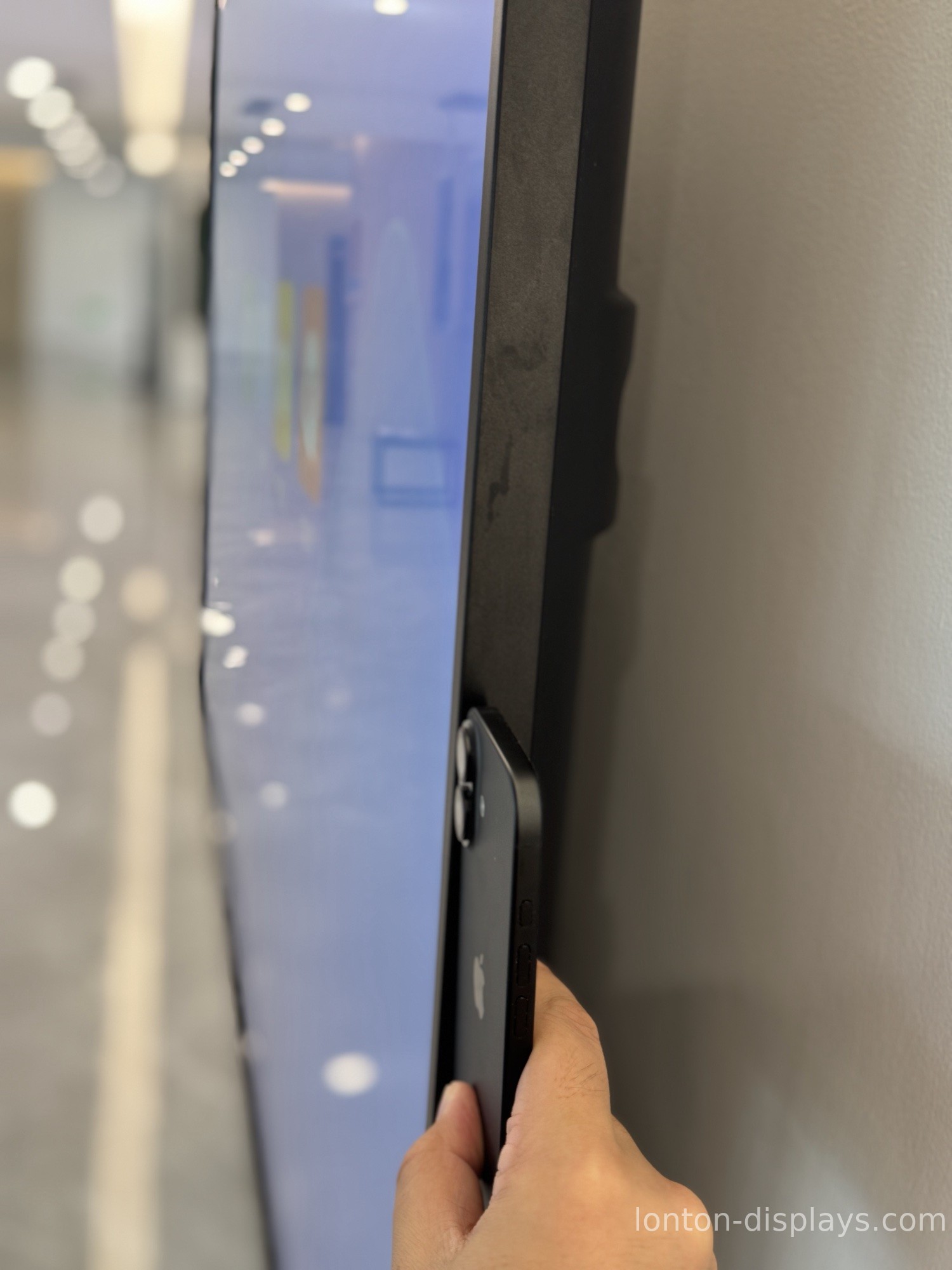
Why more nits isn't better
Higher brightness costs more, runs hotter, and pulls more power. In a meeting room, a 700-nit panel mostly means people squint at it and the room feels like a showroom. There's a reason commercial displays aren't built like outdoor signage — an interactive flat panel is meant to be read from a few feet away, not from across a parking lot.
The number that matters more than peak brightness is whether the panel stays comfortable over a long session. That's a combination of the right nit level and the right glass, not a race to the biggest spec.
Check the glass, not just the number
When you compare panels, look at the glass as closely as the nits. Anti-glare tempered glass — MOHS 7 hardness on our panels — kills the reflections from windows and ceiling lights that make a screen "look dim" even when the backlight is fine. It also shrugs off the scratches and fingerprints a busy room puts on it.
Lonton's interactive flat panels ship at 350 cd/m² with anti-glare tempered glass — the level we've found holds up in lit boardrooms and classrooms without turning a two-hour meeting into a staring contest. If your room has unusual light, tell us, and we'll match the spec to it.
Get the brightness right the first time
Send us your room layout and lighting, and we'll tell you exactly what brightness and glass to spec — factory-direct, usually within 24 hours. You can start with a sample unit to see it in the actual room before you commit.
FAQ
How many nits does a meeting room display need?
300–400 nits for most rooms: 300–350 for dim rooms, 350 for standard office lighting, and 350–400 with anti-glare glass for sunny rooms.
Is higher brightness always better?
No. Above 400 nits you're usually paying for brightness you won't use, plus more heat and power. The glass matters more than the number in bright rooms.
What brightness does Lonton use?
350 cd/m² with anti-glare tempered glass — tuned for lit meeting rooms and classrooms.
Why does my panel look dim next to a window?
Usually it's reflection, not brightness. Anti-glare glass fixes the mirror effect that makes a screen look washed out.
Can I see a sample in my own room first?
Yes — start with a sample unit and check it under your actual lighting before you order.
Does brightness affect power and heat?
Yes. Higher brightness pulls more power and runs hotter, which is another reason not to over-spec.

