
 English
Interactive Display for Church: A Practical Buying Guide
Your church has outgrown the printed song sheets and the dim projector in the corner. You want lyrics the whole room can read, announcements people actually notice, and a screen your volunteers can run without a degree in AV. An interactive display solves all three — but only if you pick the right one for your sanctuary.
This guide walks through why churches are moving to interactive displays, what to look for before you buy, and how to size one for your space.
Why Churches Are Switching to Interactive Displays
A church is not an office and not a classroom — it's both, in a single room, run by volunteers. That shapes what actually matters in a display:
- Worship lyrics. Big, bright text the back row can read, switched smoothly by a volunteer on Sunday morning.
- Sermon notes and scripture. The pastor wants the outline and verses visible without fiddling with a laptop.
- Announcements. A rolling notice that runs before and after service without a dedicated operator.
- Children's ministry. A touch-enabled screen in the kids' room for lessons, games, and videos.
An interactive display handles all of these in one screen, where a projector needs a dark room and a TV needs an extra box to touch or annotate.
What to Look For Before You Buy
Brightness you can read in daylight
Sanctuaries with windows or stage lighting wash out a dim screen. Look for a panel with real brightness — Lonton panels run 350 cd/m² with anti-glare glass, so lyrics stay readable even with the lights up.
Touch your volunteers will actually use
40-point infrared touch means the pastor or a volunteer can write notes directly on the screen during a lesson or sermon — no extra pen, no calibration. If the screen is only ever going to be watched, touch still makes setup and annotation easier.
Simple software, not a second job
Your AV team is volunteers. A panel that runs Android 15 out of the box, with an OPS slot for Windows 11 Pro if you need it, means the software just works — no IT person required on Sunday.
A screen that lasts
Churches buy once and expect the screen to run for years. Look for CE, FCC, and RoHS certification plus a factory that tests every panel before it ships.
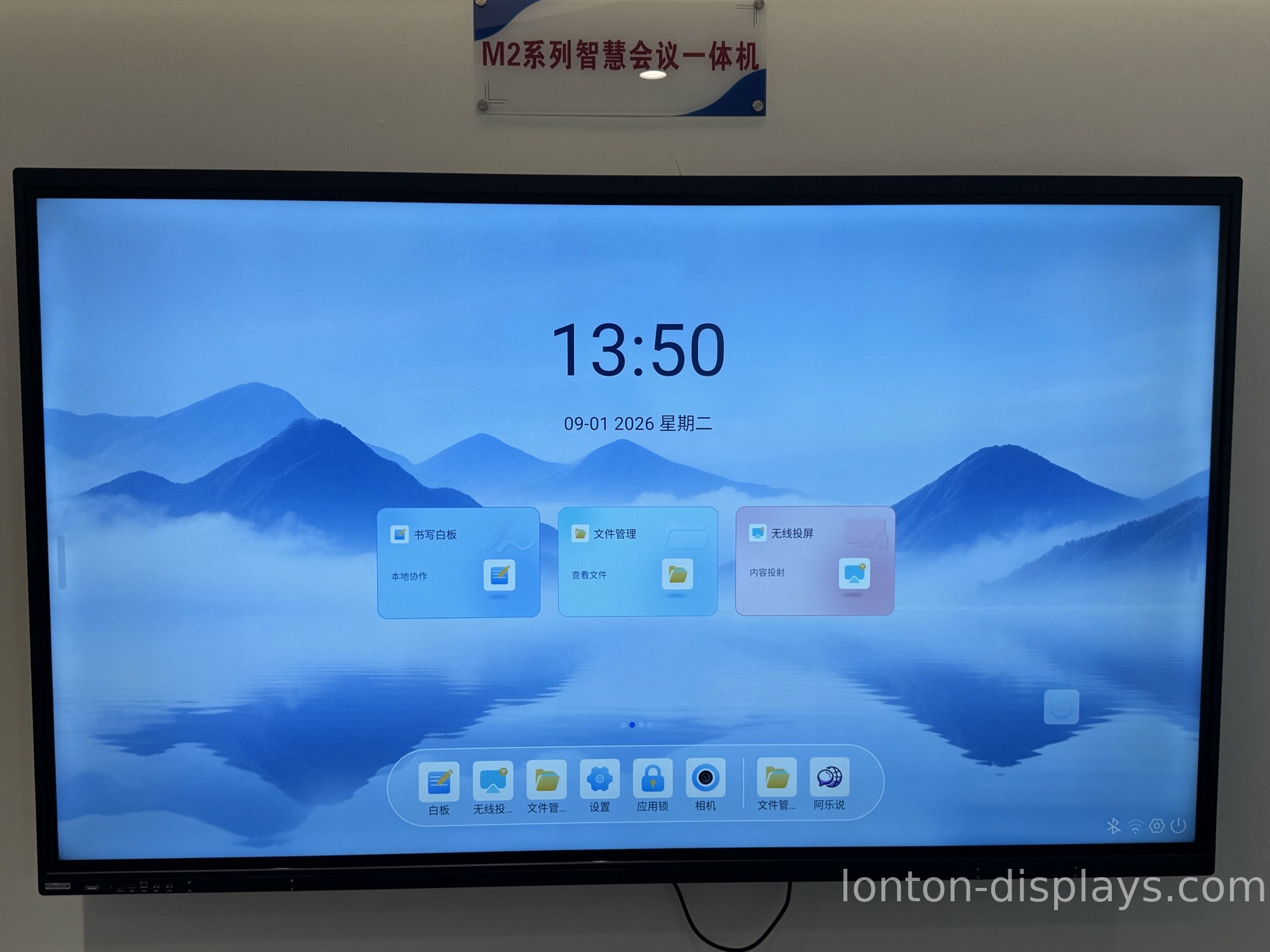
What Size Interactive Display for a Church?
The right size depends on how far the back row sits from the screen:
- Small chapel or kids' room (under 30 seats): 65" is usually enough.
- Main sanctuary (30–100 seats): 75" or 86" covers the room.
- Large sanctuary (100+ seats): 86" or larger, or two panels side by side.
When in doubt, go one size up — a screen that's slightly too big is far better than lyrics the back row can't read.
How Lonton Fits Your Church
Lonton builds interactive flat panels from 65" up to 110", so there's a size for the sanctuary, the fellowship hall, and the kids' room. Every panel ships with 4K UHD resolution, 40-point infrared touch, and Android 15 built-in, using BOE and CSOT panels, with CE, FCC, and RoHS certification.
We're the factory, which means you buy direct and skip the AV dealer's markup — and with an MOQ of just 5 units, a church ordering a screen for the sanctuary and a couple for the kids' rooms already gets factory pricing.
Get a Quote for Your Church
Tell us your sanctuary size, how far the back row sits, and how many rooms you're equipping, and we'll recommend the right panel size and send a factory-direct quote. A quick quote takes one message.
FAQ
What size interactive display do I need for a church?
65" works for a small chapel or kids' room, 75–86" for a main sanctuary of 30–100 seats, and 86" or larger for bigger rooms. Go one size up when in doubt.
Can I display worship lyrics on an interactive display?
Yes — this is one of the most common uses. Run your lyrics software through the built-in Android OS or a Windows OPS module, and volunteers can switch slides and annotate directly on the screen.
Do I need a projector instead?
For most sanctuaries, no. An interactive display is brighter, needs no dark room, and adds touch annotation — all without bulb replacements.
Is an interactive display hard for volunteers to run?
No. A panel running Android 15 works like a large tablet, and 40-point touch needs no calibration. Most volunteer teams pick it up in one session.
What's the minimum order?
Lonton's MOQ is 5 units, so a church equipping a sanctuary plus a couple of rooms can order at factory pricing.

