
 English
How to Screen Mirror iPhone to Smart Board: 3 Methods (2026)
An iPhone presenter walks into a meeting room. They need to share slides, a design mockup, or a spreadsheet on the big screen, and they do not have a dongle. The screen mirror iPhone to smart board workflow should take under a minute. Here are the three methods that work, from fastest to fallback.
Method 1: AirPlay via EShare (No App Required)
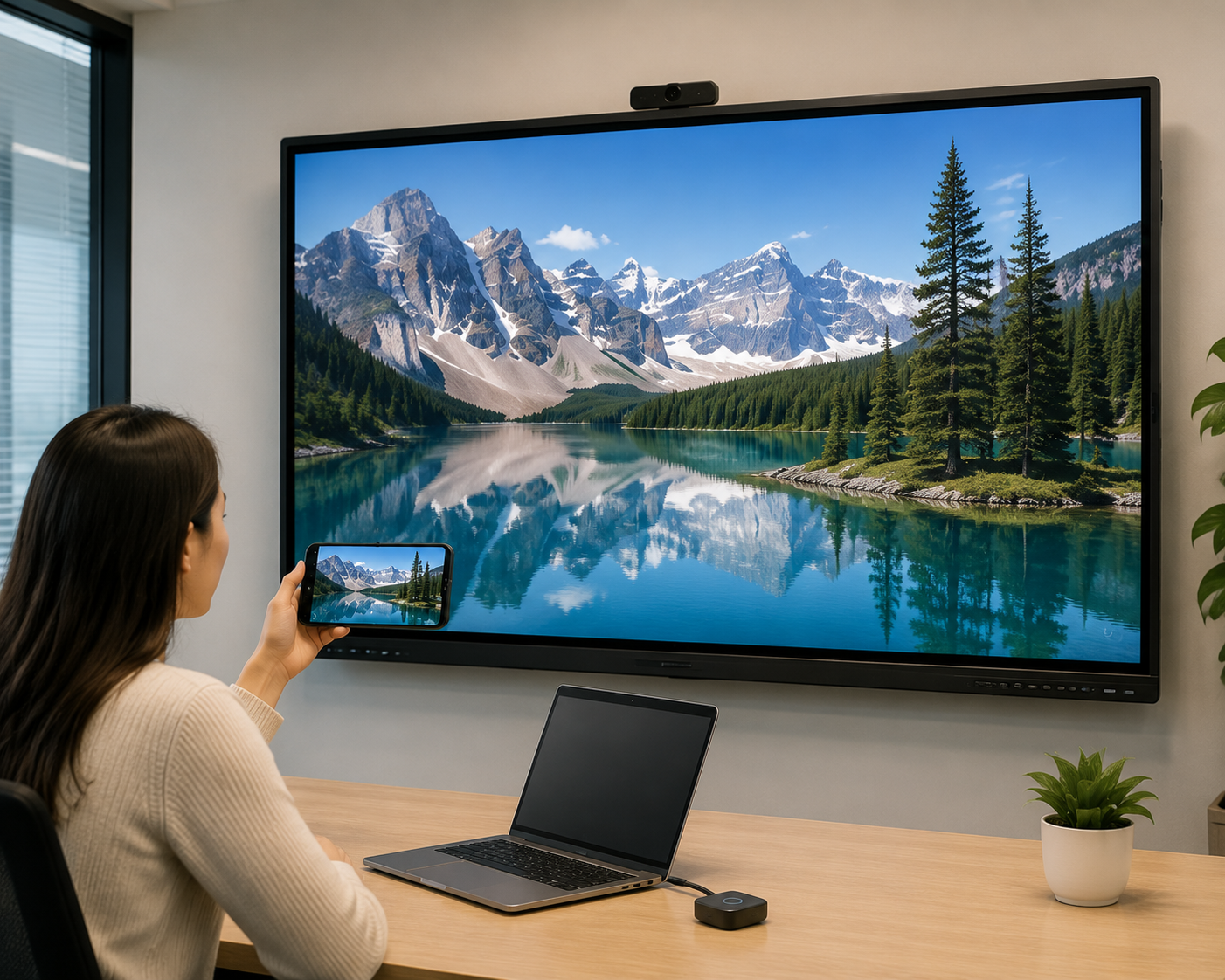
This is the path for LonTon interactive flat panels and any IFP running EShare. Open the EShare app on the board. On the iPhone, swipe down from the top-right corner to open Control Center, tap the Screen Mirroring icon — two overlapping rectangles — and select the board from the list of available devices. The iPhone screen appears on the IFP instantly. No password, no app installation, no cable. Just the built-in AirPlay protocol that every iPhone supports natively.
EShare handles the connection regardless of whether the board is on the room's Wi-Fi or broadcasting its own hotspot. For networks where device discovery is restricted, the board's SSID prefix — typically starting with a recognizable name like QuickShare — helps iPhones find the correct display among a list of nearby devices.
Method 2: QR Code Scan (Also EShare)
If the board does not appear in the AirPlay device list — common on corporate networks with client isolation enabled — the alternative is to scan the QR code displayed on the EShare home screen. Open the iPhone camera, point it at the QR code, and tap the notification that appears. This opens a web-based connection page that links the iPhone directly to the board. The experience is similar to AirPlay but bypasses the network discovery step.
Method 3: Wired HDMI Adapter
When wireless is not an option — the network is down, the room has no Wi-Fi, or IT policy blocks all casting protocols — a wired connection is the fallback. An iPhone needs a Lightning to HDMI adapter or, for iPhone 15 and newer with USB-C, a USB-C to HDMI cable. Plug the adapter into the iPhone, connect the HDMI cable to the IFP, and the phone screen mirrors to the display. This method requires purchasing and keeping an adapter in the meeting room, but it works every time with zero network dependency.
For most meeting rooms, Method 1 covers the daily reality. The iPhone user taps Screen Mirroring, selects the board, and presents. The screen mirror iPhone to smart board workflow becomes invisible — which is exactly what good meeting room technology should do.
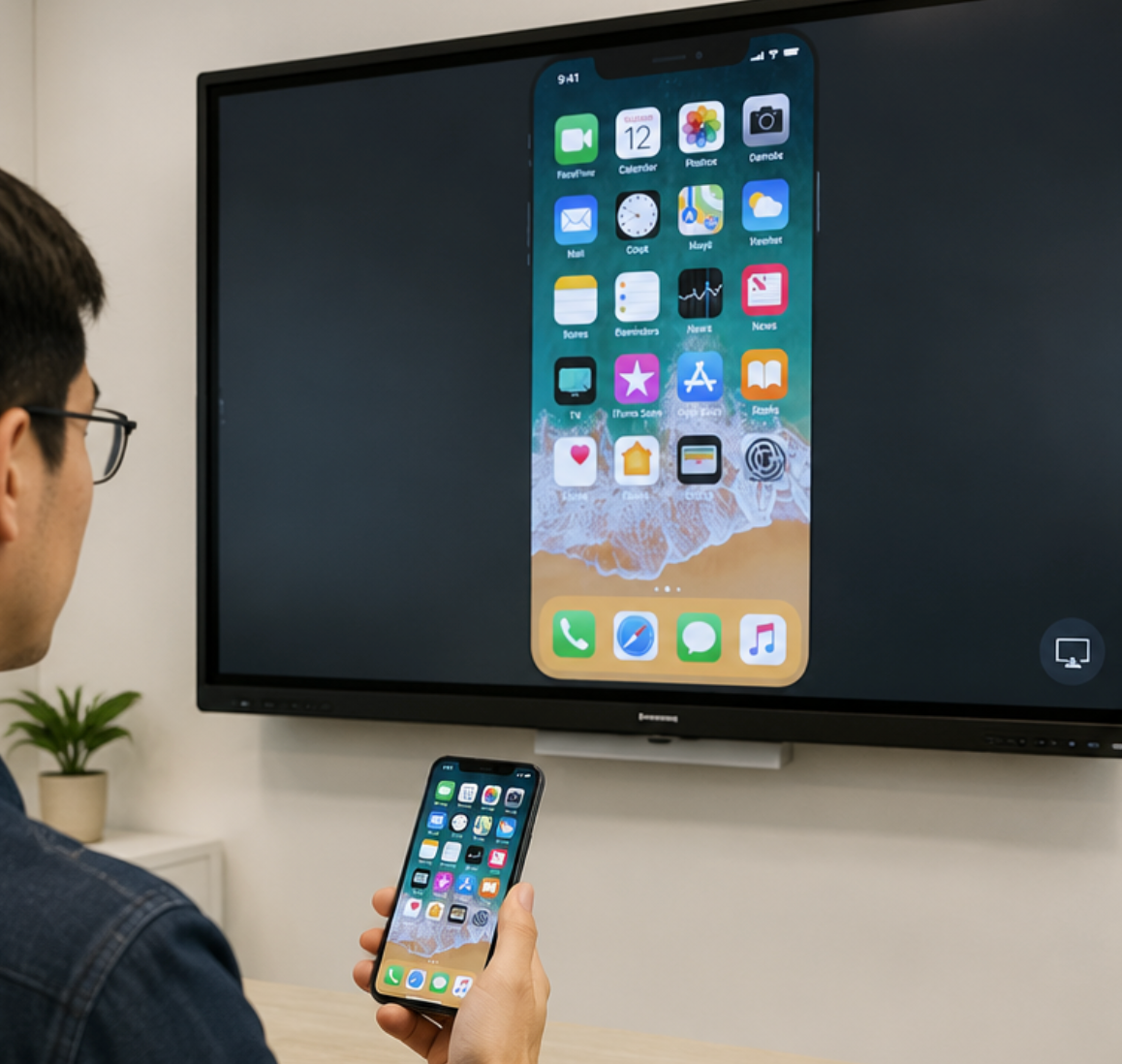
As a professional manufacturer, LonTon includes EShare pre-installed on every interactive flat panel, so AirPlay screen mirroring works from the first power-on. No licenses to activate, no extra hardware to configure — the iPhone connects the way it was designed to. The screen mirror iPhone to smart board process should be invisible, and with the right board, it is.

