
 English
Built-in Screen Sharing vs Wireless Dongle for Smart Board (2026)
Every meeting room faces the same moment: a presenter walks in with a laptop and needs to share their screen. The built-in screen sharing vs wireless dongle question determines whether that moment takes 10 seconds or three minutes, and whether it generates an IT ticket.
A wireless dongle is a hardware adapter that plugs into the IFP's HDMI port and communicates with a companion app or driver on the presenter's laptop. ClickCast, ScreenBeam, and similar products work this way. The dongle creates a dedicated wireless connection between the laptop and the display, independent of the room's Wi-Fi network. The upside is that it works even if the corporate network blocks device discovery protocols. The downside is that it requires the presenter to install software or a driver before the meeting — something guest presenters cannot do on a locked-down corporate laptop. IT needs to pre-pair dongles with devices, maintain firmware updates, and troubleshoot when a dongle stops recognizing a device after an OS update.
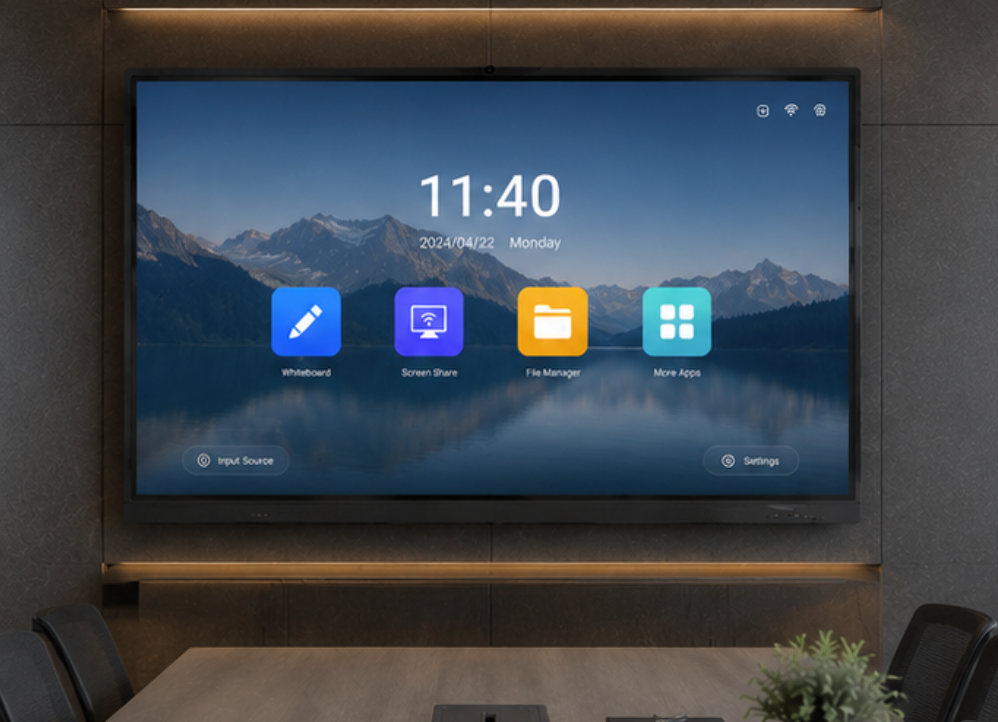
Built-in screen sharing is software that runs on the IFP itself, accepting connections from multiple protocols without external hardware. EShare on LonTon panels handles AirPlay, Google Cast, and Miracast natively. The presenter opens the EShare app on the IFP, scans a QR code, and their screen appears. No dongle, no driver installation, no IT pre-configuration. Because the software runs on the panel, updates happen through the IFP's system updates rather than through individual dongle firmware patches.
The reliability difference comes down to network dependencies. Wireless dongles bypass the corporate network, so they do not care about VLANs or firewall rules — but they add a point of failure in the dongle hardware itself. Built-in solutions rely on the local network for device discovery, which means mDNS must be enabled and the presenter's device must be on the same subnet or have multicast routing configured. In a well-managed corporate network, this is standard. In a network with aggressive isolation policies, built-in sharing may need an IT exception.

For meeting rooms that host outside visitors — clients, partners, interviewees — the built-in screen sharing vs wireless dongle decision favors built-in every time. A guest can scan a QR code and share their screen without installing anything, on any device. As a professional manufacturer, LonTon ships every IFP with EShare pre-installed so the screen sharing workflow is ready from day one, and the wireless dongle becomes an optional fallback for networks where IT has not yet enabled the protocols that built-in sharing relies on. In most rooms, the built-in screen sharing vs wireless dongle decision is already made — the software is there, and it works.

