
 English
How to Read an Interactive Flat Panel Specification Sheet
A buyer asked us to "send the spec sheet" for a classroom project — and then admitted he wasn't sure what half the numbers meant. That's normal. Spec sheets are written for engineers, not for a school buyer trying to compare two boards. The trick is knowing which specs actually change your classroom, and which ones are there to make a mediocre board look good.
This guide walks through an interactive flat panel spec sheet line by line, so you know what to look for and what to ignore.
The Specs That Actually Matter
- Resolution: 4K UHD (3840×2160) is the standard you want. Anything less on a 65 inch or larger board looks soft up close.
- Touch technology and points: Infrared with 40 touch points is the workhorse for classrooms and meeting rooms. More points = more students writing at once.
- Brightness: 350 cd/m² is right for a typical classroom. Don't fall for the "nits" arms race — what matters is whether it holds up in your room's lighting.
- Panel source: BOE or CSOT panels mean tier-one quality. A spec sheet that won't name its panel source is hiding something.
- System: Android 15 built-in with an OPS slot for Windows 11 Pro gives you both worlds — a simple built-in OS and a full PC when you need it.
The Specs Sellers Use to Hide Problems
- Contrast ratio numbers. "5000:1 dynamic" is marketing. Real contrast is measured differently and almost never matters in a lit room.
- Speaker wattage. "2×15W" says nothing about how it sounds. Test the actual audio if it matters to you.
- Vague "anti-glare" claims. Ask what the glass actually is — tempered, anti-glare glass with MOHS 7 hardness is what resists scratches and glare.
Ports and Connectivity
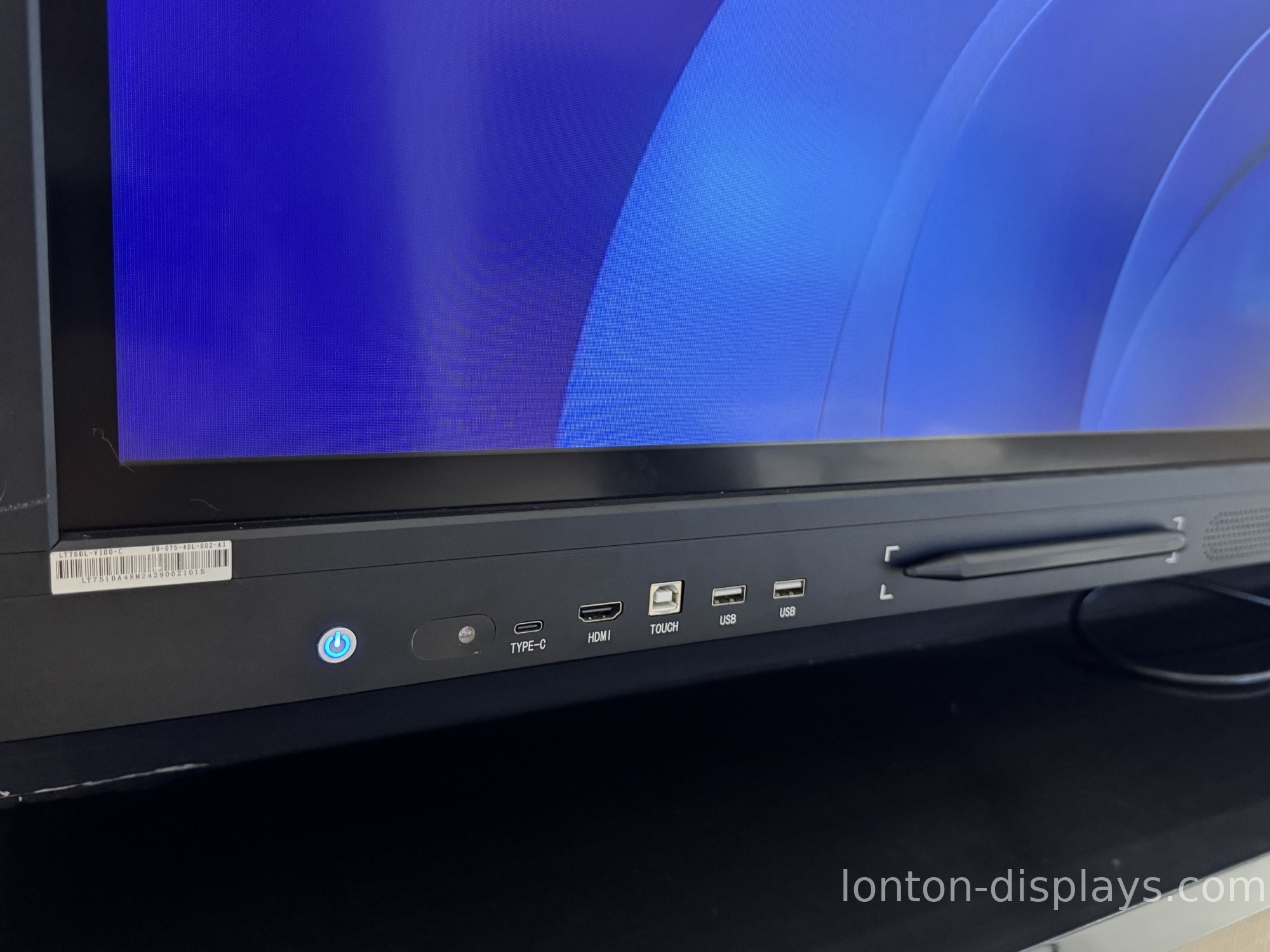
Check the port list against what your school or office actually plugs in: HDMI 2.0, USB 3.0, USB-C with power delivery, VGA for legacy gear, and RJ45 for wired networks. Also confirm wireless — WiFi 6 and Bluetooth 5.0, plus screen mirroring like AirPlay, Miracast, and Google Cast.
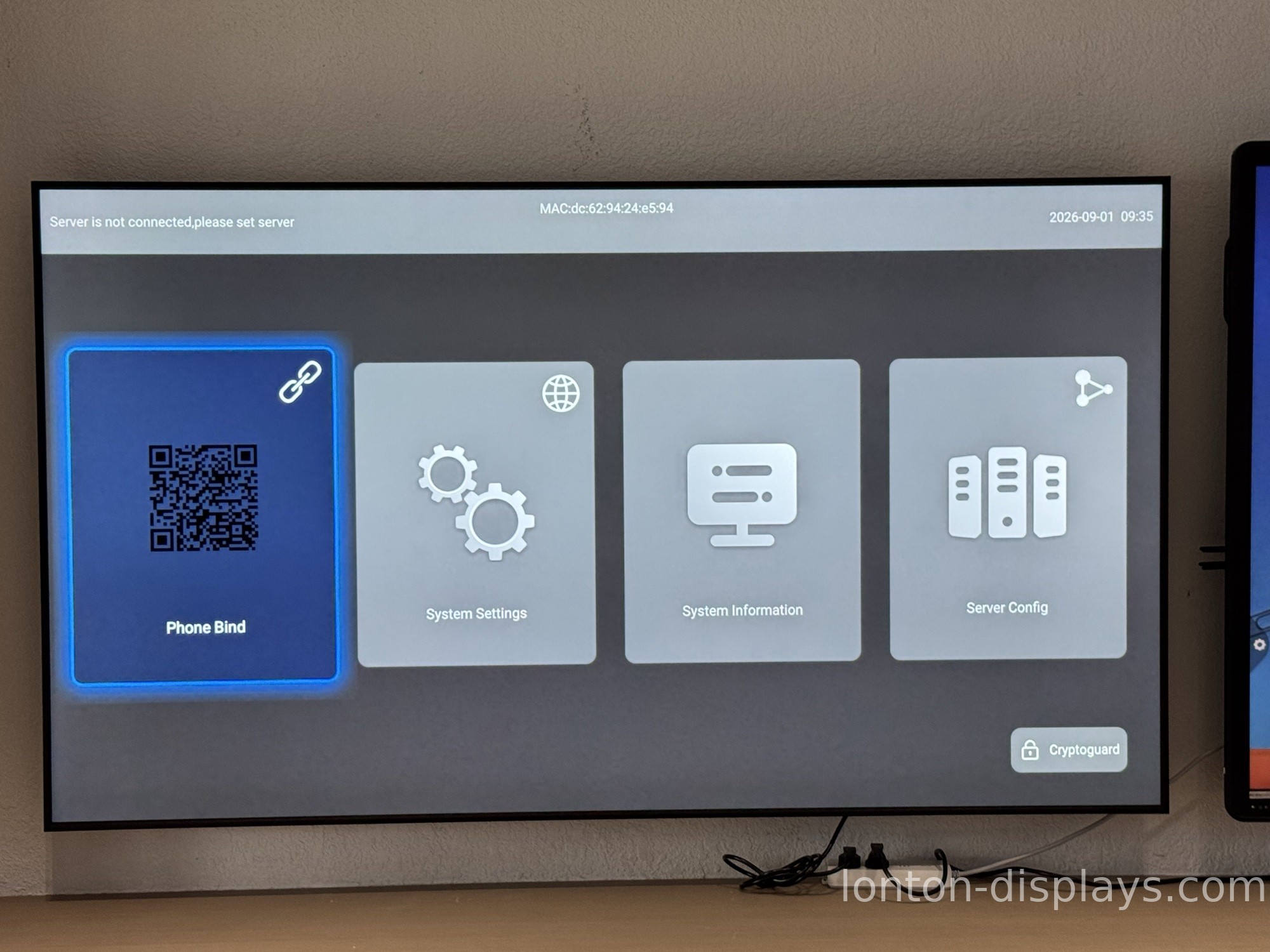
Lonton panels ship with all of the above: 4K UHD, 40-point infrared touch, 350 cd/m², BOE and CSOT panels, Android 15 with OPS for Windows 11 Pro, and the full port set. MOQ is 5 units.
Get the Spec Sheet That Answers Your Questions
Tell us your size and use case and we'll send you the full spec sheet — and walk you through any line you're not sure about, in plain English.
FAQ
What resolution should an interactive flat panel have?
4K UHD (3840×2160) is the standard for 65 inch and larger boards.
What touch technology is best?
Infrared with 40 touch points is the workhorse for classrooms and meeting rooms.
What brightness do I need?
350 cd/m² is right for a typical classroom. Judge it against your room's lighting, not a bigger number.
Why does panel source matter?
BOE and CSOT are tier-one panel suppliers. A spec sheet that won't name its panel source is hiding something.
What ports should I check for?
HDMI 2.0, USB 3.0, USB-C with power delivery, VGA, and RJ45, plus WiFi 6 and Bluetooth 5.0.

