
 English
How to Future-Proof Your Meeting Room Technology Investment (2026)
You just got the budget approved. Room is measured, stakeholders are on board, procurement wants a PO by Friday.
And somewhere in the back of your head: what if this thing feels old in two years?
You are right to worry. Most meeting room tech gets picked for what it does today. And for six months it is great. The board boots fast, the laptop connects, the camera works. Then the small stuff starts. Company switches video platforms. Someone dials in from another office and the audio glitches for no reason. A new person walks in with a USB-C laptop and the room is HDMI-only.
Eighteen months in and the room that felt modern now feels like it needs another upgrade. You do not want to be the person who signed off on that.
Future-proofing meeting room technology is simpler than it sounds. You just need to get a few things right at the start, and the rest handles itself.
The One Spec Nobody Checks
You have been comparing screen sizes and touch response and brightness. All important. But here is the spec that actually determines whether this display is still in your meeting room in year five.
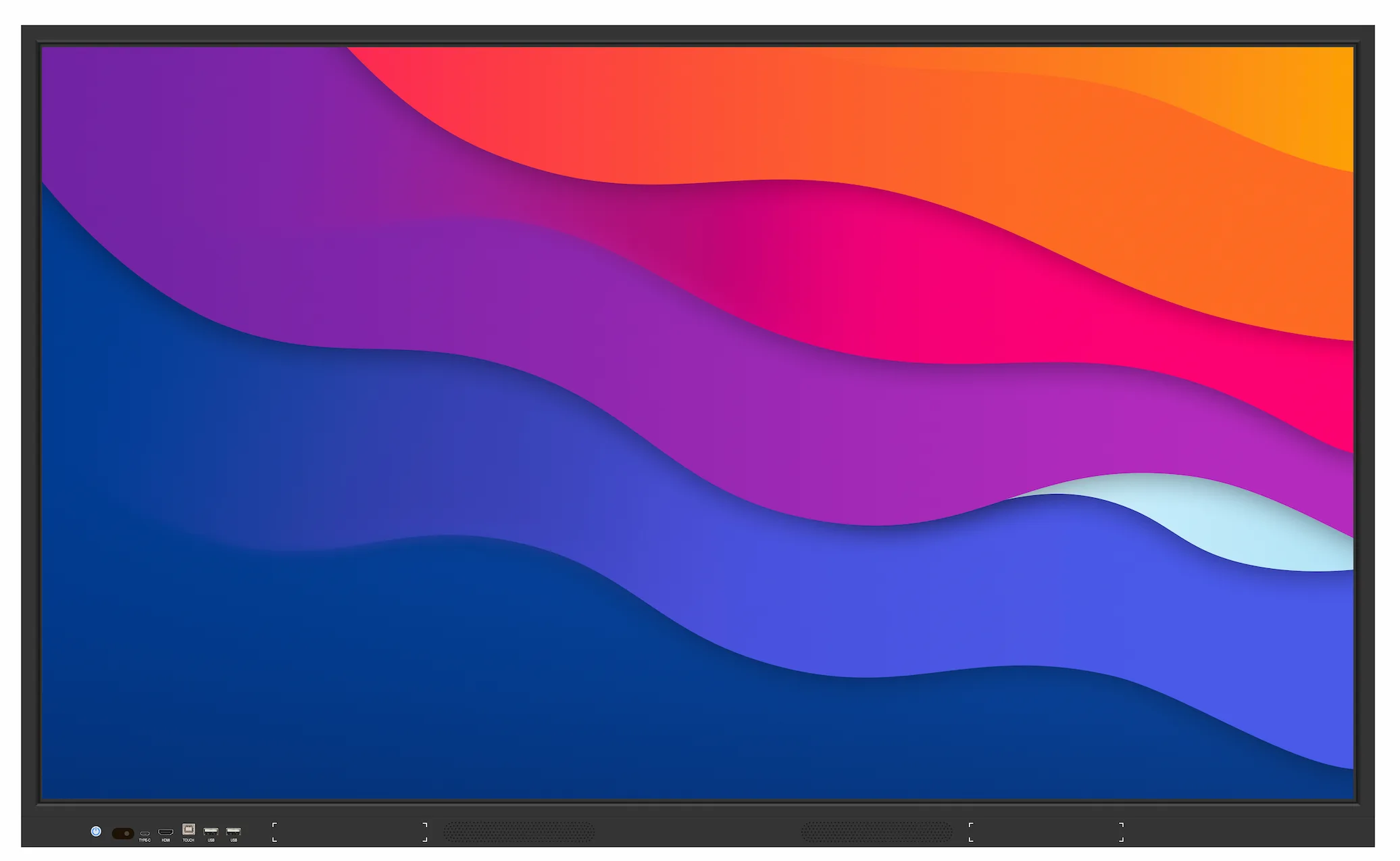
Does it have a slot for a replaceable computer?
Here is the thing about these panels. The glass lasts forever. Six, seven years, easy. The touch layer too. But the computer buried inside? The Android board or Windows module running the software? That ages on a totally different clock. Android stops getting patches. Apps update and the old processor cannot keep up. Two or three years and the brain is tired while the glass is still perfect.
If the panel has an OPS slot — a modular bay for the computing module — you swap the brain when it gets slow. Fifteen minutes, a few hundred bucks, and the display is current again. No slot? The whole thing goes to recycling. Perfect glass, working touch, all trashed because the computer inside cannot run the latest software.
Ask the manufacturer one question: can I upgrade the computing module without replacing the display? If they say no, you are buying a sealed box with a countdown clock inside.
The Platform Problem
You might be thinking: we use Zoom. Always have. Not changing.
Maybe not. But you do not make that call. IT does. And IT switches platforms for reasons that have zero to do with your meeting room. Licensing costs go up. Security policy shifts. New CEO wants Teams.
If your room gear only plays nice with one platform, one IT decision turns your investment into a compromise.
Get a display that handles wireless casting across the board. AirPlay for the Apple people. Google Cast for Android. Miracast for the Windows laptops. Cover all three and the room works with whatever device walks in. Cover one and it works with some devices, some of the time. The math is not complicated.
Same goes for the software living on the board. Whiteboarding app saves in some weird format only that brand uses? Your meeting notes are trapped. Exports to PDF or standard formats? You can switch boards later and still open everything from three years ago. Ask about this before you buy, not after.
The Room Changes Too
Future-proofing meeting room technology is only half about the gear.
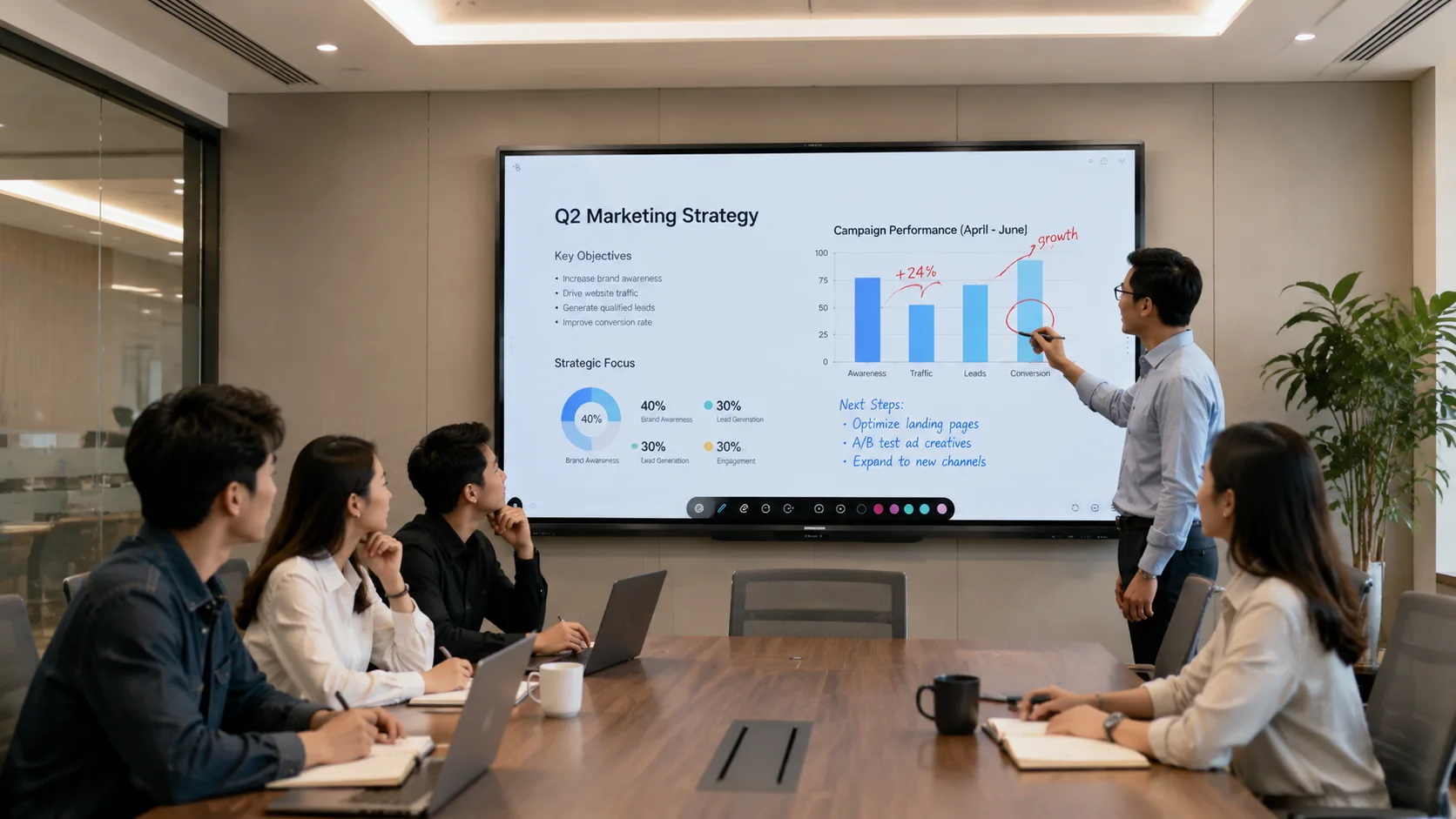
Your team is eight people today. Might be twelve next year. The display sized perfectly for eight around a table is too small when two more chairs squeeze in.
Size for the room's biggest day, not its average Tuesday. If that room sometimes does all-hands, the person at the back wall needs to see the slide too. If remote people dial in and need to read diagrams drawn on the board, the camera matters more than the spec sheet lets on.
Walk into the room. Stand in the worst seat. Can the person sitting there actually see what they need to see? Buy for that seat. Not the one you stood in during the demo.
The Cable Thing
You know this moment. Someone walks into a meeting, opens their laptop, looks at the cables, and makes the face of a person who brought the wrong charger.
The room has HDMI. Their laptop is USB-C. Someone has a dongle but it is the wrong kind. Everyone checks their phone while two people hunt for an adapter. Five minutes gone.
This gets worse every year as laptops drop ports. USB-C that handles video, touch, and charging in one cable fixes most of it. HDMI should still be there. But a room with no USB-C is a room that already feels dated.
Wireless helps more. Reliable screen sharing over Wi-Fi and nobody touches a cable. They walk in, cast, start talking. The ports become a backup, not a requirement. That is the real goal: the room works the same whether people plug in or not.
You Are Not Buying a Display
You are buying a room that still works two years from now, three years from now, as everything around it shifts. The decisions that age worst are the ones that fit today perfectly and leave no room for tomorrow.
Future-proofing meeting room technology means keeping options open. Modular brain so you upgrade without replacing the glass. Multi-protocol casting so the room does not care whose laptop walks in. USB-C so the cable situation sorts itself.
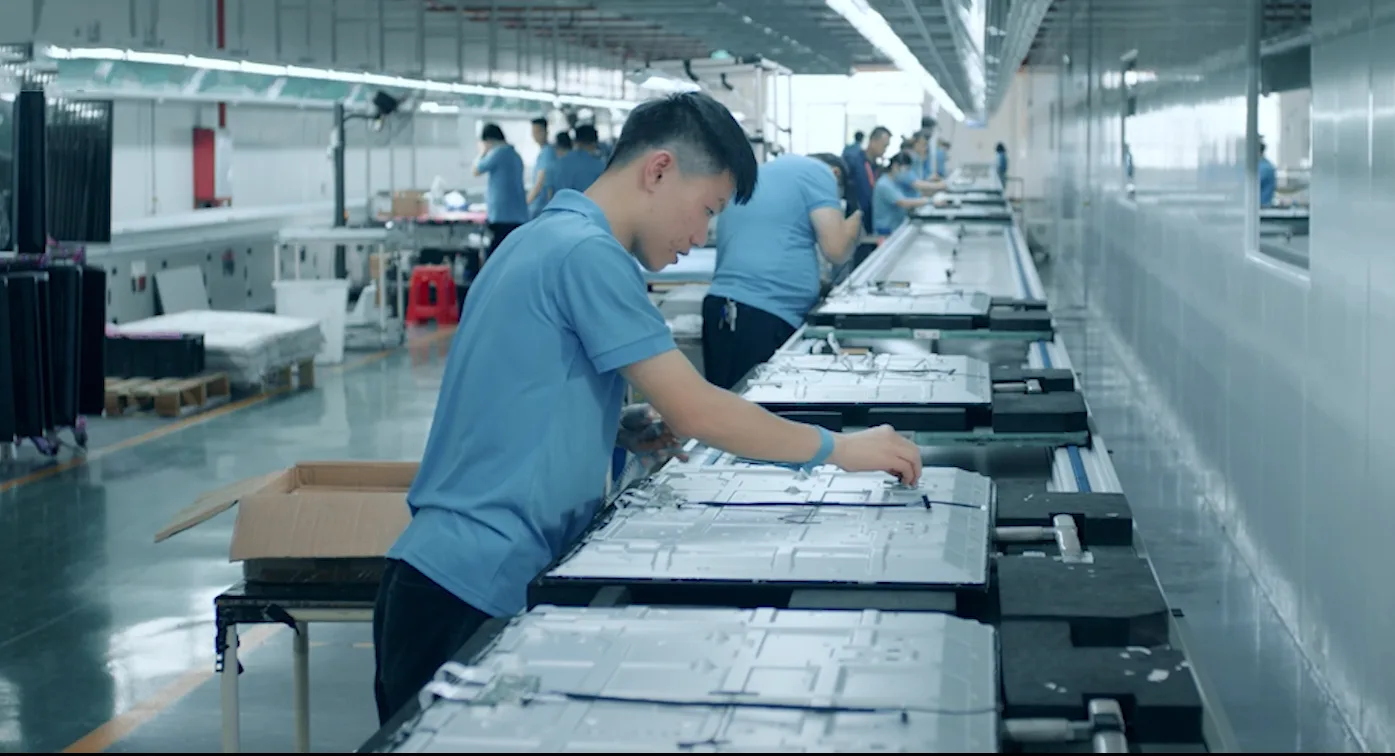
As a professional manufacturer, LonTon builds panels with these choices baked in. Modular computing, full wireless protocol support, USB-C standard. Not premium add-ons. Just the right defaults.
If you are planning a room upgrade and want to talk through what actually affects longevity — practical stuff, not spec sheet bullet points — reach out to LonTon. Tell us about your space, how many people use it, what kind of meetings you run. We will help you figure out what keeps the room working. Click the button at the bottom right of this page and tell us about your project.

