
 English
How to Choose an Interactive Flat Panel Display (2026)
A school district we quoted recently had already sat through three vendor demos and collected twelve different quotes before they called us. The prices ranged from $1,800 to $4,200 for what looked like the same 86-inch screen. The buyer's question was simple: "What am I actually paying for?" That's the question this guide answers.
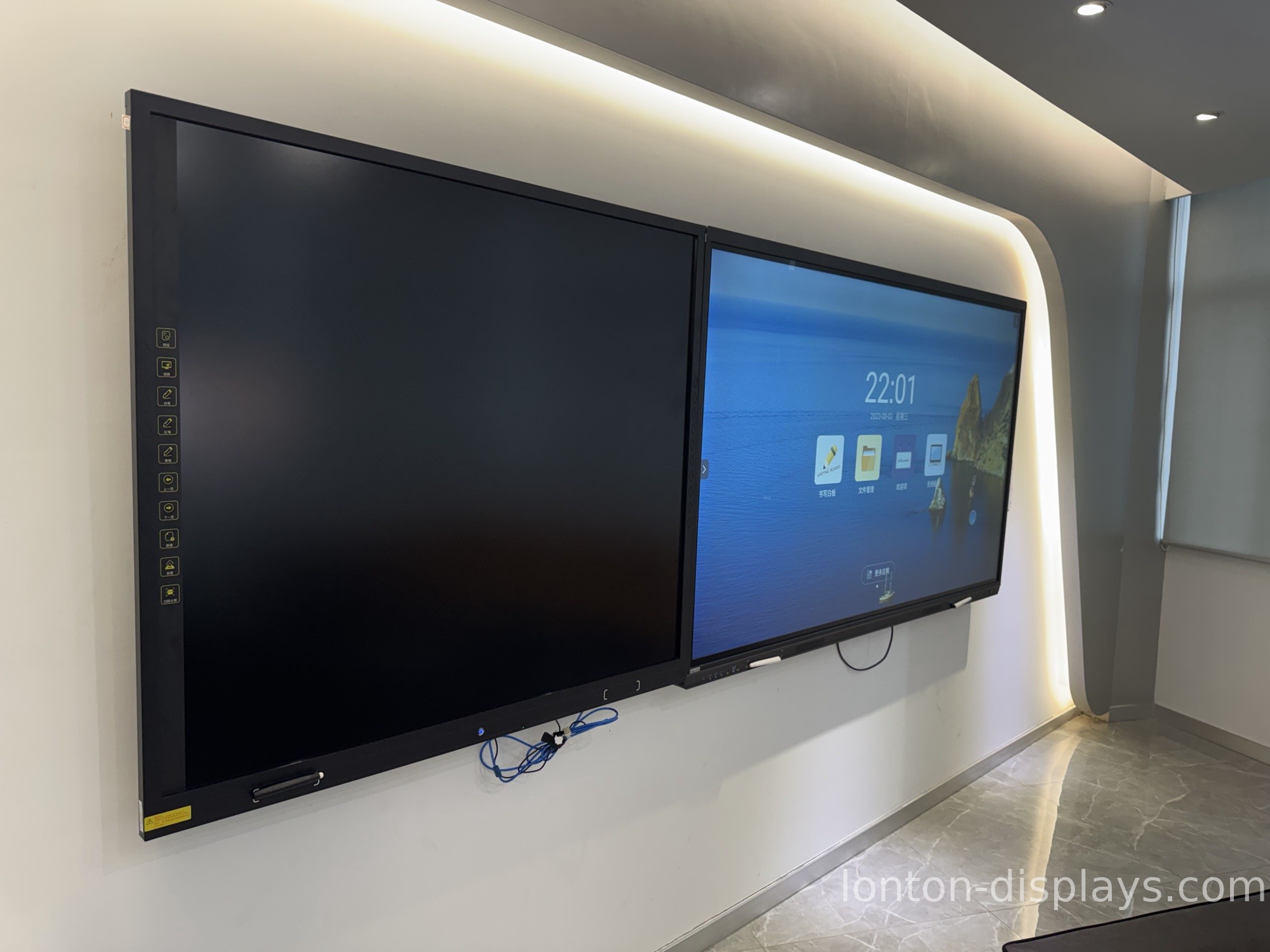
An interactive flat panel display is a 4K touchscreen that replaces both a projector and a whiteboard in one unit. If you're shopping, you already know the basics. What you actually need is a way to compare one panel against another without overpaying — or ending up with a screen that dims a year later. Here's how to do it.
1. Screen size: match the room, not your instinct
Size is the first decision, and it should follow the room, not a guess. A screen that's too small makes the back row squint; one that's too big wastes money and wall space.
- 65" — huddle rooms and small classrooms, up to 8 people
- 75" — standard classrooms and meeting rooms
- 86" — large classrooms and training rooms (the size we ship most)
- 98" — lecture halls and boardrooms
- 110" — auditoriums and large conference spaces
One rule we give every buyer: stand at the back of the room and hold up a tape measure. If the person farthest away is more than six times the screen height, go up one size.
2. Touch technology: why 40-point infrared matters
You'll see two touch types in the market: infrared (IR) and capacitive. For classrooms and meeting rooms, infrared with 40-point touch is what you want. It means up to 40 fingers can write and erase at the same time — four students solving a problem on the board together, or a team annotating a chart in a meeting. Capacitive feels smoother for a single finger, but it costs more and rarely supports true multi-user writing, which is the whole point of a classroom panel.
3. Operating system: Android built in, plus an OPS slot
A good panel has Android 15 built in, so it powers on and works immediately — basic whiteboarding, video calls, and apps need no separate computer. But it should also have an OPS slot: a plug-in bay that lets you add a full Windows 11 PC later. That way you're never locked in. If your school or company already runs Windows software, you slide an OPS module in and keep using it. Look for Android 15 with 8GB RAM and 128GB storage as the baseline.
4. Panel quality: what 4K, 350 nits, and anti-glare actually mean
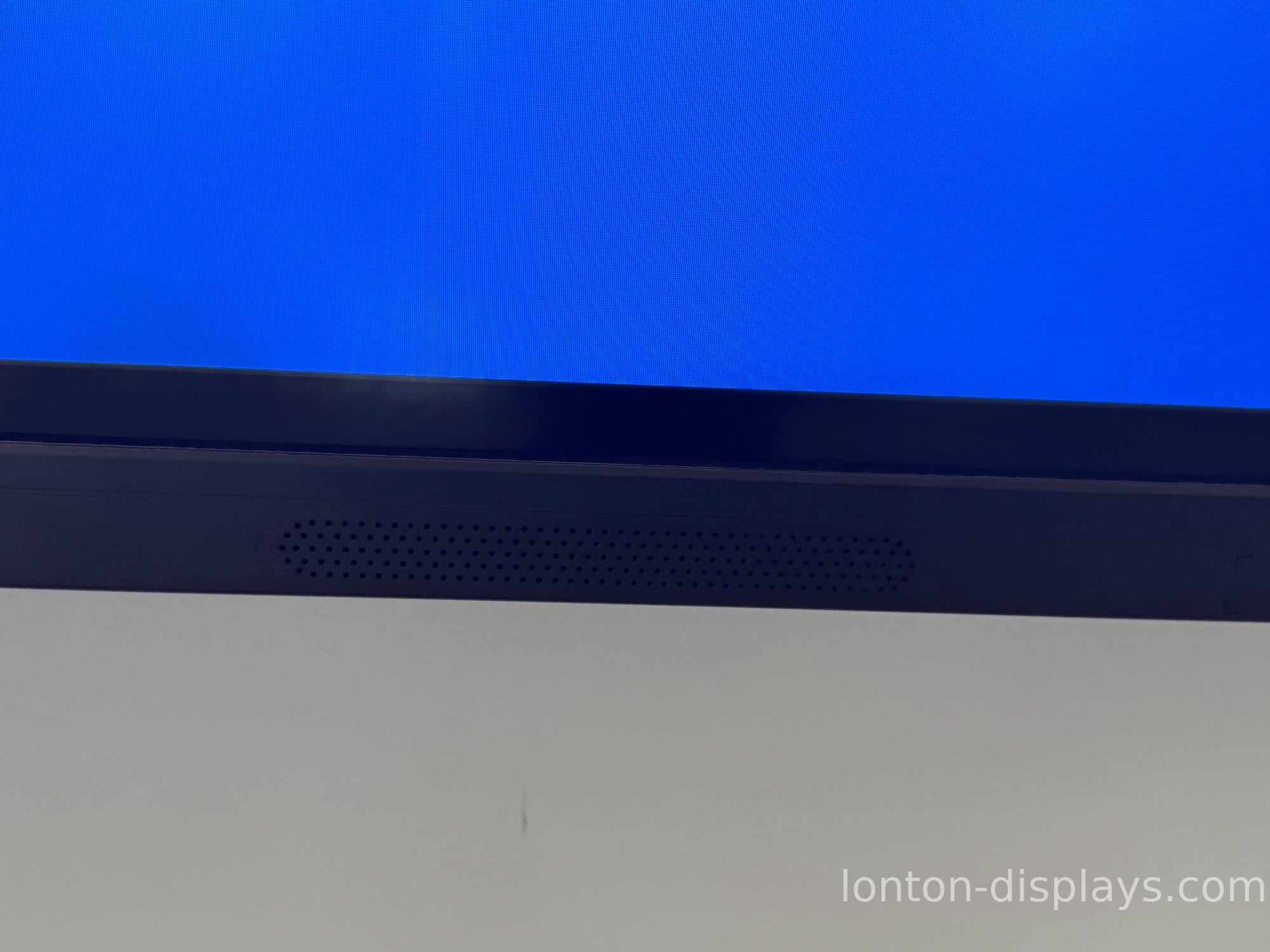
Three specs matter most for a classroom or boardroom: resolution, brightness, and glare. You want 4K (3840 × 2160) so text and fine lines stay sharp on a big screen. You want around 350 cd/m² brightness — enough for a room with windows, not so bright it strains eyes in a dark room. And you want anti-glare tempered glass (MOHS 7 hardness) to stop windows and ceiling lights from reflecting back at you. Ask where the panel comes from too: we use BOE and CSOT panels, the same tier you'd find in a major TV brand, because a cheap panel is the fastest way to a screen that dims and yellows within two years.
5. Certifications: what CE, FCC, and RoHS actually prove
Certifications are your proof that a panel meets safety and environmental standards — not a marketing sticker. CE covers EU safety, FCC covers the US, and RoHS covers hazardous-substance limits. A factory that's serious about export also carries ISO 9001, ISO 14001, and ISO 45001. If you're buying for a school or a company with procurement rules, ask for the certificate copies. A factory that can't produce them hasn't done the testing.
6. The pricing trap: factory-direct vs. distributor markup
Here's the part nobody tells you. The "same" 86-inch panel can carry three different names and three different prices, because it's been bought and resold down a chain. Every middleman adds a margin — typically 30% to 60% on top of the factory price. When you buy factory-direct, you pay the factory price, and you can ask for your logo on the screen, your boot animation, your packaging. That's what OEM/ODM means, and it's how brands and school districts keep their costs down.
Why factory-direct matters for your budget
We're the factory — interactive flat panels built in a 100,000+ m² facility with 15 production lines and a 23,000 m² Class 10,000 cleanroom. Founded in 2005, we've been making panels for over 19 years, with 55 R&D engineers and 650+ people across the group. You're buying the same panel a distributor sells you — minus the markup, plus a direct line to the engineers who built it. Need 40 panels for a district, or 5 for a pilot? We handle both, with MOQ as low as 5 units and production lead times of 15–25 days.
FAQ: the questions buyers ask most
What's the difference between an interactive flat panel and a smart board?
A smart board is usually an older projector-based system. An interactive flat panel is the modern all-in-one screen — brighter, no projector, and far less maintenance.
How much does an interactive flat panel cost?
It depends mainly on size. As a factory, our 65" starts around $920 FOB, with 75", 86", 98", and 110" stepping up from there. Distributors typically add 30–60% on top of factory pricing.
What size do I need for my classroom or meeting room?
Measure the room. 65–75" suits up to 8–12 people, 86" suits a standard classroom, and 98–110" suits lecture halls and large boardrooms.
How long do interactive flat panels last?
A quality panel with a good backlight runs 50,000+ hours — roughly ten years of classroom use. Cheaper panels with lower-grade backlights dim and yellow much sooner.
Do I need a separate computer for an interactive flat panel?
No. Android is built in for everyday use. If you need Windows, add an OPS module into the built-in slot.
What's the difference between infrared and capacitive touch?
Infrared supports 40-point multi-user writing and is the classroom standard. Capacitive feels smoother for a single finger but costs more and rarely supports true multi-user writing.
Can I use my existing software on it?
Yes — with an OPS module running Windows, or by installing Android apps directly. Confirm compatibility with your supplier before you buy.
How do I mount an interactive flat panel?
Most panels use a standard VESA wall mount or a mobile stand. Confirm the VESA pattern and weight before ordering the mount.
Bottom line
Buying an interactive flat panel display doesn't have to feel like gambling. Match the size to your room, check the touch technology and panel quality, confirm the certifications, and buy from the factory instead of a middleman. We're Lonton — a factory that builds panels from 55" to 110", with OEM/ODM to put your brand on every screen. Tell us your room sizes and how you'll use them, and we'll send a quote and a spec sheet you can compare line by line.

