English
Electronic Whiteboard for Hospitals: What to Look for Before Buying (2026)
If your hospital or clinic is still using traditional whiteboards and projectors, you may have experienced situations like these: in a consultation room, doctors need to pull up scans and explain findings to patients, but the projector is dim and the blinds need to be drawn; in a training room, medical staff gather for a continuing education session and someone spends ten minutes getting the laptop to connect; in a surgical planning room, the team wants to annotate directly on imaging but must print it out and mark it up on paper instead. Each of these moments wastes clinical time and creates friction in an environment where efficiency directly affects patient care.
An electronic whiteboard hospital setup replaces the projector, the whiteboard, and the dedicated computer with a single screen that works under bright clinical lighting and handles the specific demands of a healthcare environment. Doctors pull up imaging, annotate findings, and save the results. Training sessions launch without a cable hunt. Surgical teams review and mark up plans together on the same screen.

What Size for Each Hospital Room
Hospital rooms vary more than standard office or classroom spaces. The right screen size follows the room type and how far the clinical team sits or stands from the display.
A consultation room where a doctor sits across a desk from a patient typically works well with a 55-inch to 65-inch panel. A training or conference room that seats medical staff for lectures and case reviews benefits from a 75-inch to 86-inch display so that text, charts, and imaging are readable from the back row. A surgical planning room or multidisciplinary team room where several specialists review cases together calls for 86 inches or larger, giving every specialist at the table a clear view of the same imaging at the same time.As a professional menufacturer—LonTon, we will be happy to provide a solution that fits your needs. you can click here to explore our interactive display or click the button at the bottom right of the article to contact us directly.
If your hospital frequently reviews high-resolution medical imaging, choosing a larger interactive flat panel is often the safer option.
Infection Control and Cleanability
In hospitals, infection control is a strict requirement. This is what makes medical electronic whiteboards different from ordinary commercial displays. The screen and frame must withstand frequent cleaning with hospital-grade disinfectants without degrading the surface or the touch responsiveness.
Standard consumer or office displays are not rated for the cleaning chemicals used in clinical environments. When evaluating a board for hospital use, ask the manufacturer directly about chemical resistance. What disinfectants has the surface been tested with? Does the glass coating withstand repeated exposure to alcohol-based cleaners, quaternary ammonium compounds, or bleach solutions? A glossy screen that looks good in a showroom but clouds after six months of daily disinfection is the wrong product for a hospital.
At this point, the design of the frame and edges becomes critically important.As a manufacturer, LonTon’s seamless and sealed edge design effectively prevents liquids and cleaning agents from seeping into internal electronic components. Smooth, non-porous edges are also easier to clean and less likely to harbor dirt or bacteria. In clinical environments, these features are not optional—they are essential for maintaining both safety and durability.
Anti-Glare for Bright Clinical Lighting
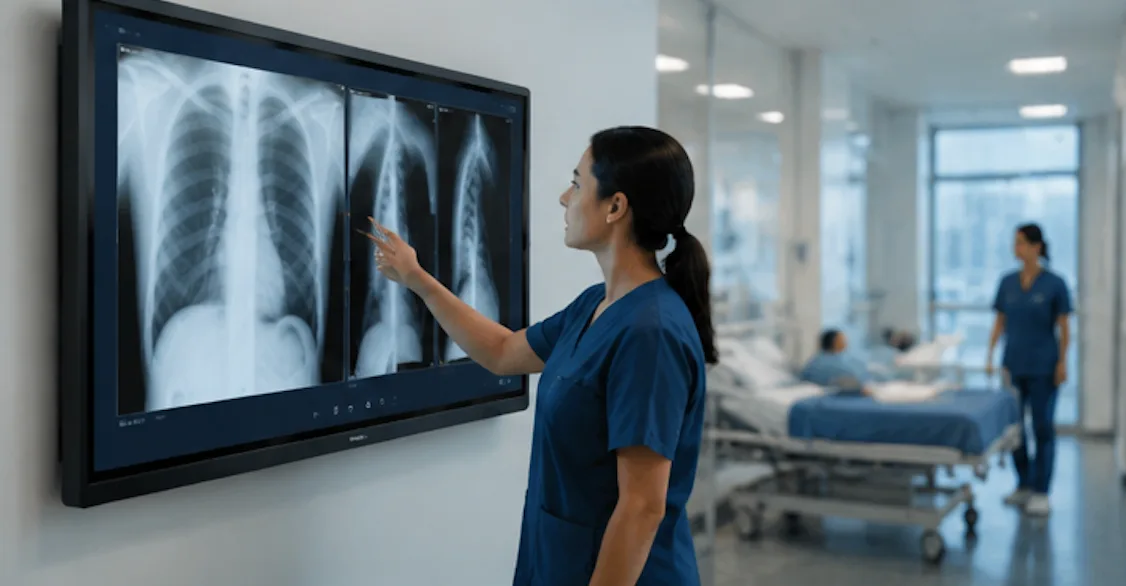
We all know that hospitals are brightly lit by design. Operating theaters, consultation rooms, and training spaces all have overhead lighting that would turn a standard glossy screen into a mirror.So when selecting an electronic whiteboard for a hospital, be sure to check whether it has anti-glare and anti-reflective features. These functions are essential for providing clear, comfortable viewing in clinical environments and help protect staff’s and patients’ eyes during prolonged use.
Touch Technology for Clinical Use
If you are hesitating between infrared and capacitive touch for your hospital project, that concern is actually unnecessary. Neither technology is inherently better; the choice depends entirely on the hospital’s specific needs.
For scenarios requiring large displays, multi-user case discussions, frequent review of medical imaging, and meeting annotations, infrared touch is generally more practical, durable, and cost-effective. If higher precision, fast response, and a touch experience similar to tablets or smartphones are more important, capacitive touch can also be a good choice. The decision should be based on factors such as department use, screen size, frequency of operation, budget, and workflow requirements.
Wireless Sharing for Patient Consultations
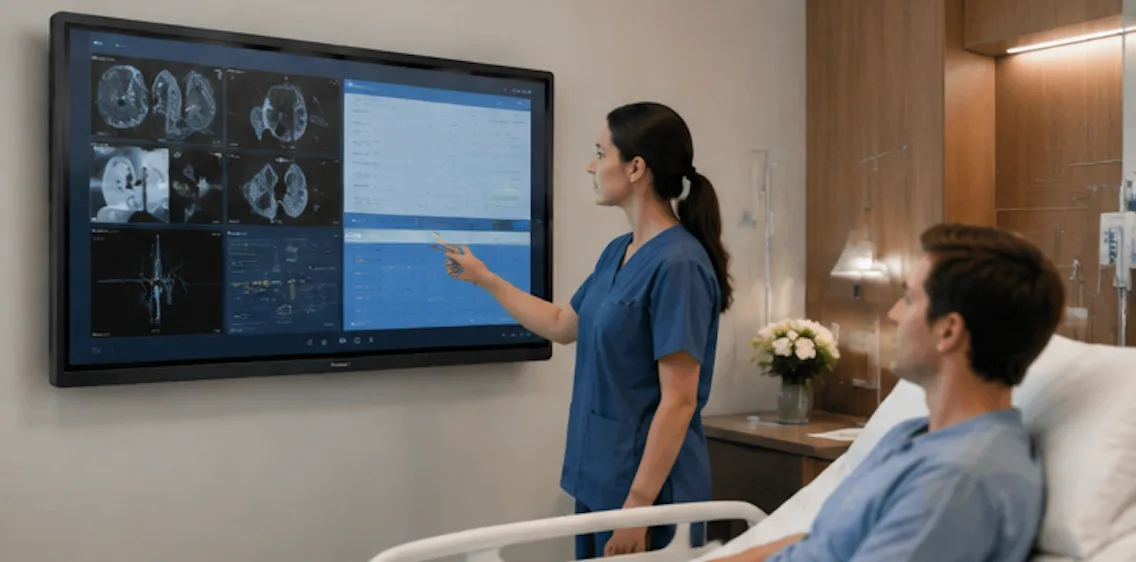
In a consultation room, the doctor should not be tethered to a cable. A tablet or laptop used to pull up patient records, imaging, or test results should appear on the wall screen without a cable handoff or a device swap.
A good electronic whiteboard for Hospitals supports AirPlay, Google Cast, and Miracast simultaneously, so the device brand does not matter. Take LonTon as an example: as a professional manufacturer, our panels come with the EShare app pre-installed, supporting wireless screen sharing across Windows, macOS, Android, and iOS. A doctor walks into the room with a tablet, scans a QR code, and the patient's imaging is on the screen. No cables across the consultation desk. No time lost to setup.
An Electronic Whiteboard Built for Hospitals
The right electronic whiteboard hospital solution is hardware that survives daily disinfection without degrading, touch technology that works with or without gloves, and a screen that stays readable under bright clinical lighting. Those are the criteria that determine whether the board earns its place in a healthcare environment.
Of course, choosing the right electronic whiteboard for a hospital requires thinking through factors that do not apply to office or classroom installations — infection control, chemical resistance, and glove compatibility. If you are not sure which configuration suits your facility, contact LonTon (just click here or click the button at the bottom right of the article ). We will recommend a screen size, touch technology, and setup based on your room types and clinical requirements.