Recommended Size
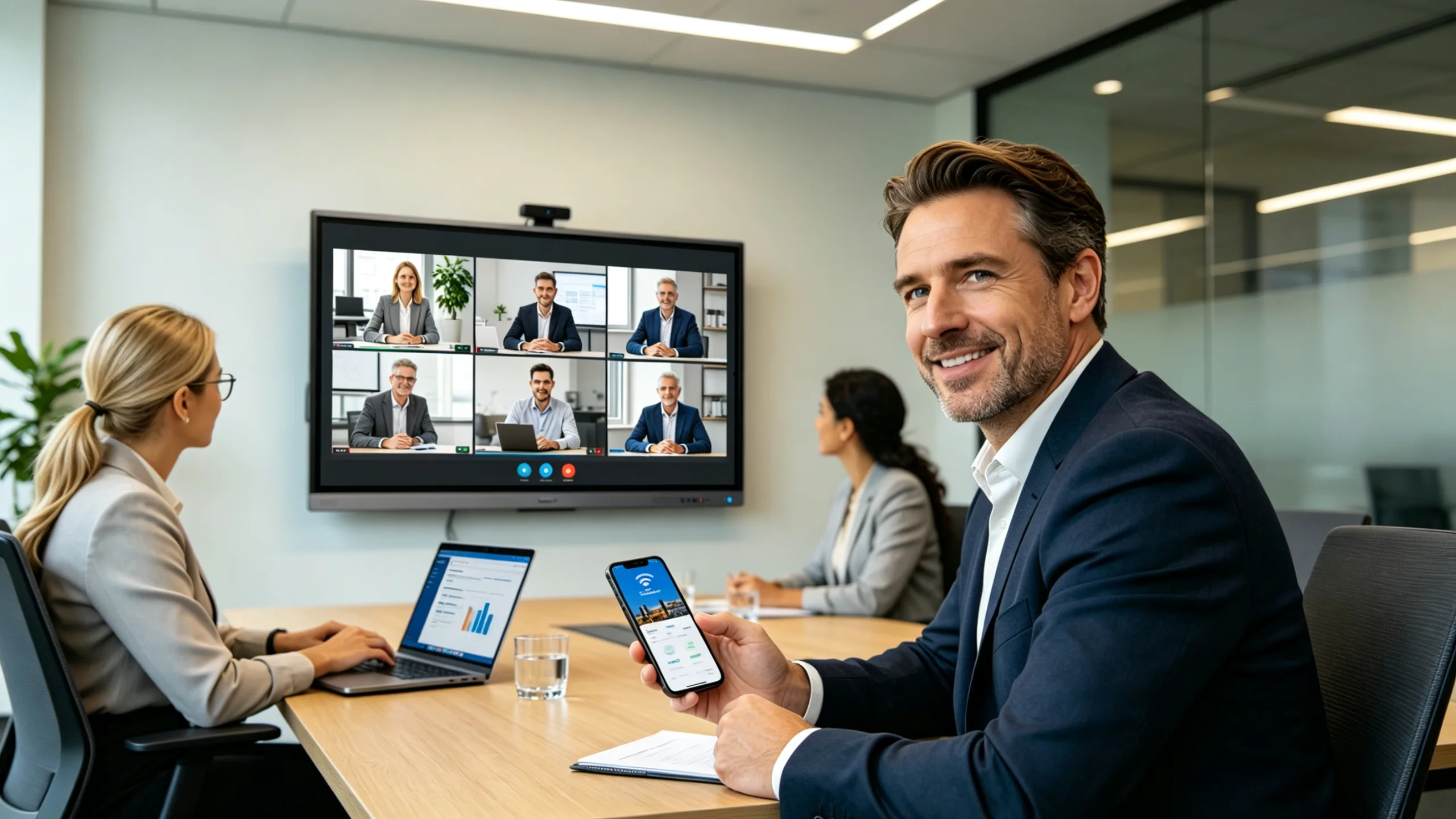
Huddle Room (2-6 People)—55''

 English
1.Remote Participants Can't See or Follow Discussions
In many meeting rooms, remote attendees struggle to view whiteboard content, annotations,or shared materials clearly.
Solution:A large-format interactive display ensures presentations, documents, and meeting contentare clearly visible both in-room and through conferencing platforms.
2.Meetings Start Late Due to Connection Issues
Employees often waste time connecting laptops, finding adapters, and troubleshooting display connections.
Solution:Support USB-C and wireless screen sharing for fast, simple content sharing.
3.Teams Use Different Devices
Modern workplaces use a mix of Windows laptops, MacBooks, tablets, and mobile devices.
Solution:Provide broad compatibility and multiple connection options.
4。Hybrid Meetings Lack Collaboration
Traditional conference room displays are designed for viewing, not collaboration.
Solution:Interactive touch functionality allows teams to annotate documents, brainstorm ideas, andreview content together in real time.
—55''.jpg)
Huddle Room (2-6 People)—55''
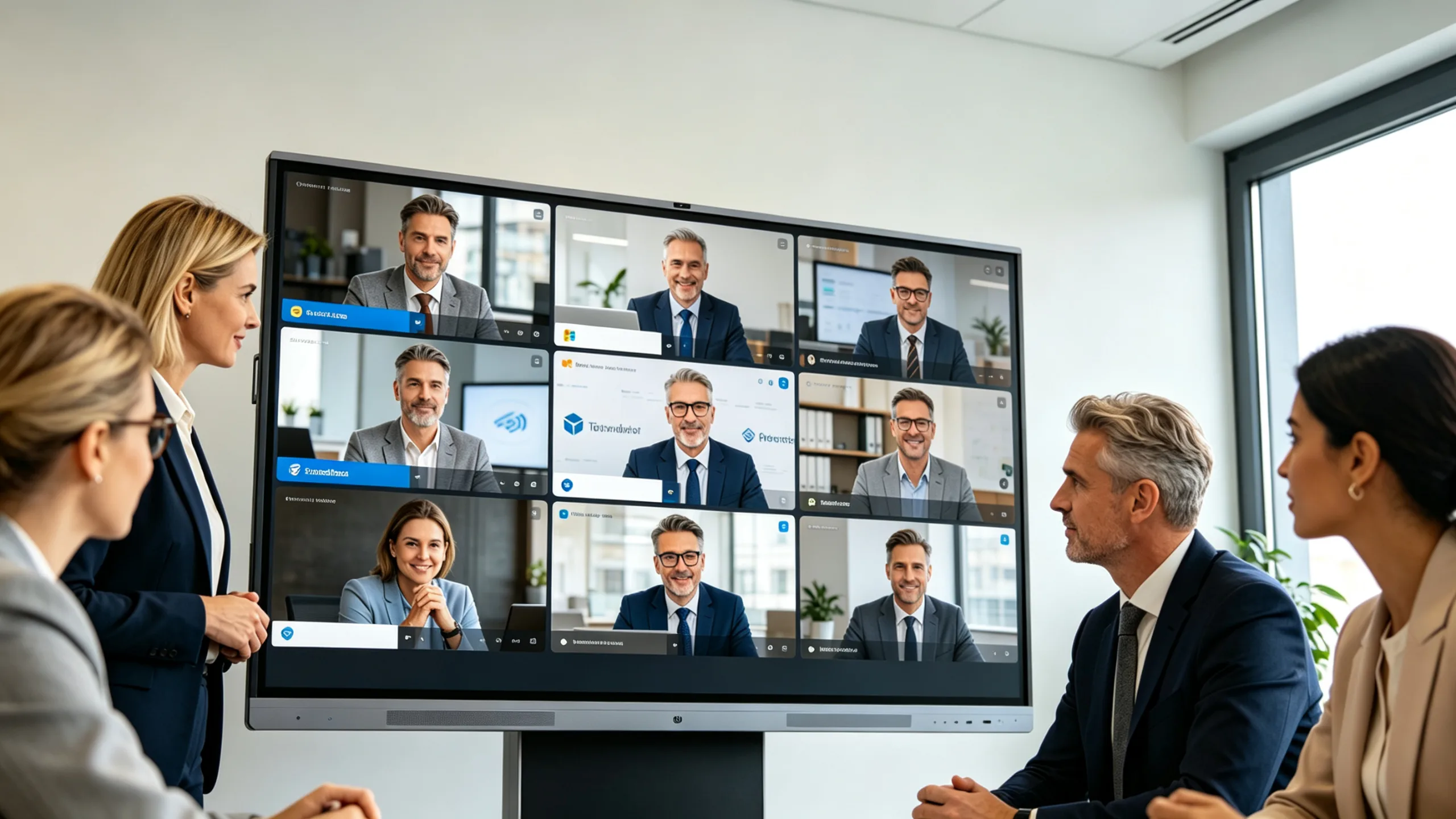
Small Meeting Room (4–8 People)
55''-65''
.jpg)
.jpg)
Medium Meeting Room (8–15 People)
65''-75''
Large Conference Room (15–30 People)
75''-86''
.jpg)
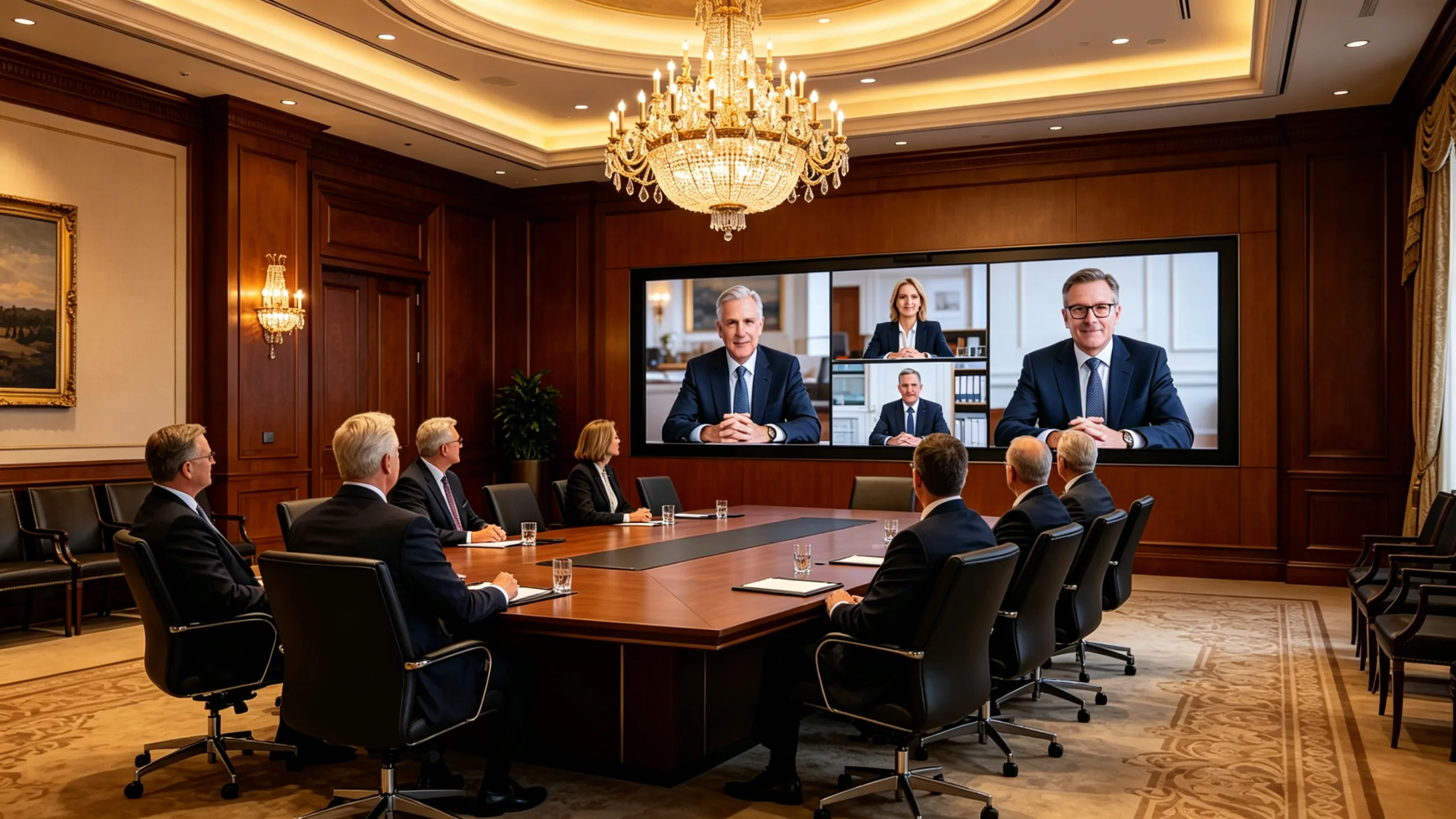
Boardroom & Executive Spaces
86''-98''






Copyright © 2026 | All Rights Reserved.