
 English
Why 4K Interactive Flat Panels Are Becoming the Standard for Meeting Rooms (2026)
A few years ago, 1080p was more than enough for most meeting rooms. In daily use, it worked well—slides were clear enough, video calls were stable, and no one really questioned the display quality.
But if you walk into newer conference rooms today, you’ll notice something different. Most of the screens on the wall are now 4K. And interestingly, this shift didn’t usually come from a formal decision or a big discussion. It just gradually became the new standard.
That naturally leads to a simple question: do you actually need 4K interactive flat panels for your meeting room, or is it something the industry has quietly moved toward on its own?

What 4K Actually Changes in a Meeting Room
4K resolution is 3840 by 2160 pixels — four times the pixels of 1080p. On a television in your living room, the difference can be subtle. You are sitting ten feet away from a 55-inch screen, and whether the actor's shirt has 2 million pixels or 8 million pixels changes nothing about the story.
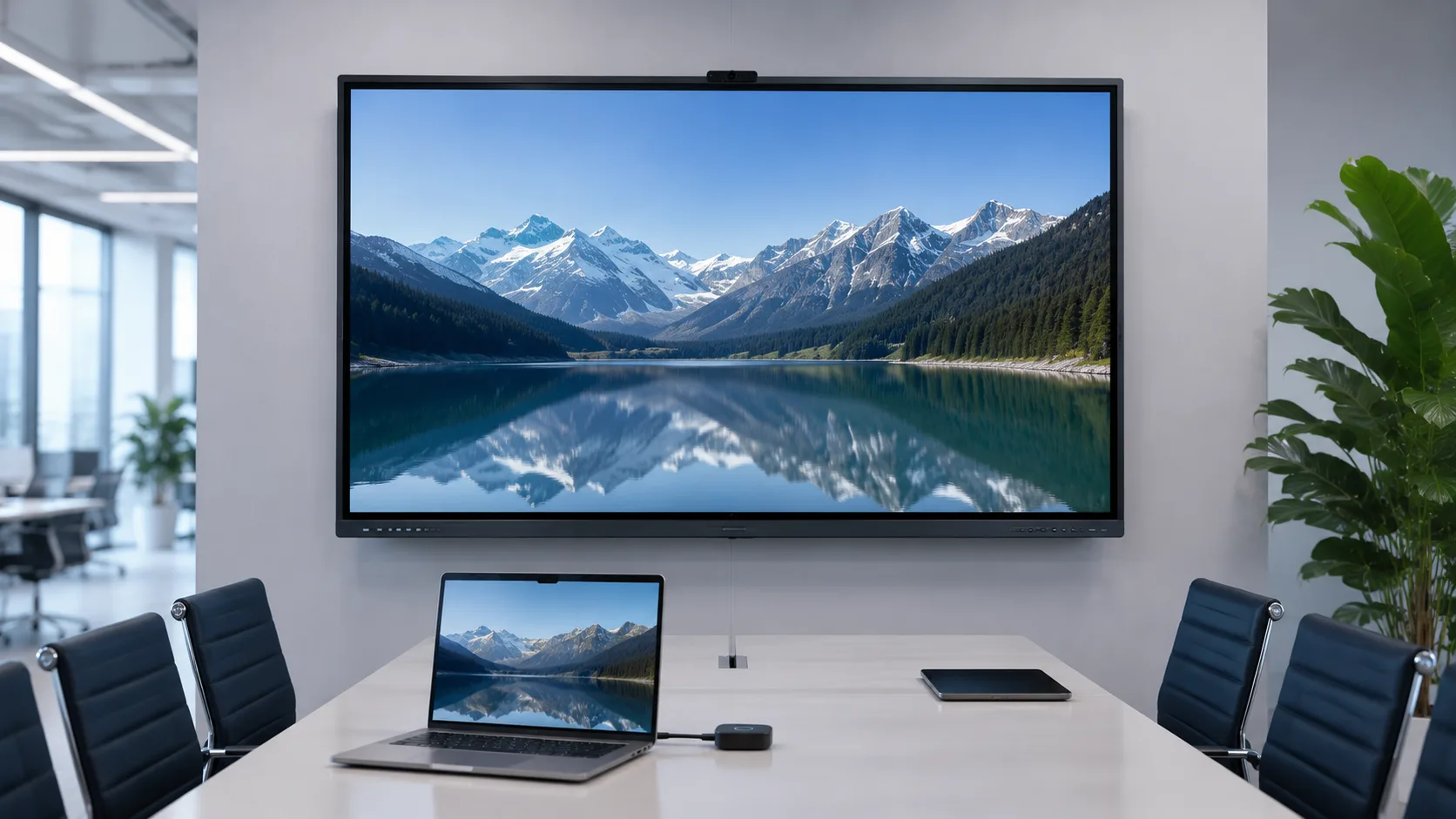
A meeting room is different. You are not sitting ten feet away watching a movie. You are sitting five feet away trying to read a spreadsheet. The CFO is sharing a quarterly report with small-font numbers. An engineer is presenting a diagram with fine lines and text labels. Someone in the back row needs to read the bottom-right cell. That is where 1080p breaks and 4K earns its place.
On a 75-inch or 86-inch panel at 1080p, text that looked sharp on the presenter's laptop becomes fuzzy when stretched across a display the size of a door. At 4K, the same text renders with the clarity of a printed page. The difference is functional, not aesthetic. People stop squinting. They stop asking "can you zoom in on that." The meeting moves faster because the information is actually readable.
Why It Became the Default
4K interactive flat panels did not become standard because companies demanded them. They became standard because the supply chain made them default. LCD panel factories shifted most of their production capacity to 4K panels years ago — driven by the consumer television market. 1080p panels at the sizes interactive flat panels use — 65 inches and up — became harder to source, not cheaper to buy. A manufacturer ordering a batch of 75-inch panels today finds that 4K is both the volume option and, increasingly, the only option.
This is a supply-side shift that turned into a user-side benefit. The buyer did not have to fight for 4K. The market delivered it by default, and the price difference between 1080p and 4K at commercial sizes shrank to the point where saving a few dollars on 1080p made no sense.
The other driver is video conferencing. During the years when remote and hybrid work exploded, the meeting room camera and display became the primary interface between in-room and remote participants. A 1080p display showing a 1080p video feed of a screen share that itself is 1080p is a chain of compression. A 4K display at least removes one link from that chain. The camera feed might still be compressed. The screen share might still be 1080p. But the display itself is not adding more degradation.
Do You Actually Need It?
For most meeting rooms being built or upgraded today, the answer is yes — but not for the reason most people think. You are not buying 4K for the resolution itself. You are buying it because 4K panels come with the other things that matter: better brightness, better anti-glare coatings, newer Android versions, and processors that handle wireless casting without stuttering. The resolution is the spec everyone talks about. The panel quality that comes with it is what actually makes the difference.
There are exceptions. A huddle room used for quick stand-ups and phone calls does not need 4K. A digital signage display in a lobby showing a looping welcome video does not need 4K. But a meeting room where people sit down with laptops, share screens, and expect to read what is on the wall — that room needs the panel where 4K is already the default. When you evaluate panels from manufacturers like LonTon, the conversation should be less about the resolution spec and more about how the whole package performs in a real room.
When you evaluate 4K interactive flat panels for your meeting rooms, the resolution spec is the easy part. The harder part is making sure the panel around that 4K display — the touch, the anti-glare, the built-in Android, the wireless casting — is built to the same standard. A 4K panel with a laggy touch system and washed-out brightness is a 4K panel you will not enjoy using.
4K interactive flat panels have become the standard for a reason, and it goes beyond pixel count. A meeting room panel that handles screen shares, video calls, and whiteboarding without friction changes how meetings feel — and 4K is the baseline those panels are built on.
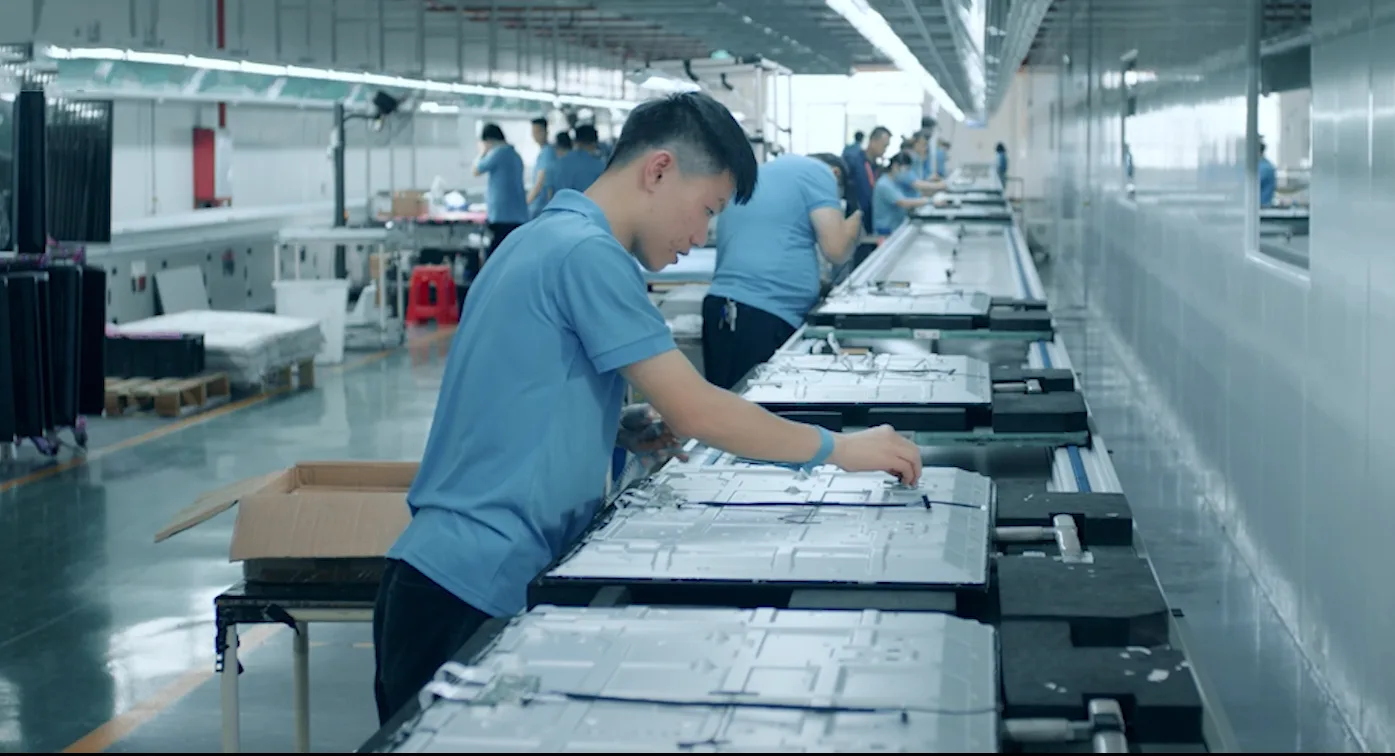
LonTon builds interactive flat panels with 4K UHD resolution as standard across the lineup — but the resolution is just the starting point. What makes the panel work in a real meeting room is the combination of 4K clarity, anti-glare glass that stays readable with the lights on, and EShare wireless casting that handles AirPlay, Google Cast, and Miracast without adapters. If you are planning meeting room upgrades and want to understand what configuration makes sense for your specific rooms, reach out to LonTon. Tell us about your room sizes and how your team uses them. We will walk you through the options. Click the button at the bottom right of this page and tell us about your project.

