
 English
How to record training sessions on a smart board: Workshop Guide (2026)
Need to record training sessions on a smart board? Recording meetings and lectures directly on your interactive flat panel eliminates the need for external cameras and capture cards. Modern interactive flat panels include built-in screen recording tools that capture everything — annotations, slides, whiteboard content, and audio — in one seamless file.
Before recording, check your audio settings. Most IFPs let you choose between capturing internal system audio, the built-in microphone, or both. For a training session where the instructor is speaking at the board, enable the microphone. For a presentation with embedded video, internal audio is what you need.
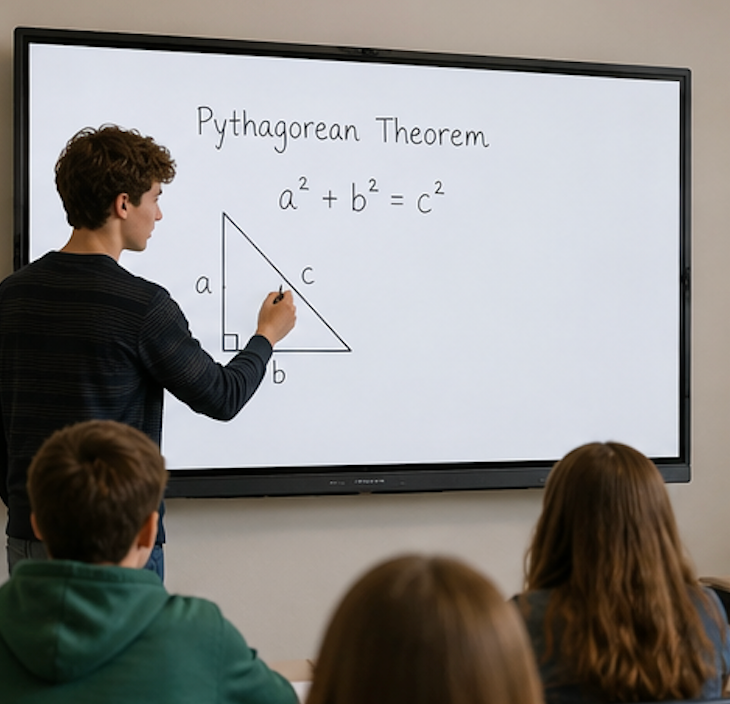
The recording process itself is straightforward. Open the built-in recording app from the toolbar or settings menu. Choose your audio source, then tap record. Everything that happens on screen — annotations, app switching, whiteboard drawing — gets captured. When you are done, tap stop and the file saves automatically to the board's internal storage.
When you need to record training sessions on a smart board for later review, the export options matter. You can save recordings to a USB drive, upload them to cloud storage, or generate a QR code that participants scan to download the file directly. A one-hour recording at 1080p takes up about 500 megabytes, so clear old files periodically to keep storage available.
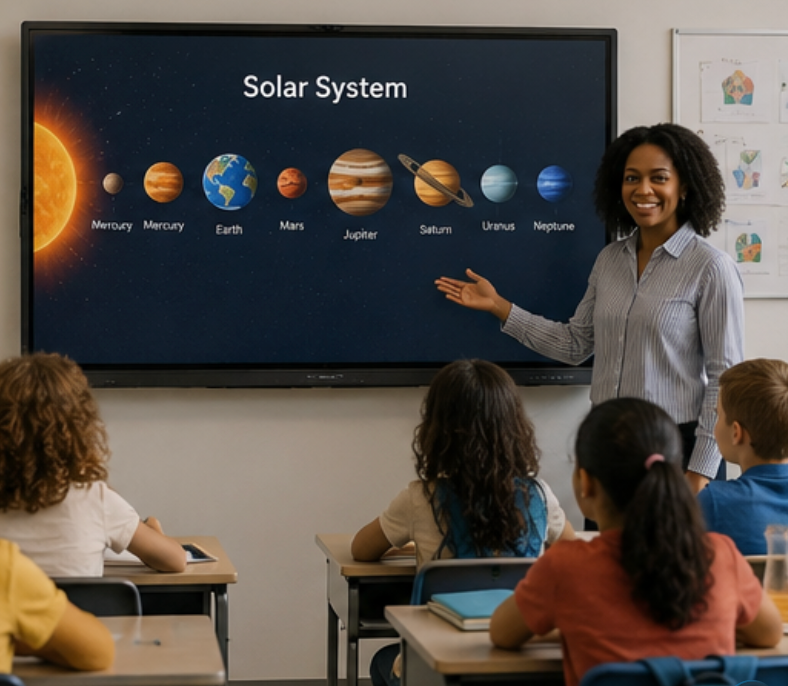
A few tips make the difference between a useful recording and a frustrating one. Draw or highlight on screen during playback with annotation overlay for post-session review. Some IFPs support scheduled recording so sessions start and stop automatically. And always let participants know they are being recorded — most boards display a recording indicator on screen. When you need to record training sessions on a smart board efficiently, these small habits turn a raw screen capture into a reusable training asset.
As a professional manufacturer since 2005, LonTon equips every interactive flat panel to record training sessions on a smart board with built-in recording — start capturing meetings, training sessions, or lectures with a single tap, no external hardware needed.

