
 English
Do Smart Boards Work Without Internet?
Yes, an interactive flat panel works without internet for most of what you would do in a typical meeting. You can write on the whiteboard, annotate over presentations, share a laptop screen wirelessly via the board's built-in hotspot, and save files to a USB drive — all without ever connecting to WiFi.
The key distinction is between the board's offline capabilities and its online features. When someone asks do smart boards work without internet, they are usually worried about walking into a meeting room and finding the board bricked because the network went down. That does not happen. The built-in Android operating system, the whiteboard app, the screen mirroring receiver, and the file manager all run locally on the board itself. No cloud connection needed.

Screen mirroring is a common point of confusion. If you want to cast your laptop to the board wirelessly, the board can create its own WiFi hotspot. Your laptop connects to that hotspot directly, and the screen sharing happens device-to-device with no router or internet involved. It is the same principle as AirDrop on an iPhone — two devices talking to each other without anything in between.
What does require internet is fairly intuitive: video calls through Zoom or Teams need a connection because the call itself goes through the cloud. Downloading new apps from the Google Play Store needs internet. Pulling up a website in the browser needs internet. Cloud-based tools like Google Docs need internet. But the board itself does not phone home to function. It boots up, displays content, accepts touch input, and handles wireless screen sharing entirely on its own.

For schools and offices in areas with unreliable internet, this is a meaningful advantage. The question do smart boards work without internet has a reassuring answer: the board is not a thin client that turns into a blank wall when the connection drops. It is a standalone device that just happens to get better when it is online.
So when you ask do smart boards work without internet, the answer depends on what you plan to do with them. If your meeting is about writing, drawing, presenting, and collaborating in the room, the board works perfectly offline. If your meeting is a video call with remote participants, you will need a connection for that specific task — but not for the board itself.
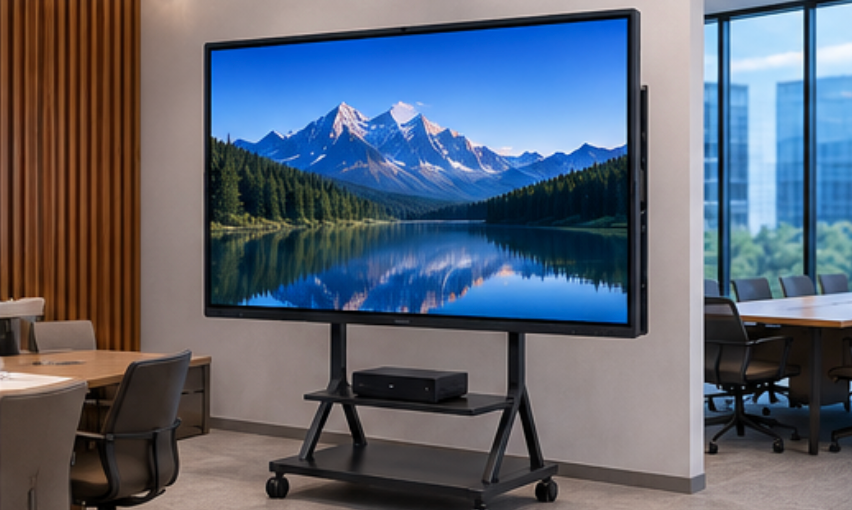
As a professional manufacturer, LonTon builds every interactive flat panel with a self-contained Android system that works offline from the moment it powers on. The features that need internet are the ones you would expect — and everything else just works.

